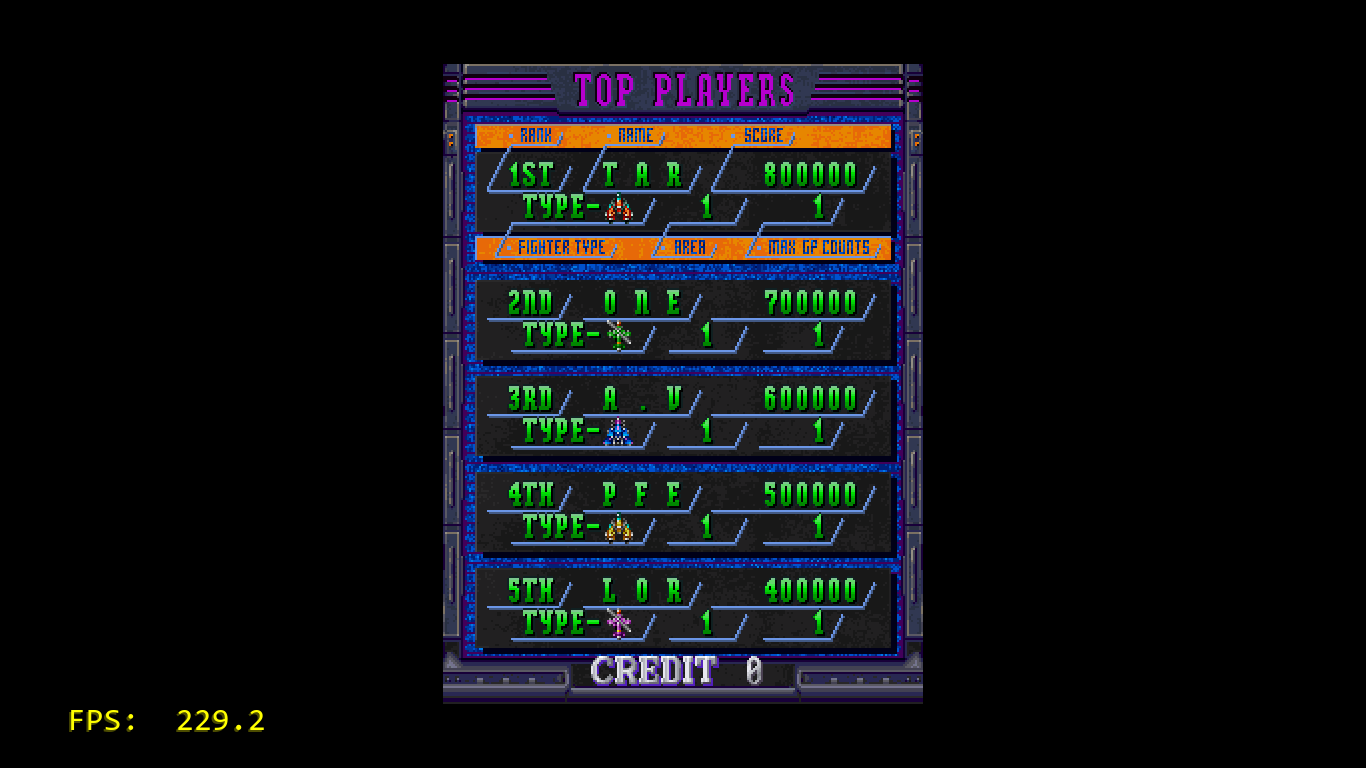
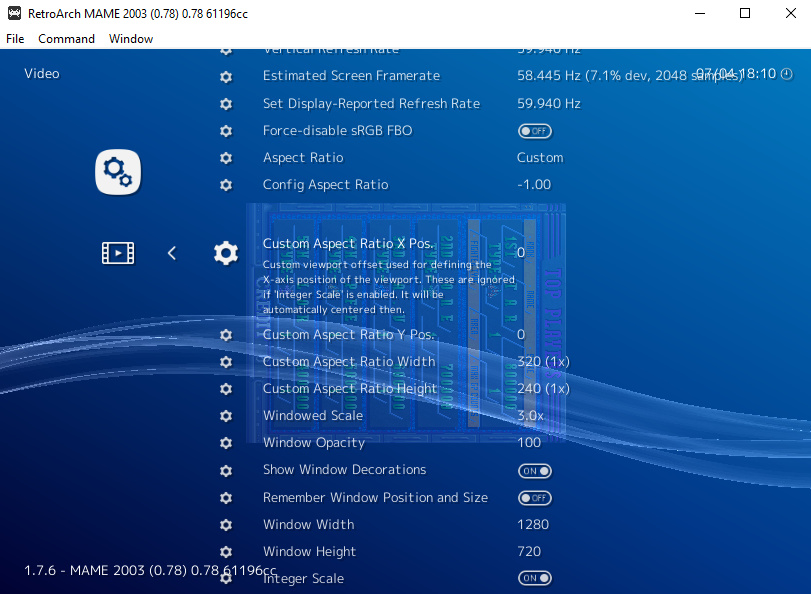
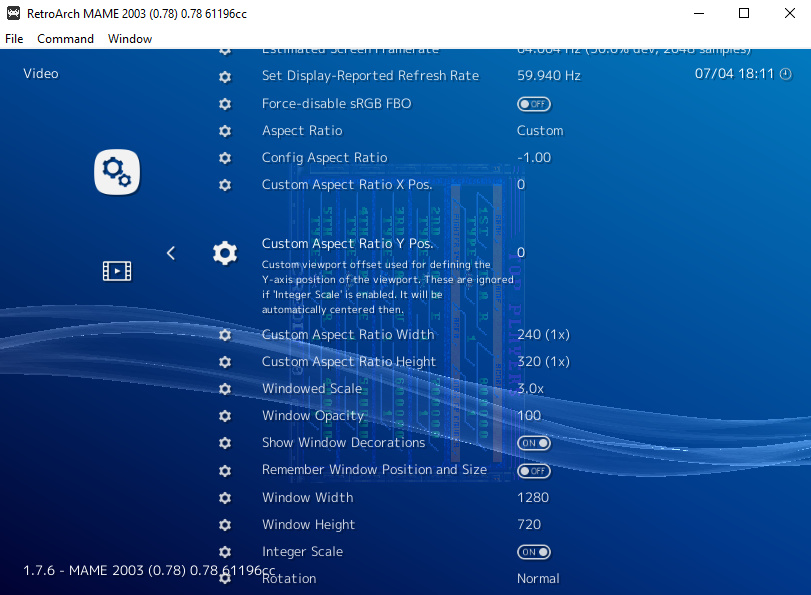
Switch video width/height when video is rotated?

I went ahead and completely deleted RA and reinstalled the latest version, still no dice. Very strange!

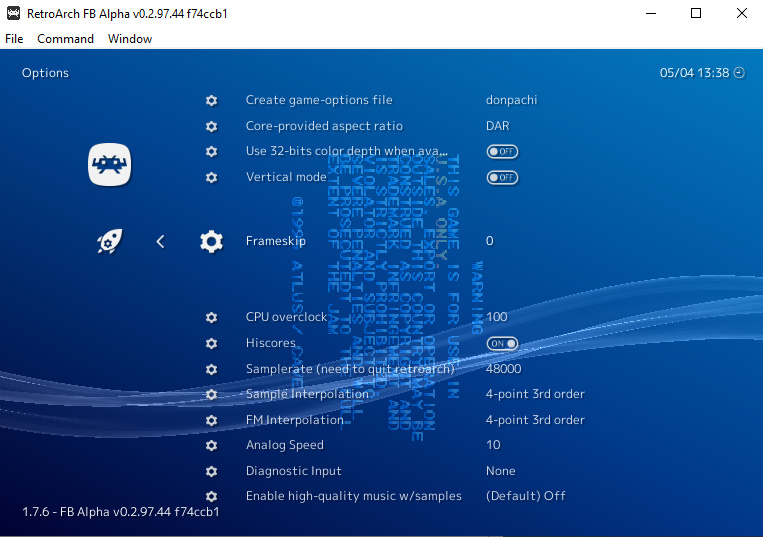
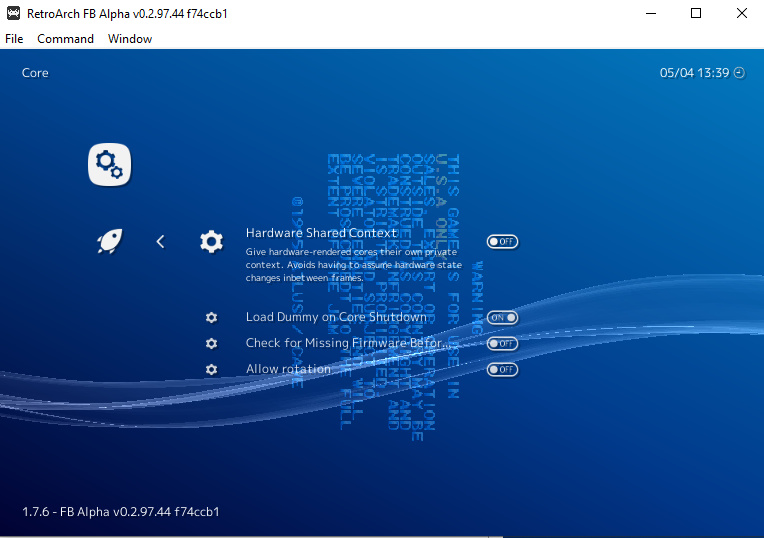
Is there a “vertical orientation” flag that’s causing the emulator or RA to switch the width/height? Did the FBA core get a recent update? AFAIK I’m using the latest versions of everything. Windows 10.

hmm, that all looks right to me. I’ll update my core when I get home and see if that matters. My testing last night was using 1.7.6 stable in linux with GL driver.

1 Like

Seems like it’s either something related to a core update, or something specific to the Windows 64 bit version of RA, then. I’m also using the GL driver. Thanks for looking into this!

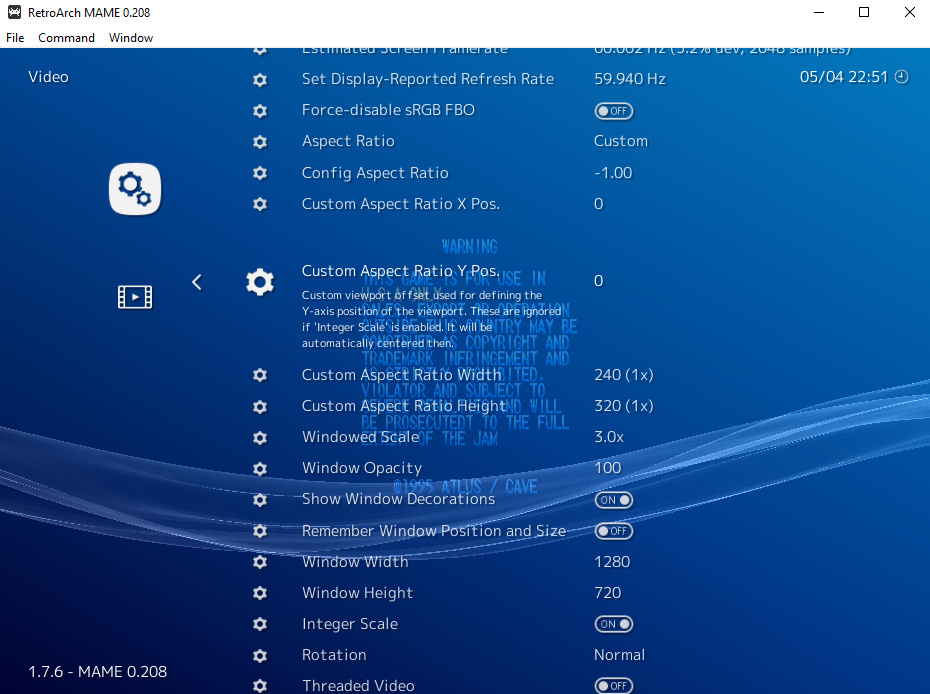
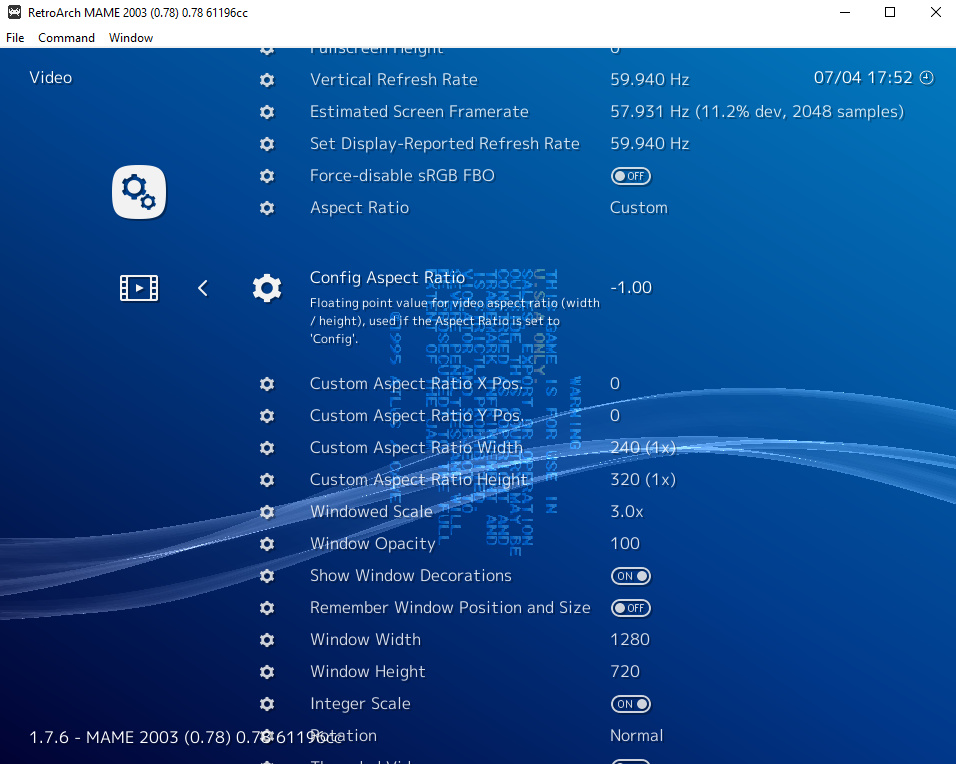
Just wanted to add that I’m getting the same results in MAME, it says width 240 and height 320. Based on these results, I’m guessing the problem isn’t core related but is something specific to the Windows 64 bit version of RA.

Maybe I’m jumping the gun on this, but I went ahead and submitted a bug report to github.

Edit: Well, it looks like standalone FBA does its own weird stuff to the resolution/video output, so it’s hard to tell what’s going on. Now I’m thinking that it could very well be something unique to your (hunterk’s) setup that I’m failing to do on my end, but it might also be something related to the Windows 64 bit version of RA.

Any way I can take a look at your current config file and whatever overrides you’re using? @hunterk

Update:

in FBA, I’m able to fix the problem by doing the following:

quick menu -> options -> vertical mode OFF

settings -> core -> allow rotation OFF

I’m still not sure why this is working now, when it wasn’t working the last time I tried it (see above). It doesn’t seem likely that I forgot to reset the core, but it’s possible.

In MAME 2003, I’m able to fix the problem by doing the following:

quick menu -> options -> TATE mode ON

However, I still have not found a solution for FBA 2012, which seems to always say the resolution is 240x320 (for a 320x240 vertical game) no matter what options are enabled/disabled.

Needless to say, the current settings related to video rotation can be somewhat confusing. My thinking is that, by default, vertically oriented games should be displayed in their original unaltered resolutions, as they would appear on a CRT that is normally oriented. That is, a 320x240 vertical game should look like this by default:
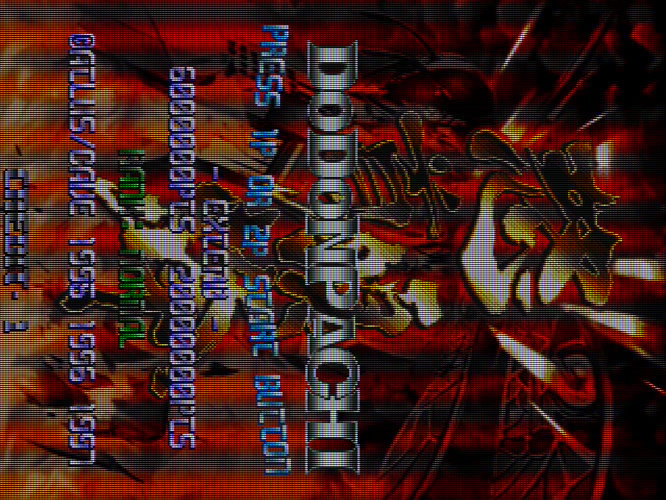
image

The user can then use the rotation option under settings -> video to orient it how they want.

Reasons for this:

  1. it’s correct according to what the original hardware did
  2. it’s easier to work with/understand
  3. it avoids the problem of scaling artifacts when using integer scale*

*if a game is 320x240 (for example) and the resolution being output by the emulator is 240x320, then you get scaling artifacts with integer scaling enabled, because you’re starting with an incorrect resolution (unless you choose an integer scale that happens to be a multiple of both 240 and 320, such as 960).

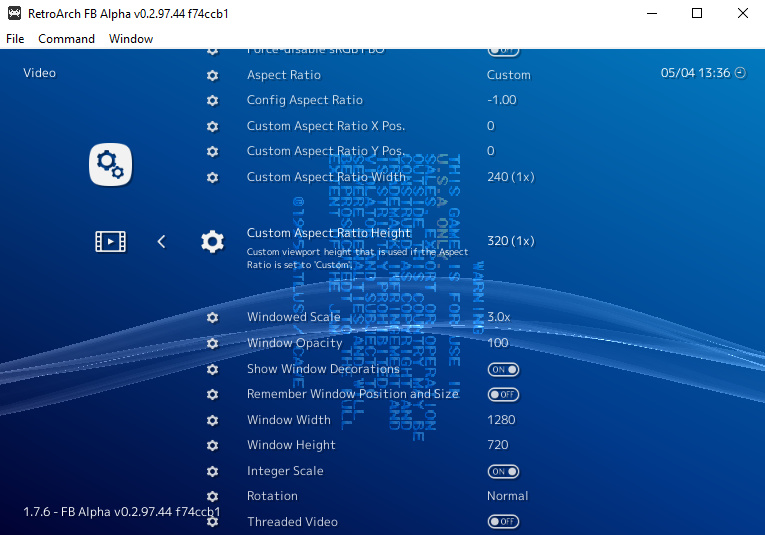
FBA 2012 is not maintained, and is only kept available for very limited power devices. That said, this is probably a core bug that should be filed in its repo.

1 Like

As far as I know, “TATE mode” (Japanese for “long-ways”, in idiomatic American English) is the most prevalent term for this configuration where the video is outputted horizontally and the physical display is rotated.

That’s the understanding behind the way the core option is named in MAME 2003.

@Nesguy you may not have considered this, but the larger constituency for TATE mode is mobile device users (smartphones, tablets) whose displays rotate from landscape to portrait orientation. TATE mode is a better experience for them too if I understand correctly. (That’s not how I emulate)

I do think it would be good to have an informal standard for the name of this functionality across the cores. As a small step towards improved clarity I will expand the existing label on the MAME 2003 and 2003-Plus options to read TATE Mode - Rotating display (Restart core).

I think there is an existing consensus in terms of default functionality: that TATE mode should be disabled by default. I think that there are good arguments for defaulting TATE to enabled but either way I think it’s a compromise and the best thing is to make sure users are aware of this, and that the terminology is consistent so they can get things set the way they want.

1 Like

Ha, didn’t know this! I always thought it was short for “rotated” :stuck_out_tongue:

Yes, this would help a lot. In FBA for example, “vertical mode OFF” is the same as TATE mode ON. It’s confusing.

Disabling TATE mode by default doesn’t solve the problem it is intended to solve, though. At least, I don’t see how it’s making things any easier. In MAME 2003 you still have to rotate the screen regardless of TATE mode being enabled or not. So disabling TATE mode by default just further complicates things, because now you have two things to worry about: the rotation, and the output resolution (width/height).

Not on a desktop, laptop, or TV with a fixed (non-rotating) screen. The default of TATE disabled means that the video is rotated and displayed correctly with respect to the screen for those users.

To slightly complicate things, not all RetroArch video drivers implement SET_ROTATION, which can make behavior less consistent across platforms.

Missing from:

TATE mode ON:

TATE mode OFF:

What video driver are you using and what romset?

Using GL driver, game is Donpachi. Windows 64 bit.

romset?

Not sure, but the rom loads in FBA and MAME 2003. How do I determine this?

I’ll investigate a little. Would you say your experience matches the description of an unimplemented SET_ROTATION as described here? https://github.com/libretro/mame2003-libretro/issues/382#issuecomment-430289081

Yes, it sounds very similar to this. The aspect ratio changes, but the image is still sideways regardless of if TATE mode is on or not.

I also opened an issue on this here:

you can probably just skip to the end.

I can see at least three Donpachi romsets in the MAME 2003-Plus working list (the one I have handy): donpachi, donpachj, and donpachk.

Can you also confirm that you are using the correct version romsets to go with MAME 2003? That would almost certainly be a different romset than one that is built for FBA or FBA 2012.

Just to make sure we are using the same terminology: https://docs.libretro.com/guides/arcade-getting-started/#step-2-use-the-correct-version-romsets-for-that-emulator

This is what I see with a MAME 0.78 donpachi romset and the default settings in MAME 2003 with the d3d11 video driver in Windows 10 x64.

Unfortunately I can’t use the gl driver – can you try d3d11? Perhaps with a fresh retroarch.cfg file?

edit: Please ignore the FPS – I had fast forward on to get to something that looked interesting.


edit 2:To further complicate things, some TATE mode rotations (although not `donpachi` I think) are compromised by missing support for SET_VIEWPORT in some video drivers.

I have documented what I know here: https://github.com/libretro/RetroArch/issues/7660

I just downloaded the 0.78 version of the rom.

TATE on:

TATE off:

1 Like

Alright, it’s good to be using the same romset, and the correct one.

You’re definitely using video_allow_rotate = "true" in your retroarch.cfg? Without that option set to its default of true, then the core will – as one might guess – not be allowed to rotate the video in this way.

Because I can’t use the gl driver, the next step would be if you could please generate a new, default retroarch.cfg (perhaps by renaming your existing one and leaving it in place) and then trying the D3D11 driver.

1 Like