
Go to video and then scaling in Retroarch. You can adjust the size of the screen to fit the bezel.
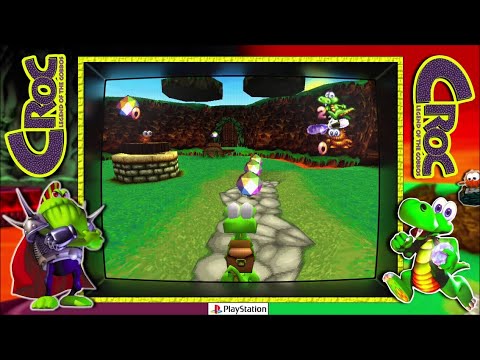


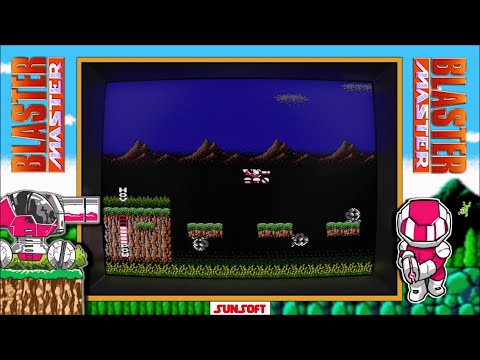


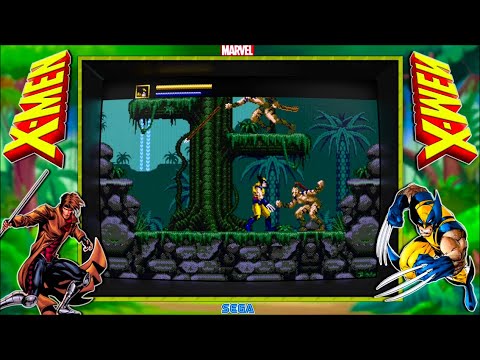


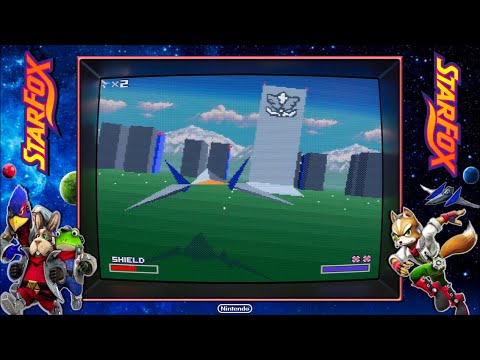

Awesomeness as always pal! 
1 Like


Do any Apple Bandai Pippin and FM Towns Marty bezels exist?
I searched @Duimon’s console bezels and didn’t find the FM Towns Marty nor the Apple Bandai Pippin. Or maybe I haven’t searched hard enough…
1 Like
Nope, you are correct… these two are not in my collection.
FYI, they are also not on my to do list. 
When I was doing R&D to add systems to my list, I was unimpressed with the MAME emulation for the Pippin and didn’t thing the design of the Marty console (Very minimal) added anything to the collection. The Marty is, after all, just a Towns in a different box.
I picked the FM Towns ll because it is, IMO, the most attractive choice that exists.
I am happy to revisit the Pippin in the future if emulation improves.
3 Likes
The thing also is that there’s no FM Towns Marty core for Retroarch to use a bezel with it. I can make one for show? Maybe will eventually get a working FM Towns Marty core for Retroarch?
1 Like
That would be great!
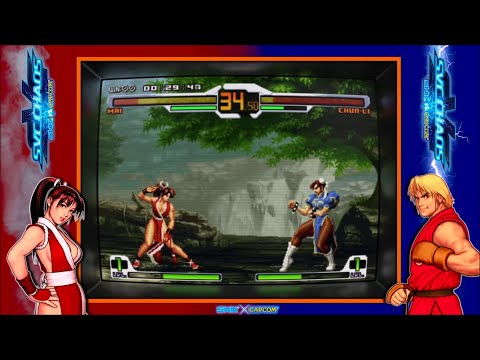


Is there a version of these without the ugly TV part that surrounds the game? The bezel on the left and right are great but the TV borders part does not go well with proper shaders.
The guy above has a good example of what this should look like.
Not great but better simply removing it.


1 Like
Do you have a legitimate reason to include the negative qualifier in your question?
That is either a Mega Bezel preset, or a koko-aio preset. Both are customizable and my packs have variations with just a Bezel. The Mega Bezel can even removed the frame and leave just the inner reflection surface.
In the future I would kindly ask you to not insult my work. You don’t have to like it, but you can be kind.
1 Like
Taking another look at the images you posted, it looks as if you are using a Mega Bezel preset (With the Retroarch scaling settings at “Full”. (Which is the correct method for a border shader.)
It also appears you are using an overlay along with the shader preset.
Overlays and border shaders are not generally designed to be used together, with only very rare exceptions.
The correct way the use an overlay is with a regular shader and a “Custom” aspect ratio.
This also appears to be a “Bezel Project” overlay, which is actually designed to be used with a 4x3 aspect ratio. (With a small amount of clipping behind the bezel in the overlay.
Since you can run the Mega Bezel, you may be interested in my “Bezel Project” presets, which use the Project’s graphics as a background and a Mega Bezel reflection bezel that covers the bezel in the graphic. With the Mega Bezel you wouldn’t have any clipping.