this is an image of an actual ega monitor running the game

I tried the game on Scummvm at an actual 640x200 and 640x350 resolution on VGA monitor. Aside from brightness, result is rather close



this is an image of an actual ega monitor running the game
I tried the game on Scummvm at an actual 640x200 and 640x350 resolution on VGA monitor. Aside from brightness, result is rather close
Thanks for the pics! I went from CGA to SVGA and never owned an EGA or VGA monitor.
I think JINC2 could be replaced by “JINC2 sharper” for a dedithering effect that would keep more black checkerboards. But overall I think I got the grey levels close to what the EGA is showing. Grey pixels are IMO too white in the raw image, in the floor tiles on the pics those grey pixels are brightening the tiles. The blend is darker in the shader and the EGA pic. I also think the skin tones are less orange/pink and look a bit more natural.
Here’s a faster version of the shader preset running with CRT-Guest-fast. I’m still tweaking the aspect ratio, maybe it’s a bit too wide here but I think it’s close. https://mega.nz/file/CQZ2RSwL#g6YM8GeM_5_PYE4TXHc2WBs932o2qDXTRlcZU61yOYA
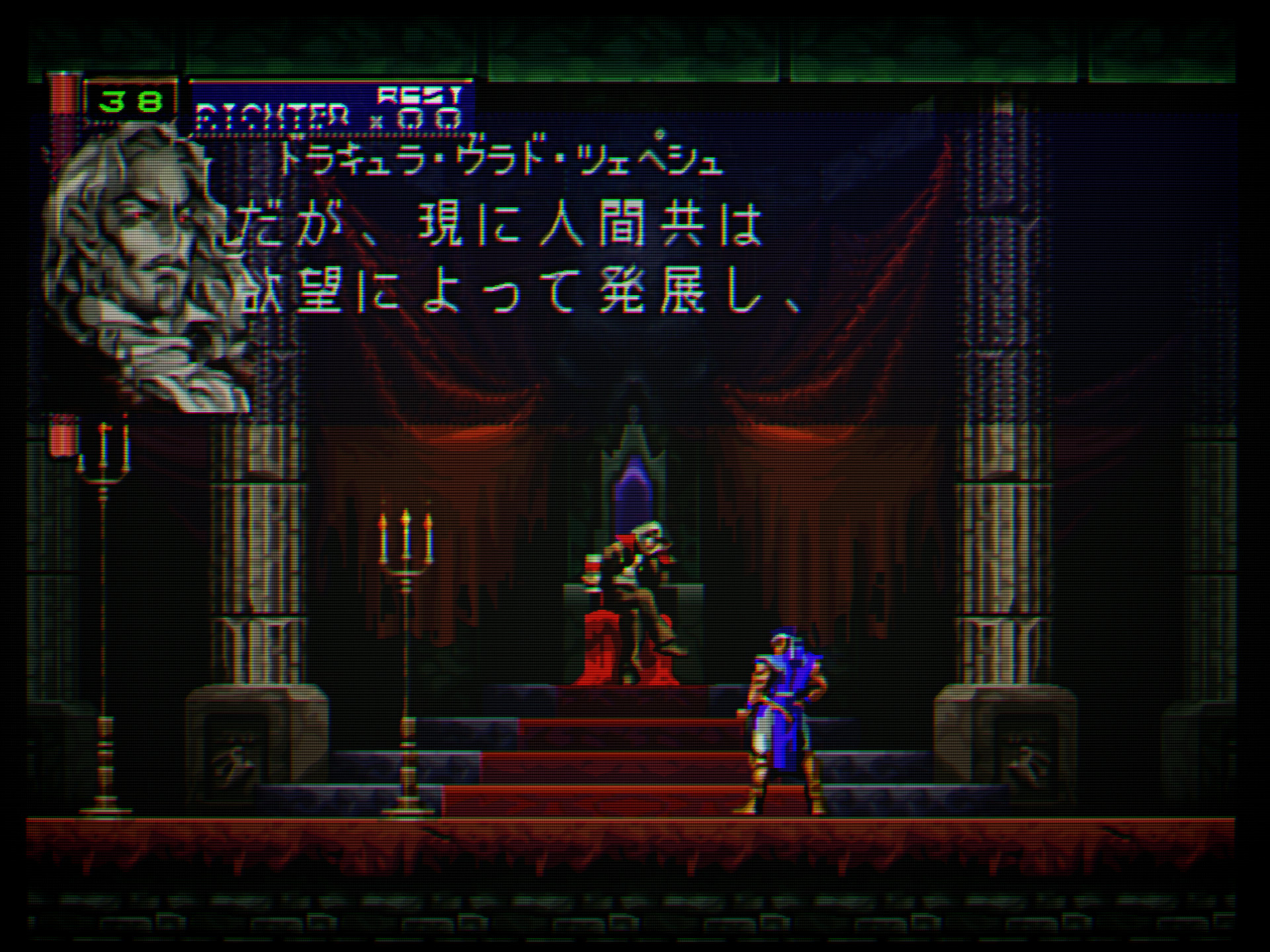
And raw and wet pictures for the comparison.
I’m running it on DOSBox-Pure but you may also be interested in the HD patch made by PlayerNone running on ScummVMX : https://playernone.blogspot.com/2021/02/colonels-bequest-high-resolution-mod.html
thanks. For Retroarch I am using your shader for EGA games. Unfortunately Scummvm standalone is not compatible with Retroarch shaders, so for EGA best option is mdapt that does the proper dithering without the dots. I’ll use mdapt on the VGA monitor too.
Hey there!
JINC2 + ScaleFX + CRT-Guest-Fast, but with NewPixie for the rolling scanlines… I should put a video instead but sadly Youtube’s compression is butchering Newpixie and CRT-Mattias. Those shaders are awesome tho, thank you so much for them… Here’s the preset : https://mega.nz/file/PEJiWLIC#rWEO57C8kuVRxYo_ZCBZgDZcDanpYoMjaHwaOy5Z0SY
For YouTube to use the best codecs when recompressing your video, you should always upload at 4K, even if it means having to upscale your video from a lower resolution. Also try to use the highest bitrate possible.
These are from my brand new CyberLab Megatron miniLED Epic Death To Pixels HDR Shader Preset Pack
Be sure to click/tap on Download Original Image to view them in the most optimal fidelity.
For a long time now, I’ve noticed while experimenting with lower scale factors that sometimes when the viewport is smaller the image looks more authentic and has a special vibrancy and sharpness to it which looks and feels better and more CRT like to me.
I’ve noticed every time I’ve switched back and forth between larger and smaller scale factors that there seems to be a sweet spot somewhere that may not necessarily be the largest possible image that the screen can display.
Then the possible reasoning behind this suddenly occurred to me. A lot of the improvement has to do with additional brightness output by the display when the viewport (window size) is smaller.
This leads me to believe that the higher tier miniLED TV on the market today for example the TCL QM851G, QM8K and the Sony Bravia 9 might be some of the best equipped displays for CRT emulation.
I have a TCL QM751G which is bright in its own right but I can imagine and get a taste of how useful the additional brightness headroom provided by the higher tier models might be. Not to mention the benefits of their increased dimming zones.
The brightest WOLED TVs might also fare well for example the LG G4 and G3. While the LG G5 and Panasonic Z95B might need some testing, validation and verification to see if current CRT shaders might need updating in order to support their novel subpixel layouts.
Note: One possible downside to using different scale factors is that it might interfere with the scanline and mask alignment
Introducing…
CyberLab Megatron minLED 4K HDR Game BFI SNES 3D Comb Filter Shadow Mask Epic.slangp
https://postimg.cc/gallery/8CCLJfz
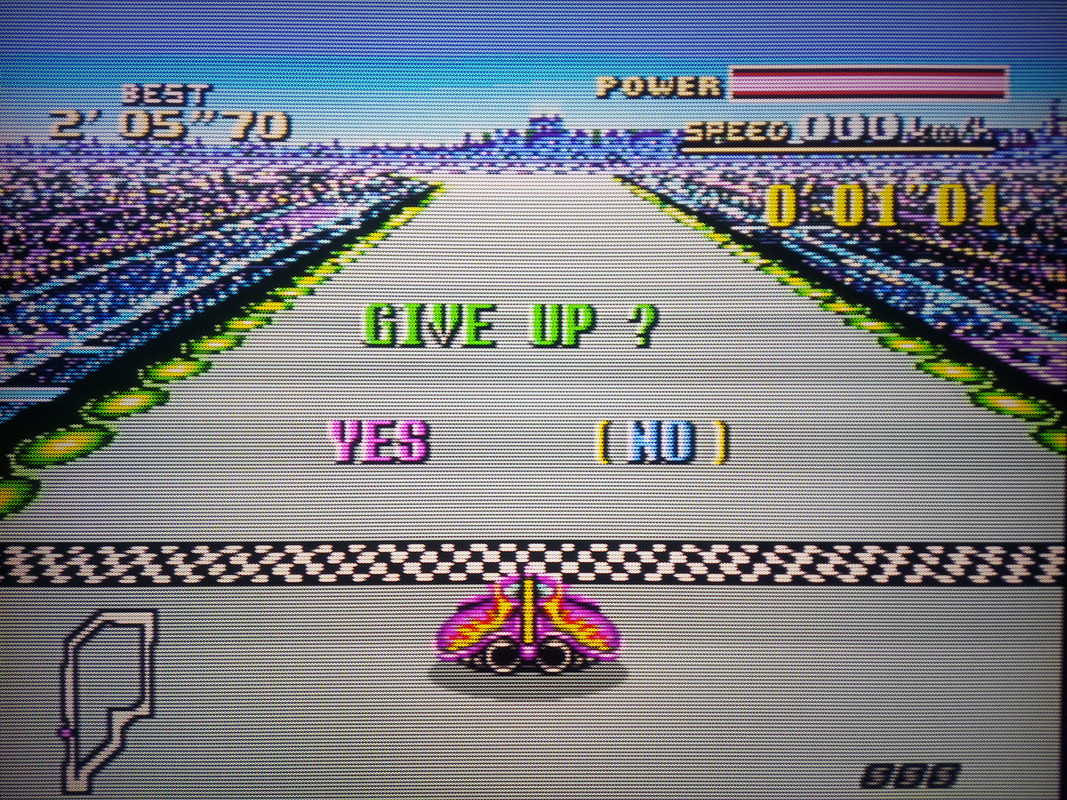
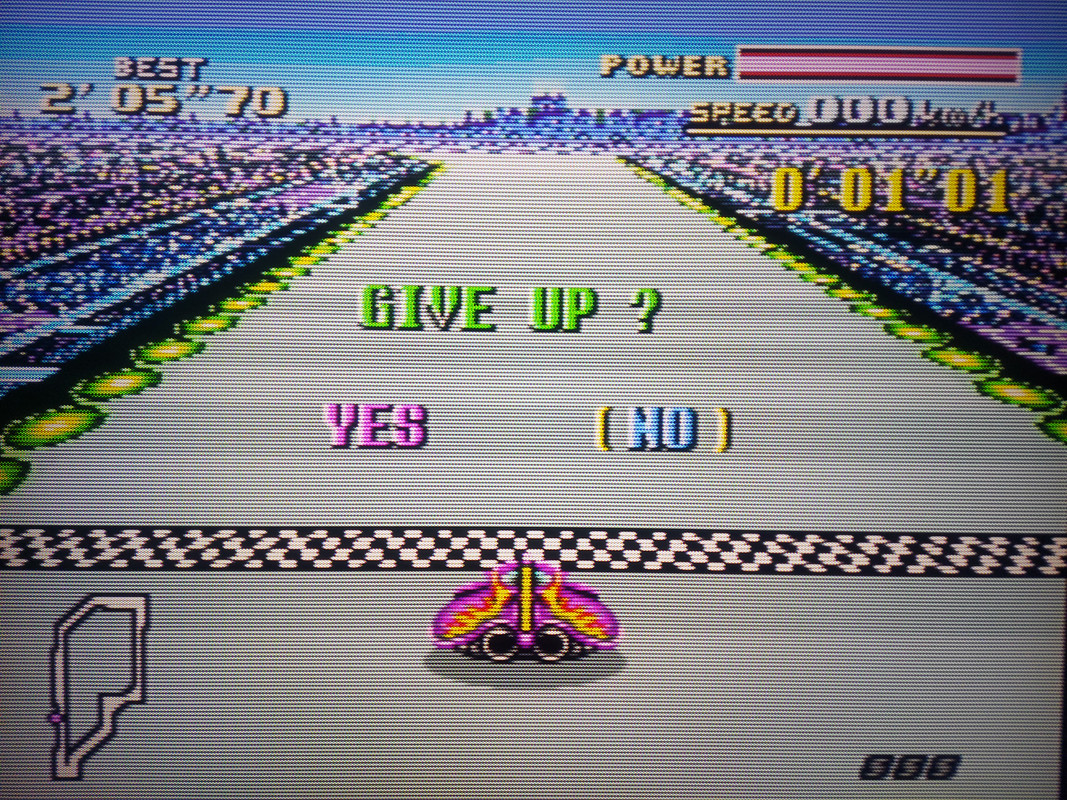
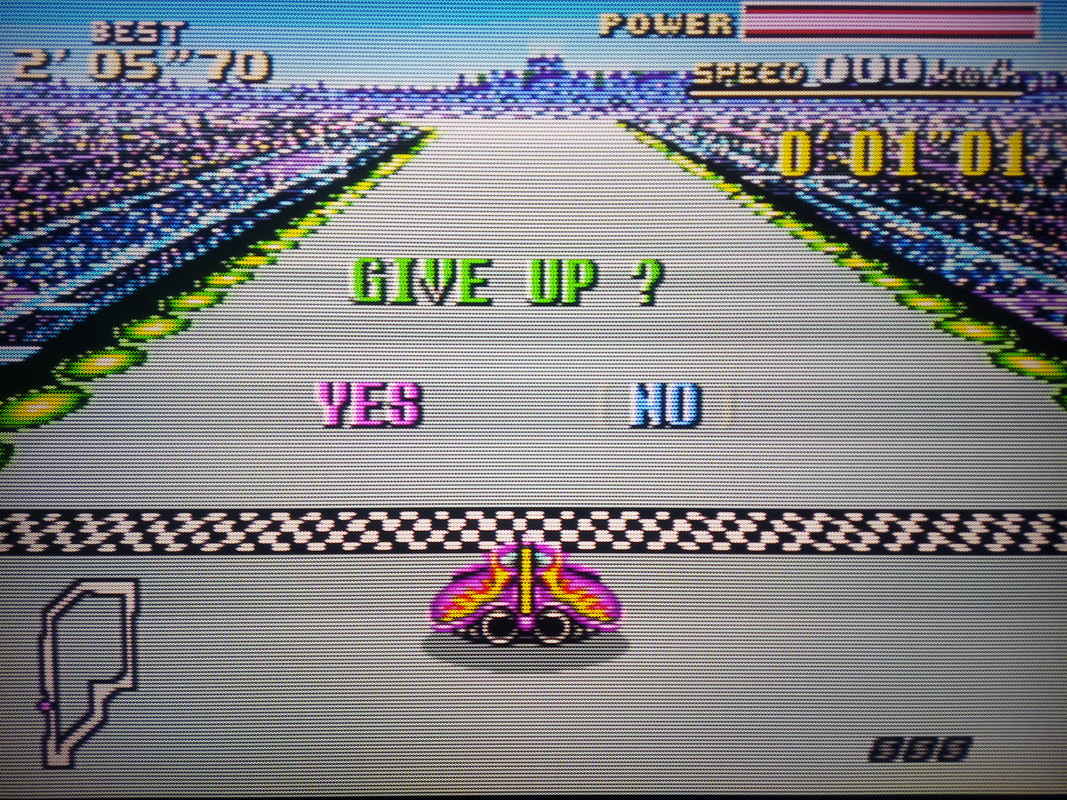
https://postimg.cc/gallery/yzz9B7x
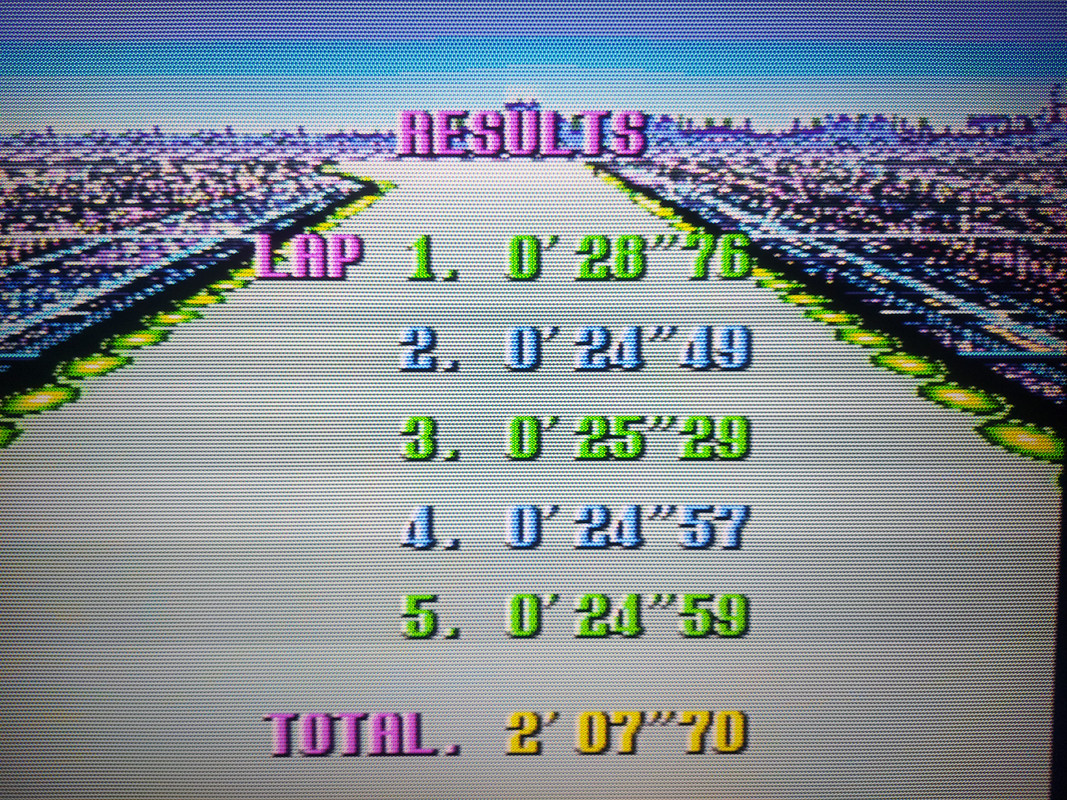
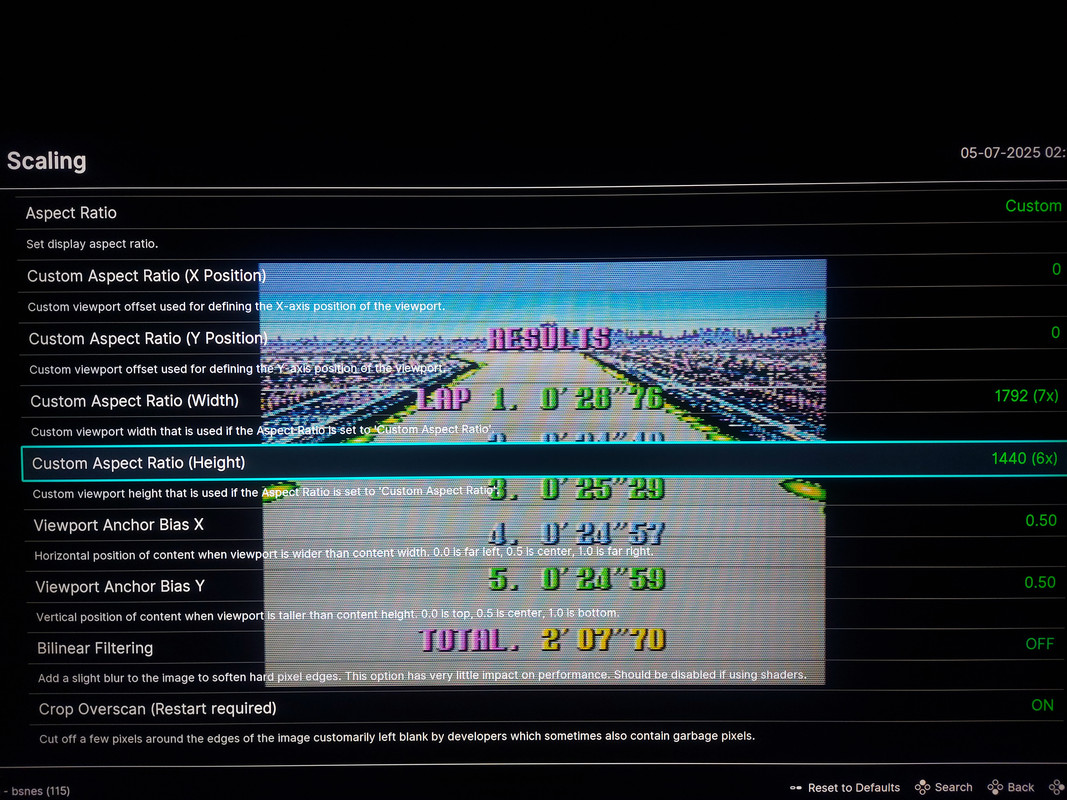
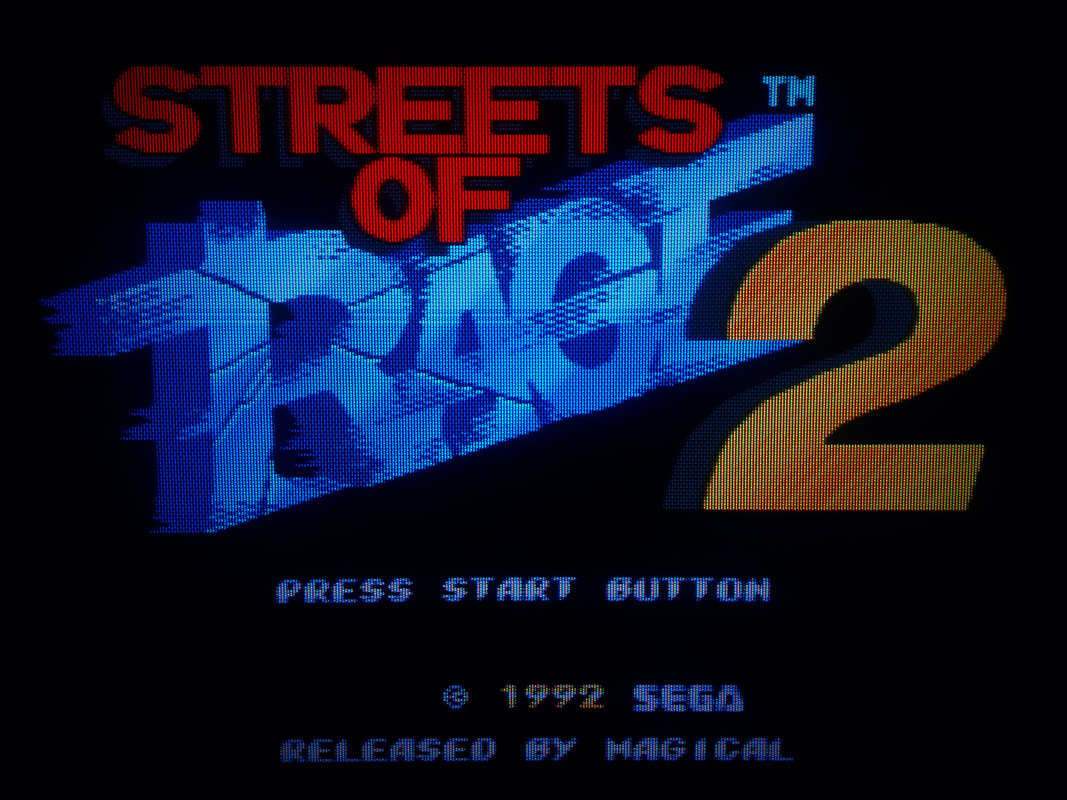
CyberLab Megatron minLED 4K HDR Game BFI Genesis 3D Composite Slot Mask Epic.slangp
https://postimg.cc/gallery/K1hQFCX
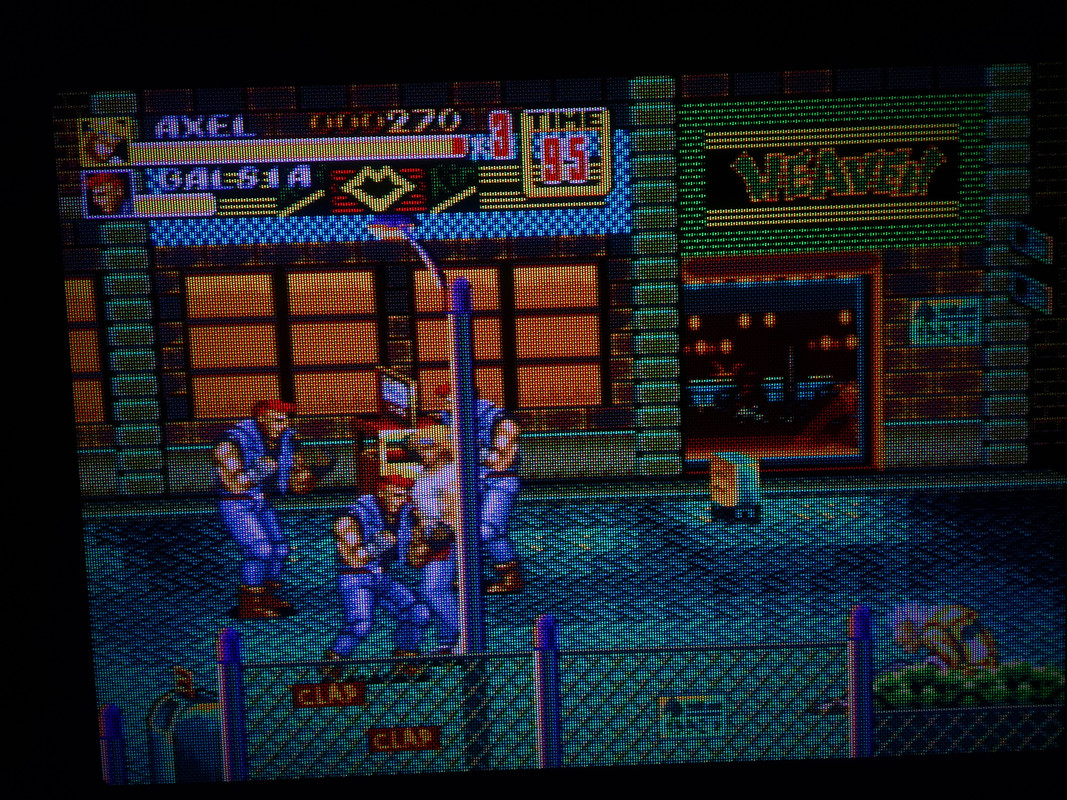
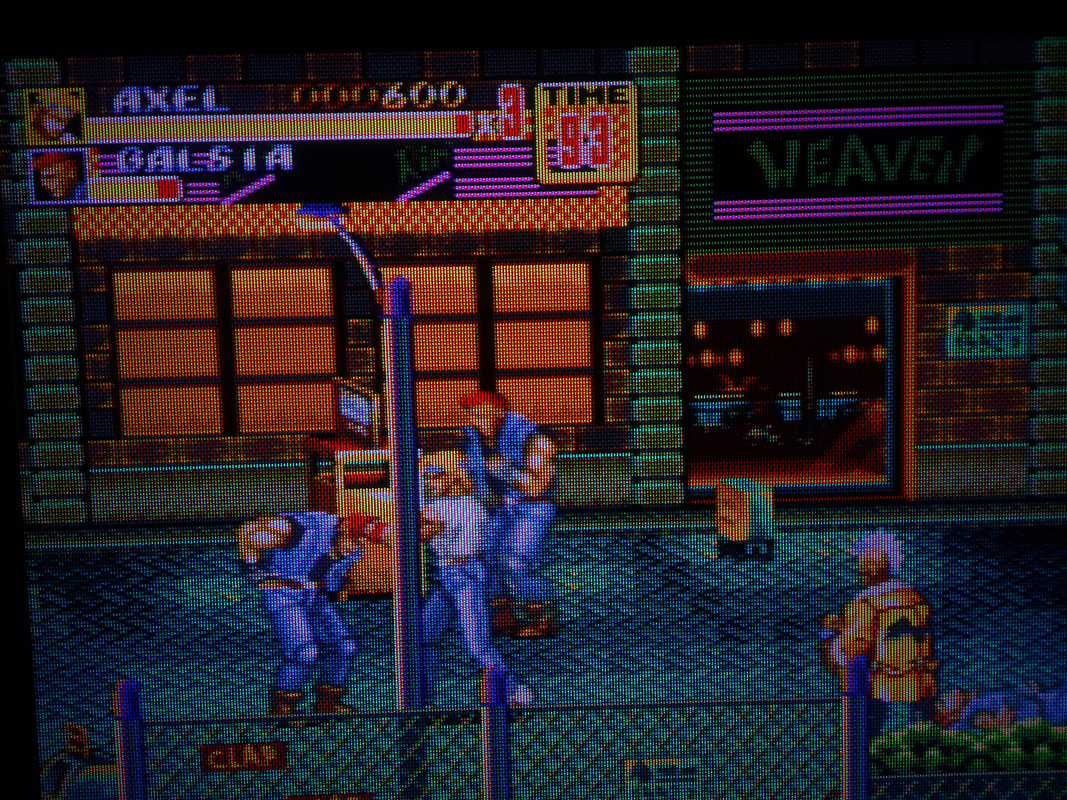
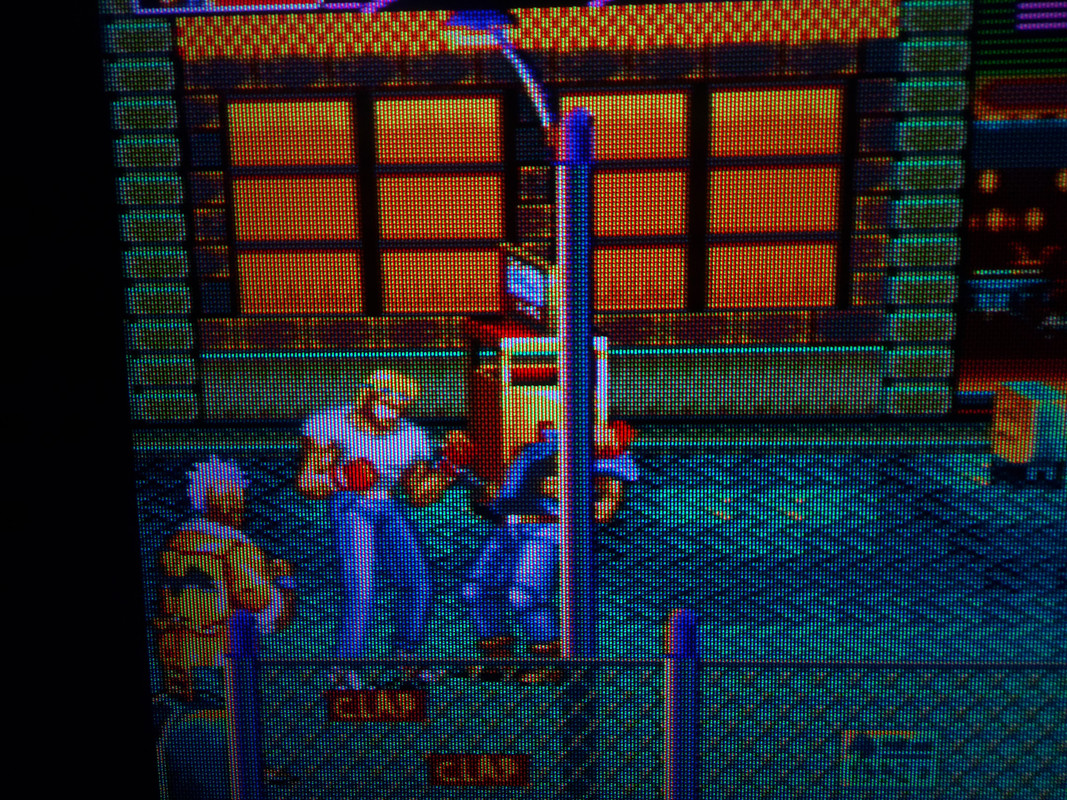
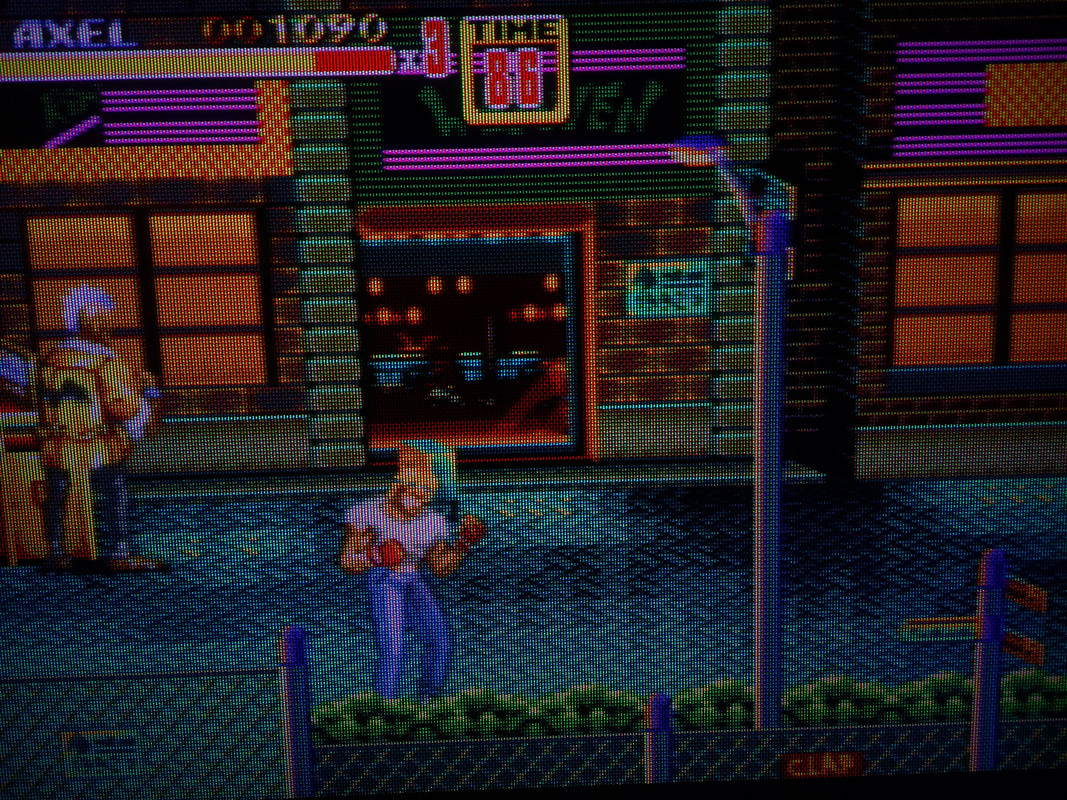
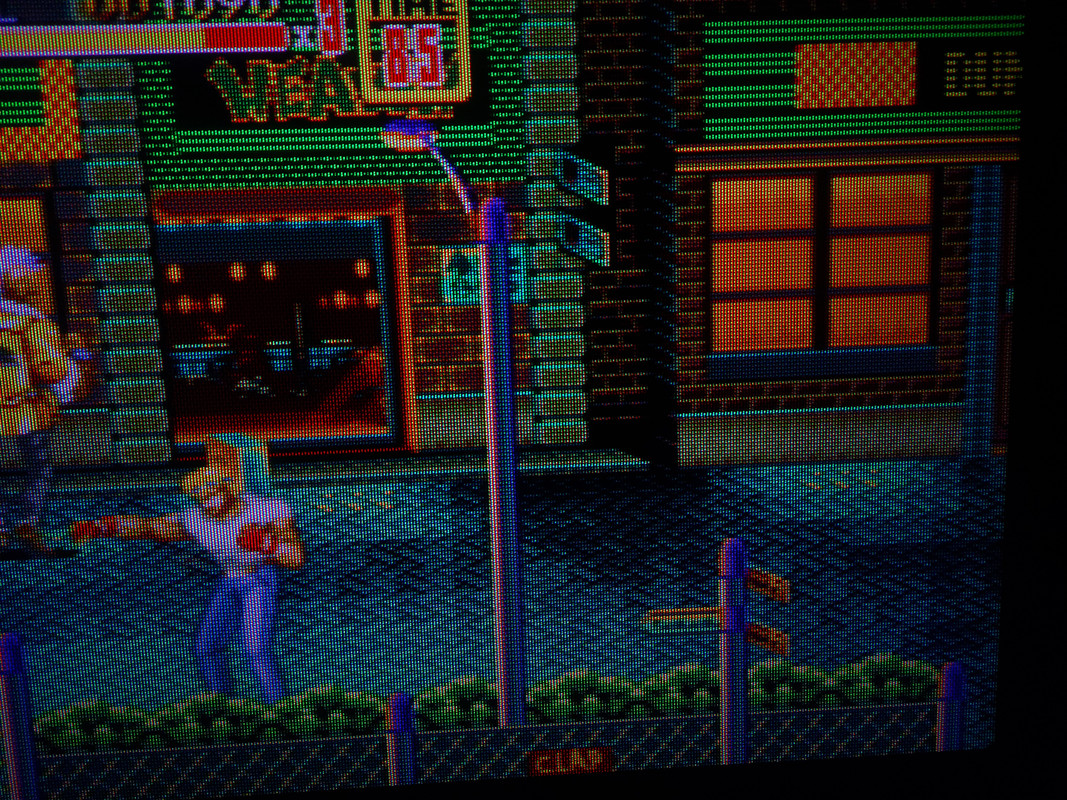
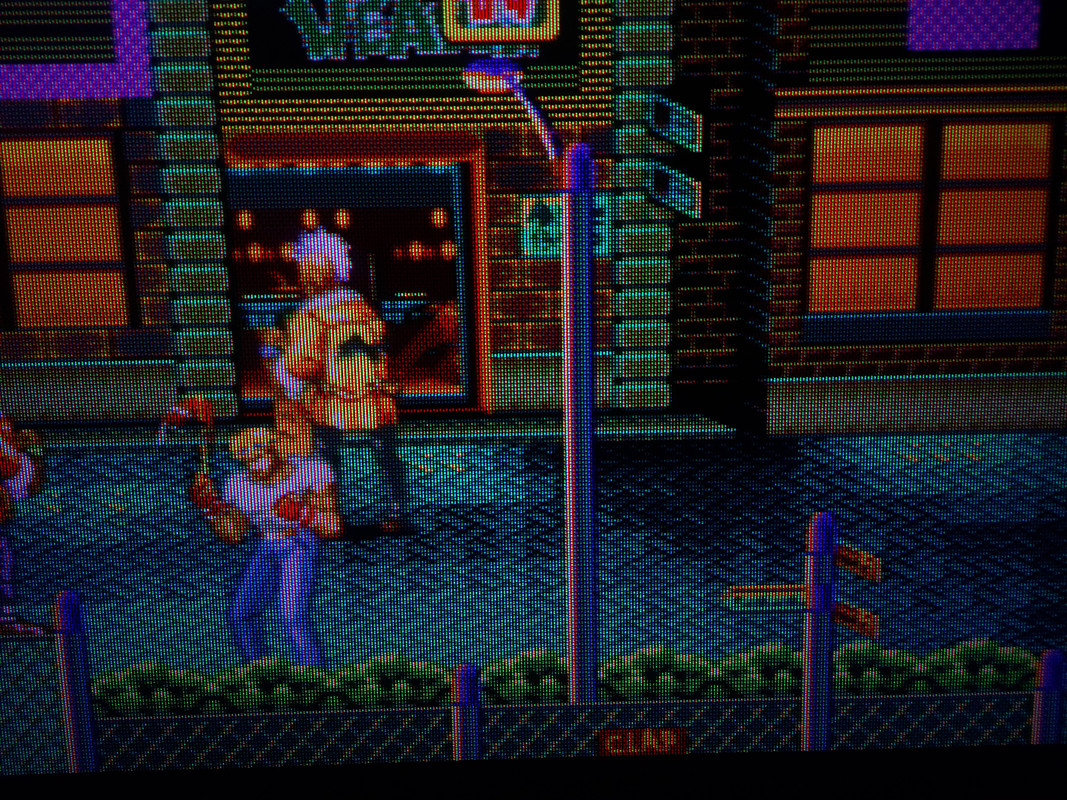
Oh I tried. Got several 4K60 fps videos on the channel, recorded in native resolution, only compressed in x265 with good quality, some of them 20+GB large. I even dabbled in stereoscopic videos and VR / 8K content.
For static aperture or slotmask effects it’s OK, but NewPixie and CRT-Mattias rolling scanlines and ghosting artefacts are destroyed by Youtube’s compression. They’re very noisy and gritty, wich is amazing. But I guess Youtube has filtering effects to remove that kind of dynamic noise, I wished there was a way to do them justice in motion…
Wow, haven’t been on the scene in a bit but this combination looks amazing. It’s like I’m looking at 90’s gaming magazine scans or something.
Hey there!
In a deep nostalgia trip… I’ve tweaked a shader for GameBatte that’s upscaling while still trying to be faithful to the one and only GameBoy Fat. My take on a modern day shader preset equivalent of the LightBoy lense, I guess. XD So it’s Jinc2 + ScaleFX + GBPalette + CRT-Guest-Advanced-NTSC. Because why not.
Shader for 1080p here if you want to try it, but you could increase the size of the mask to fit your resolution in the parameters. https://mega.nz/file/iFxiAb6L#rduVyW2s4L9sjRTWRCxTAyfUvocF5GnFvq0BnQK7nzs
Oh I love this and it’s definitely unique around these parts when it comes to Game Boy Presets! It feels like this is how these games should be played from now on!
Great job!!! Have you tried the Handheld Border Shaders?
Thanks! I think I may add some LCD ghosting effect in a pass after the upscaling. I’ve not tried the handheld borders yet but I’ll sure give it a try at some point.
Have you maybe ever seen an unpleasant side effect of using the CRT shaders? It’s practically impossible to shrink the size of the resulting screenshots with no artifacts if the shader is already applied.
Imagine you want to make a screenshot inside a retro game or capture a video from an emulator. The video on YouTube or an image on Instagram may not always be displayed in its original size. Also, you often scale videos or screenshots during editing. I sometimes see comments on Reddit that some screenshots have to be shown only in 100% size, because the previews have ugly artifacts with big scanlines, which never appeared on the original image. It’s even worse when you apply a curved CRT shader, then your scanlines form curves or even circles, depending on the zoom value. I can attach screenshots if needed.
Hey there!
Still tweaking CRT-Guest-Advanced presets for upscaling a handheld. This time it’s for the GBA. The color correction shaders are making a big difference for me, thank you for those tools!
And after twenty years, old me finally got around to beat a pokemon game (I love emulation’s fast-forward)… XD
Shader for 1080p here if you want to try it. https://mega.nz/file/iFAGABpb#jMnEIEFsUF2HLZr9G7Euoe43cHgDtZcfBd3HCbprcq8
Just trying a preset from zero. With strong masks…


Looks delicious man! I’ve always said this you’ve got the eye for these things!
Thank you man!
Here is my preset if you want to try it. Also try it with HDR and see how it looks…
shaders = "18"
shader0 = "shaders_slang/crt/shaders/guest/advanced/stock.slang"
alias0 = ""
wrap_mode0 = "clamp_to_border"
mipmap_input0 = "false"
filter_linear0 = "false"
float_framebuffer0 = "false"
srgb_framebuffer0 = "false"
scale_type_x0 = "source"
scale_x0 = "1.000000"
scale_type_y0 = "source"
scale_y0 = "1.000000"
shader1 = "shaders_slang/crt/shaders/guest/advanced/stock.slang"
alias1 = "StockPass"
wrap_mode1 = "clamp_to_border"
mipmap_input1 = "false"
filter_linear1 = "false"
float_framebuffer1 = "false"
srgb_framebuffer1 = "false"
scale_type_x1 = "source"
scale_x1 = "1.000000"
scale_type_y1 = "source"
scale_y1 = "1.000000"
shader2 = "shaders_slang/crt/shaders/guest/advanced/afterglow0.slang"
alias2 = "AfterglowPass"
wrap_mode2 = "clamp_to_border"
mipmap_input2 = "false"
filter_linear2 = "true"
float_framebuffer2 = "false"
srgb_framebuffer2 = "false"
scale_type_x2 = "source"
scale_x2 = "1.000000"
scale_type_y2 = "source"
scale_y2 = "1.000000"
shader3 = "shaders_slang/crt/shaders/guest/advanced/pre-shaders-afterglow.slang"
alias3 = "PrePass0"
wrap_mode3 = "clamp_to_border"
mipmap_input3 = "false"
filter_linear3 = "true"
float_framebuffer3 = "false"
srgb_framebuffer3 = "false"
scale_type_x3 = "source"
scale_x3 = "1.000000"
scale_type_y3 = "source"
scale_y3 = "1.000000"
shader4 = "shaders_slang/crt/shaders/guest/advanced/ntsc/ntsc-pass1.slang"
alias4 = "NPass1"
wrap_mode4 = "clamp_to_border"
mipmap_input4 = "false"
filter_linear4 = "false"
float_framebuffer4 = "true"
srgb_framebuffer4 = "false"
scale_type_x4 = "source"
scale_x4 = "4.000000"
scale_type_y4 = "source"
scale_y4 = "1.000000"
shader5 = "shaders_slang/crt/shaders/guest/advanced/ntsc/ntsc-pass2.slang"
alias5 = ""
wrap_mode5 = "clamp_to_border"
mipmap_input5 = "false"
filter_linear5 = "true"
float_framebuffer5 = "true"
srgb_framebuffer5 = "false"
scale_type_x5 = "source"
scale_x5 = "0.500000"
scale_type_y5 = "source"
scale_y5 = "1.000000"
shader6 = "shaders_slang/crt/shaders/guest/advanced/ntsc/ntsc-pass3.slang"
alias6 = ""
wrap_mode6 = "clamp_to_border"
mipmap_input6 = "false"
filter_linear6 = "true"
float_framebuffer6 = "false"
srgb_framebuffer6 = "false"
scale_type_x6 = "source"
scale_x6 = "1.000000"
scale_type_y6 = "source"
scale_y6 = "1.000000"
shader7 = "shaders_slang/crt/shaders/guest/advanced/custom-fast-sharpen.slang"
alias7 = "NtscPass"
wrap_mode7 = "clamp_to_border"
mipmap_input7 = "false"
filter_linear7 = "true"
float_framebuffer7 = "false"
srgb_framebuffer7 = "false"
scale_type_x7 = "source"
scale_x7 = "1.000000"
scale_type_y7 = "source"
scale_y7 = "1.000000"
shader8 = "shaders_slang/crt/shaders/guest/advanced/stock.slang"
alias8 = "PrePass"
wrap_mode8 = "clamp_to_border"
mipmap_input8 = "true"
filter_linear8 = "true"
float_framebuffer8 = "false"
srgb_framebuffer8 = "false"
scale_type_x8 = "source"
scale_x8 = "1.000000"
scale_type_y8 = "source"
scale_y8 = "1.000000"
shader9 = "shaders_slang/crt/shaders/guest/advanced/avg-lum-ntsc.slang"
alias9 = "AvgLumPass"
wrap_mode9 = "clamp_to_border"
mipmap_input9 = "true"
filter_linear9 = "true"
float_framebuffer9 = "false"
srgb_framebuffer9 = "false"
scale_type_x9 = "source"
scale_x9 = "1.000000"
scale_type_y9 = "source"
scale_y9 = "1.000000"
shader10 = "shaders_slang/crt/shaders/guest/advanced/linearize-ntsc.slang"
alias10 = "LinearizePass"
wrap_mode10 = "clamp_to_border"
mipmap_input10 = "false"
filter_linear10 = "true"
float_framebuffer10 = "true"
srgb_framebuffer10 = "false"
scale_type_x10 = "source"
scale_x10 = "1.000000"
scale_type_y10 = "source"
scale_y10 = "1.000000"
shader11 = "shaders_slang/crt/shaders/guest/advanced/crt-guest-advanced-ntsc-pass1.slang"
alias11 = "Pass1"
wrap_mode11 = "clamp_to_border"
mipmap_input11 = "false"
filter_linear11 = "true"
float_framebuffer11 = "true"
srgb_framebuffer11 = "false"
scale_type_x11 = "viewport"
scale_x11 = "1.000000"
scale_type_y11 = "source"
scale_y11 = "1.000000"
shader12 = "shaders_slang/crt/shaders/guest/hd/gaussian_horizontal.slang"
alias12 = ""
wrap_mode12 = "clamp_to_border"
mipmap_input12 = "false"
filter_linear12 = "true"
float_framebuffer12 = "true"
srgb_framebuffer12 = "false"
scale_type_x12 = "absolute"
scale_x12 = "800"
scale_type_y12 = "source"
scale_y12 = "1.000000"
shader13 = "shaders_slang/crt/shaders/guest/advanced/gaussian_vertical.slang"
alias13 = "GlowPass"
wrap_mode13 = "clamp_to_border"
mipmap_input13 = "false"
filter_linear13 = "true"
float_framebuffer13 = "true"
srgb_framebuffer13 = "false"
scale_type_x13 = "absolute"
scale_x13 = "800"
scale_type_y13 = "absolute"
scale_y13 = "600"
shader14 = "shaders_slang/crt/shaders/guest/hd/bloom_horizontal.slang"
alias14 = ""
wrap_mode14 = "clamp_to_border"
mipmap_input14 = "false"
filter_linear14 = "true"
float_framebuffer14 = "true"
srgb_framebuffer14 = "false"
scale_type_x14 = "absolute"
scale_x14 = "800"
scale_type_y14 = "absolute"
scale_y14 = "600"
shader15 = "shaders_slang/crt/shaders/guest/advanced/bloom_vertical.slang"
alias15 = "BloomPass"
wrap_mode15 = "clamp_to_border"
mipmap_input15 = "false"
filter_linear15 = "true"
float_framebuffer15 = "true"
srgb_framebuffer15 = "false"
scale_type_x15 = "absolute"
scale_x15 = "800"
scale_type_y15 = "absolute"
scale_y15 = "600"
shader16 = "shaders_slang/crt/shaders/guest/advanced/crt-guest-advanced-ntsc-pass2.slang"
alias16 = ""
wrap_mode16 = "clamp_to_border"
mipmap_input16 = "false"
filter_linear16 = "true"
float_framebuffer16 = "true"
srgb_framebuffer16 = "false"
scale_type_x16 = "viewport"
scale_x16 = "1.000000"
scale_type_y16 = "viewport"
scale_y16 = "1.000000"
shader17 = "shaders_slang/crt/shaders/guest/advanced/deconvergence-ntsc.slang"
alias17 = ""
wrap_mode17 = "clamp_to_border"
mipmap_input17 = "false"
filter_linear17 = "true"
float_framebuffer17 = "false"
srgb_framebuffer17 = "false"
scale_type_x17 = "viewport"
scale_x17 = "1.000000"
scale_type_y17 = "viewport"
scale_y17 = "1.000000"
CP = "4.000000"
WP = "-70.000000"
contr = "-0.450000"
sega_fix = "1.000000"
vigstr = "0.100000"
vigdef = "1.100000"
cust_artifacting = "0.000000"
cust_fringing = "0.000000"
ntsc_scale = "1.649999"
ntsc_sat = "1.010000"
ntsc_bright = "1.020000"
ntsc_gamma = "0.725000"
ntsc_taps = "15.000000"
ntsc_charp = "7.000000"
ntsc_charp3 = "6.000000"
ntsc_cscale = "1.649999"
ntsc_cscale1 = "1.450000"
ntsc_sharp = "-5.500000"
CSHARPEN = "1.500000"
GAMMA_INPUT = "2.449999"
gamma_out = "2.250000"
info02 = "1.000000"
intres = "1.000000"
m_glow = "2.000000"
FINE_GLOW = "3.000000"
FINE_BLOOM = "3.000000"
glow = "0.000000"
gamma_c = "0.725000"
gamma_c2 = "1.200000"
gsl = "1.000000"
tds = "1.000000"
scangamma = "2.450000"
warpX = "0.030000"
warpY = "0.040000"
csize = "0.030000"
shadowMask = "6.000000"
maskstr = "1.000000"
maskboost = "1.400000"
mask_gamma = "2.800000"
slotmask = "1.000000"
slotmask1 = "1.000000"
smask_mit = "0.500000"
bmask = "0.020000"
mclip = "0.100000"
maskmid = "0.100000"
edgemask = "0.100000"
dctypex = "0.750000"
dctypey = "0.750000"
deconrr = "0.250000"
deconrg = "-0.250000"
deconrb = "0.250000"
deconrry = "-0.250000"
deconrgy = "0.250000"
deconrby = "-0.250000"
decons = "2.000000"
noisetype = "1.000000"
post_br = "1.100000"
textures = "SamplerLUT1;SamplerLUT2;SamplerLUT3;SamplerLUT4"
SamplerLUT1 = "shaders_slang/crt/shaders/guest/advanced/lut/trinitron-lut.png"
SamplerLUT1_mipmap = "false"
SamplerLUT1_linear = "true"
SamplerLUT1_wrap_mode = "clamp_to_border"
SamplerLUT2 = "shaders_slang/crt/shaders/guest/advanced/lut/inv-trinitron-lut.png"
SamplerLUT2_mipmap = "false"
SamplerLUT2_linear = "true"
SamplerLUT2_wrap_mode = "clamp_to_border"
SamplerLUT3 = "shaders_slang/crt/shaders/guest/advanced/lut/nec-lut.png"
SamplerLUT3_mipmap = "false"
SamplerLUT3_linear = "true"
SamplerLUT3_wrap_mode = "clamp_to_border"
SamplerLUT4 = "shaders_slang/crt/shaders/guest/advanced/lut/ntsc-lut.png"
SamplerLUT4_mipmap = "false"
SamplerLUT4_linear = "true"
SamplerLUT4_wrap_mode = "clamp_to_border"Now testing with different gamma in and out without touching anything else…


Hey there!
I had a blast playing through 2001’s PS2 title City Crisis. Very fun short copter sim arcade game, very satisfying for people like me who tend to identify as big helicopters. XD
To be as immersed as possible in the game, I used a 3D mod for PCSX2 available on the Helixmod site and played it with a VR headset and Desktop+ (a FOSS alternative to VRDesktop). The emulators are incredible when it comes to rendering in QHD and 4K, but the graphics were a bit too clean for me and I missed the awesome CRT shaders you guys provided, so I used yet another layer for post processing with ShaderGlass and its version of CRT-Guest Advanced.
Maybe there’s a simpler way to do all this, but once everything was in place and I knew what I was doing, it was easy going. I really like the grit the shader is adding to the look of the game and think it translates quite well to 3D stereoscopy. Feels like a videodrome trip of some kind of CRT diorama. Here are some cross-eyed stereograms of my playthrough, you can put them in full screen and cross your eyes a bit until you see a 3D image.
Making some some small tweaks on sharpness and other settings, with strong masks…