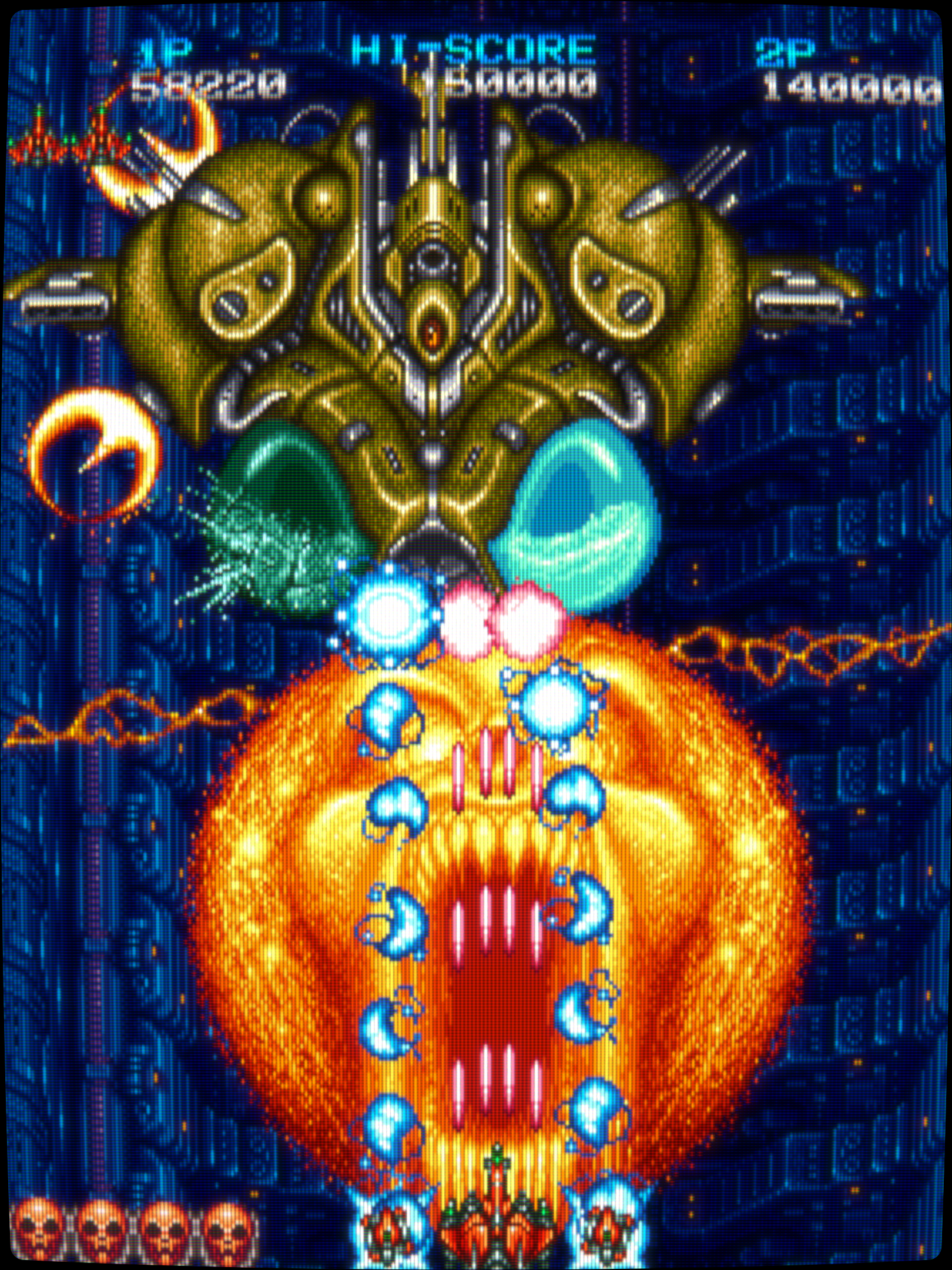
Please show off what crt shaders can do!

Thank you for your kind answer and suggestion above, buddy.

Its not like I’m not interested in your project. I’ve seen a bit of it, since years ago.

I’m just very limited with this 15 years old computer. Many of these presets are optimized for either 1080p, 2k or 4K.

Some of them even make this CPU/GPU struggle with just even 1080p ones.

I’ll take a look into yours.

I always really enjoy these TVs overlays + reflections looks.

1 Like

See here:

I don’t have, just one project.

I just tried to explain to you how to adjust the presets to suit different display resolutions - which is something that end users should have been doing all along.

Also, you can use any preset for the recent CRT-Guest-Advanced-NTSC shader including your own existing presets.

You can use any preset for the recent CRT-Guest-Advanced-NTSC shader including your own existing presets.

It is a GPU screenshot.

1 Like

actually, for me in 2026, pinacle of RetroArch experience is actually those really cool old TV overlays + reflections. Will give them a try.

Thank you for making such a cool content.

Is this golden TV overlay, an extra project aside of your main one ? (the first post in your thread that I remember, had many presets available)

Could I have a little suggestion for your preset ? Even though, not sure if other people may use it similarly.

I’m seeing the package, and it would be so much easier to handle those preset/shaders, if they were included in package, to be used as for example:

RetroArch/Shaders/shaders_slang/Cyber_Package

So much easier to handle, and doesnt mess with default shader/presets.

2 Likes

Right, so one cannot deduce how anything looks on a particular screen or display by a GPU screenshot. If you took a photo of the screen then we would see how the presets look on that type of screen.

1 Like

Here is one taken with my phone!

It’s sokun’s 4k RGB shadowmask preset.

4 Likes

It’s something I might consider in the future but for now it would slow down development as I’d have to edit the paths before I ship any update or move my shader folder. Users are free to alter the paths using a multifile editor like Notepad++.

As it is now, the Golden Bezel Project easily accomadates your existing CRT-Guest-Advanced-NTSC presets.

1 Like

Guest uses the same system to sort any of his newer Updates.

I simply put his folder in a custom sub-folder, and its ready to use. It doesnt mess with previous update folders, or mess any previous build that may have different shader settings, in case of being updated.

Its perfect

1 Like

Hello buds. Do you know if curvature is good enough ? Not sure because how the HUD looks like. I haven’t used CRT TV in many years.

Thanks in advance

2 Likes

I don’t bother with too much “fake” Curvature as it can distort the horizontal and vertical alignment of lines in the image and if too strong it can look like you’re looking at a fishbowl when scrolling.

You’re, welcome.

i’m not sure about what you tried to say. Curvature Y though gave exact size as needed with the TV image area

hi, where to download this please

the overlay or preset ?

both please if possible

Just curious if anyone here knows if there is some settings I can adjust to make a mame game’s B/W screen, turn into a Green screen while using the megabezel shaders? Some arcade games have green crt screens, and I have no idea if it is possible to get it to show up like that in retroarch at all?

1 Like

It should be possible to a degree, if the MegaBezel preset includes Analog Controls parameter section:

But it’s best if you try it out first.

1 Like

In koko-aio there’s a specifc setting to do that, called monochrome screen colorization, that you can use:

1 Like

Just going through very slowly this time, I was able to find an area in there to change the color. Thanks!

2 Likes

3 Likes