
I believe this Japan data is correct.
2 Likes
Regarding the Super Cassette Vision, it did indeed have an RGB terminal.
Only extremely wealthy users who purchased the Super Cassette Vision would have connected it via RGB. Most users used RF.
1 Like
I think this post by @ynnad4, needs a bit more prominence as there are interviews with actual developers of various systems and they speak to their intentions with respect to this very topic we’re discussing. So read this if you want to hear from at least some of the “horses’ mouths”.
4 Likes
It makes sense for a developer to take into consideration what cable the system came with and draw with that in mind. Assuming that 90% will just go on and use that cable. Most of them wouldn’t even know what s-video is or even know if RF is worse than Composite. That’s the late 80s/early 90s. Myself too, some years ago i believed composite over scart is the same like RGB scart, like “why do i need rgb scart for Wii, my console already plugs to scart” only from composite lol.
3 Likes
Ha, also had an experience with the Wii when I got it from a family member years ago. One of the first things I did was making it able to play homebrew. So I’m tinkering with Dosbox and some small looking texts and I’m like “Why is everything so hard to read here?” (me having used a multi-console RGB cable for any other hardware for some time). Taking a look at the Wii cable: “Oh. Duh, of course”.
2 Likes
I did play with those using Avisynth crt_display (more specifically the plus ver.)
ImageSource("Z:\dcb0c4db7f50cc379f797cddc831bc927a85f664.png") #or something else if you use video
SeparateFields().AssumeFieldBased() #lossless convert from 480i to 240p (use it only if the content is real 240p)
convertbits(16).ConvertToPlanarRGB()
Crop(20, 10, -20, -10) #remove overscan
crt_display(3, 5, blurh=1.15, scandist=1.05, cutoff=0.9, glowgain=0.125, halgain=0.03, cromaclear=0.75, softclip=0.75)
BilinearResize(1440,1080).ConvertToYUV420(matrix="Rec709").Convertbits(8,dither=1) #scale to display and make it digital video friendly
Edit: better and faster code
ImageSource("Z:\dcb0c4db7f50cc379f797cddc831bc927a85f664.png") #or something else if you use video
SeparateFields().AssumeFieldBased() #lossless convert from 480i to 240p (use it only if the content is real 240p)
convertbits(16).ConvertToPlanarRGB()
Crop(20, 10, -20, -10) #remove overscan
w = 1440 #display Width
h = 1080 #display Height
crt_display(float(w)/Width(), float(h)/Height(), blurh=1.15, scandist=1.05, cutoff=0.9, glowgain=0.125, halgain=0.03, cromaclear=0.15, softclip=0.75)
ConvertToYUV420(matrix="Rec709").Convertbits(8,dither=1) #make it digital video friendly
here the APNG of the 2 frames (since 1 frame in 480i = 2 frames in 240p)
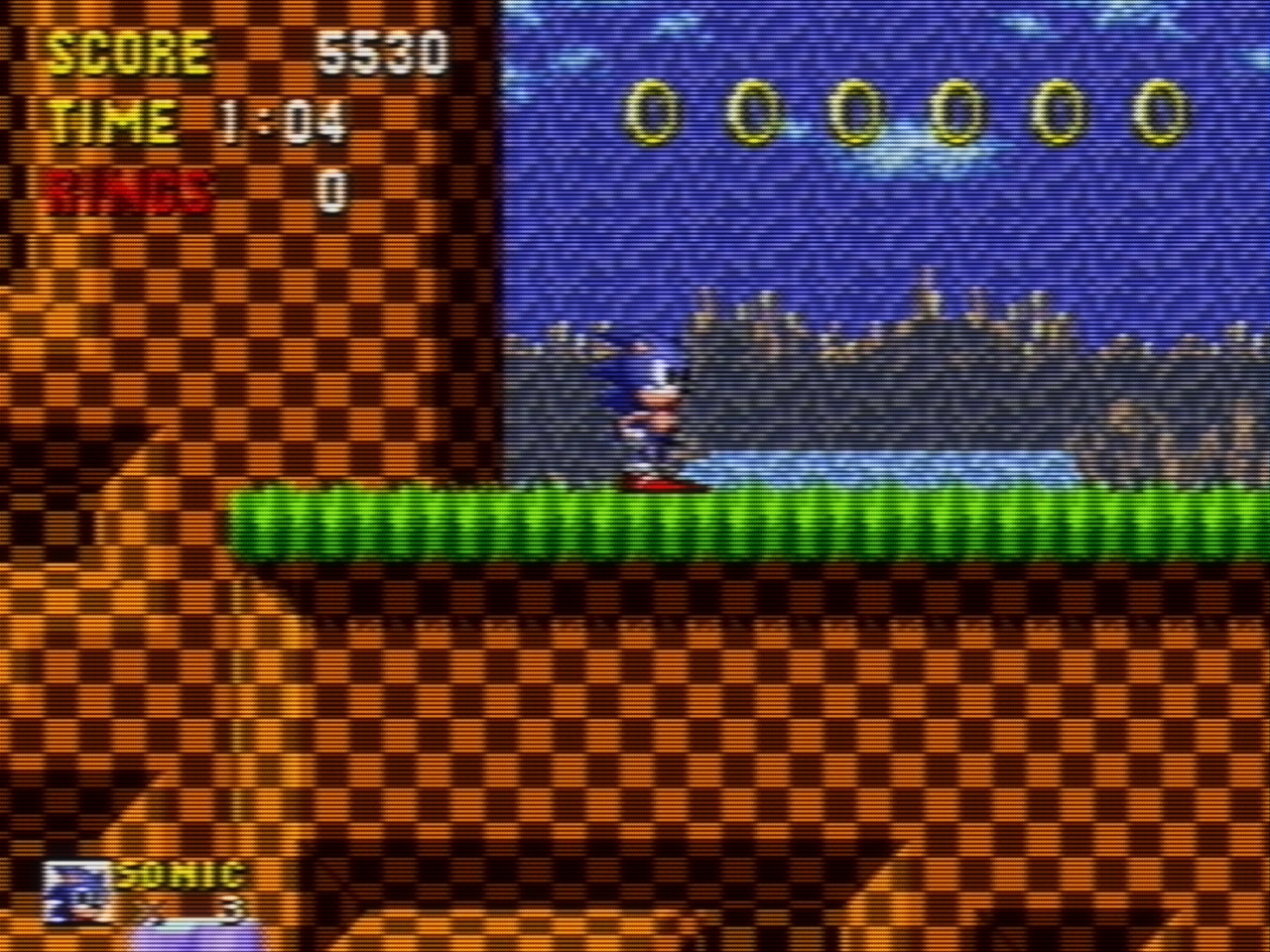
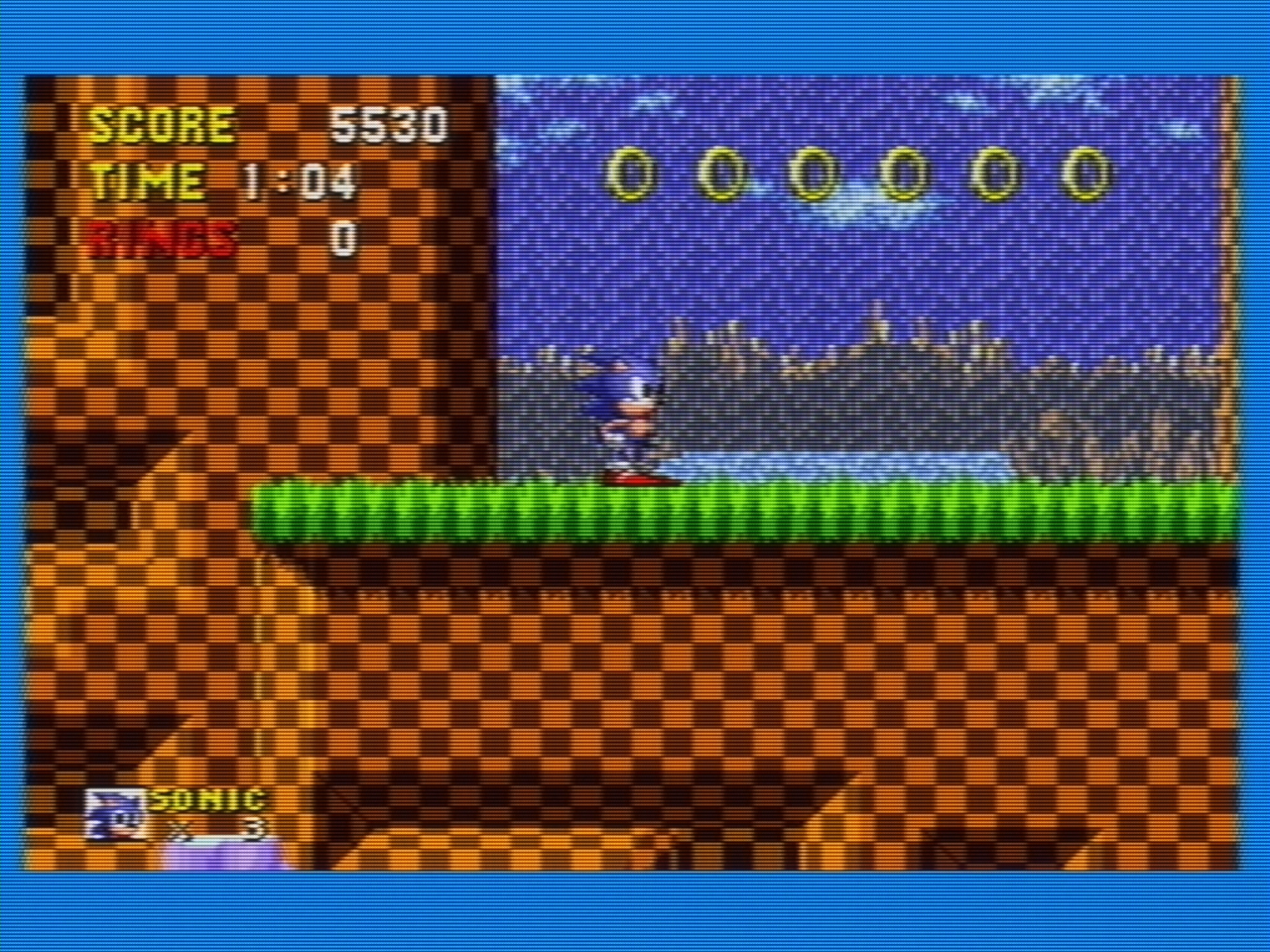
I may open a topic about Avisynth crt_display in https://forums.libretro.com/c/general/off-topic/16 since maybe there are some peoples who do capture from real consoles or from VHS that they did recorded back then
1 Like
composite in PAL nes maybe has problems https://www.youtube.com/watch?v=HpUfqzR8iaE&t=304s
Edit: additional to
this video https://www.youtube.com/watch?v=XDkanelvgQM
so old consoles can look bad in better connection than composite?
Edit #2: speaking of jail vertical hum bars (or jailbars), I remember them in mega drive (genesis)

and nes https://www.youtube.com/watch?v=ju2JIUcjIw8 too

sometimes they changed based on the edge of the pixel
so is there a shader that generate them?
I never noticed jailbars on the NES, even with RF. The toploader is RF only, not surprised to see it have inferior output. The Mega Drive is known for jailbars. My composite shaders do cause jailbars to show up on the Mega Drive. I didn’t do anything to make this happen. It just happens naturally. If the TV has aggressive filtering, they probably won’t show up. Every TV is a little different.
According to what I’ve read in reddit and elsewhere, it’s somewhat like a lottery; some machines are almost entirely free of it, while others have it heavily featured
here a VHS rec from real famiclone (nes clone)
https://streamable.com/xge2jl or https://files.catbox.moe/en81dz.mp4
you can see that they sometimes changed based on the edge of the pixel
interesting video https://youtu.be/PqTJQt7jvTI?t=260
it will be nice if it possible to get that shimmering edge in shaders, it will give it that analog feel
Edit: composite in a SONY TV is so good as I remember it https://www.youtube.com/watch?v=SVLE4-u297o&t=256s
I posted something on the NESdev forums which may be relevant to this discussion, in short, the conclusion:
For end users, this means that differences in color presentation are not necessarily signs of inaccuracy or mistakes. Two setups can both be ‘correct’ while producing noticeably different results, especially for hues like blue, purple, and yellow. Rather than treating color differences as problems to be fixed, users may want to experiment with hue, phase, and filtering controls to find a presentation that aligns with their memory, display characteristics, or personal preference. Embracing this flexibility can make it easier to appreciate how games actually appeared across real hardware and televisions, instead of expecting a single, universal look that never truly existed. Practically, I would tell curious users these points:
It’s perfectly reasonable to use a palette-based approach instead of a full mathematical reconstruction, particularly when the palette is derived from plausible encoding/decoding assumptions.
Claims that one palette or shader is ‘more accurate’ than another should be treated with caution, since small and reasonable differences in analog behavior can lead to meaningfully different but equally plausible results.
For NTSC simulation, the most important accuracy criterion is preserving the correct phase relationships across scanlines and fields. Even relatively simple or older filters (such as Blargg’s) can be accurate enough in this respect, in my view.
Accuracy should be evaluated in context: display type, viewing conditions, and historical realism matter just as much as signal fidelity.
Exposing parameters like hue, phase, and filtering bandwidth is not a sign of uncertainty, but a reflection of how real-world systems behaved.
A result that matches a user’s memory or expectation isn’t necessarily wrong; memory itself was formed under similarly variable and imperfect conditions.
The full post: https://forums.nesdev.org/viewtopic.php?p=307782#p307782
4 Likes