Hi all. I’d like to share a slang shader pack I’ve been working on and get feedback from people who know this area better than me.
What it does
Instead of drawing scanlines on top of the picture, it runs the whole analog chain:
console encoder → cable → TV decoder → electron beam → phosphor mask → glass
Encoder: RGB → YUV → QAM onto the subcarrier, with each console’s real pixel clock and per-line/per-field subcarrier phase (SNES 227⅓ cycles per line, Mega Drive 228, PS1 227½).
TV decoder: luma trap or 2-line comb, narrow consumer chroma, PAL delay line, and the US “red push” demodulator from the CXA2025AS datasheet.
Beam: spot width grows with brightness, so bright detail merges and dark detail stays sharp.
Mask and glass: aperture grille, slot or shadow mask, curvature, halation.
Dither blending and rainbow aren’t tuned per game; they come out of the timing. I’ve checked it against the 240p Test Suite and NTSC test patterns, not only by eye.
PC monitors and the Amiga 1084S are described in millimetres (mask pitch, spot size), so each video mode looks as it did on that tube.
Details
13 presets, each curved, flat and HDR
The 1084S preset is also available as GLSL for Amiberry, and the PC monitor presets for 86Box
Needs Vulkan, glcore, D3D11/12 or Metal
PS1/PS2 cores at higher internal resolution cost about the same as native
MIT licensed
Known gaps: no rotated/vertical games yet, and an upscaled PS1/PS2 frame can’t always be told apart from a 480i one, so sometimes Console timing has to be set by hand.
I’d especially like to hear where the composite or decoder model is wrong compared to real hardware. Notes, corrections or comparisons with your own captures are very welcome.
Disclosure: lot of the code was written with an AI assistant (Claude). I set the direction and checked the results against datasheets, test patterns and photos of real CRTs.
There is certainly some magic in “tv-show-broadcast” , admittedly , I’m increasing the sharpness of my display tho.
I can’t seems to color match “consumer-tv-scart-rgb” with “tv-show-broadcast”. there is also some cropping happening to me with a slight horizontal stretching. The Dither blending in “tv-show-broadcast” is spot on tho!
Thanks, glad the dither blending looks right to you!
On colour: the two are meant to differ a bit. tv-show-broadcast is a European programme (PAL), so the TV uses EBU phosphors, while consumer-tv-scart-rgb uses SMPTE-C phosphors for an NTSC game. The broadcast chain also changes colour a little: tape, the station’s PAL encoder, and the transmitter’s white clipper, which tames the brightest saturated yellows and cyans. To compare like with like, set Phosphors to 3 (EBU) on consumer-tv-scart-rgb. What remains is the broadcast chain itself.
On cropping and stretching: with the same frame both presets give me exactly the same picture area, so something else may be going on. Which core and game is it, is it a PAL game, and what internal resolution and aspect ratio setting do you use? A screenshot would help too. One common cause: a PS1 core at 2× internal resolution sends 640×480, which reads as interlaced unless Console timing is set to 4.
And here’s how close it gets to real hardware: CRTpixels’ photo of a Sony KV-13M51 on composite next to Lola Retro, all from the same raw Dracula frame.
Looks great, thanks for sharing the photo! If you haven’t yet, try the HDR presets on that OLED (lola-retro/hdr/flat or hdr/curved, with HDR on in the system and in RetroArch). The mask and the lines take away a lot of light; with HDR the shader can use the OLED’s extra brightness to put it back, so the picture gets closer to a real tube. Set HDR: display peak (nits) to your OLED’s peak and adjust HDR: paper white to taste. The steps are in the README under HDR.
This shader is absolutely incredible, I love how the NTSC color decoder matches my real CRT to a large extent (looks closer in person with default TV settings):
I posted this on your Reddit thread the other day, but Reddit seems to have swallowed the comment. I’m just copy+pasting it here. This was from before you added some more features, so I apologize if anything is out of date.
Hi! I’m the developer of crt-beans (and I still have a CRT with a few retro consoles). If you’re open to feedback, I have a few thoughts:
You probably understand this, but detecting the console by frame size isn’t reliable because there is too much overlap. For example, the NES, PCEngine/TurboGrafx-16, SNES, Master System, Genesis/Mega Drive, and PS1 all had 256-pixel-wide output modes. The auto-detection sounds nice but I do wonder how often it will be incorrect.
The NTSC decoding is similar to the way I’ve been doing it (in the unreleased version of crt-beans on the libretro forums): demodulate the chroma, low pass filter it, then remodulate it and subtract it from the composite signal to get luma. I think it’s a good idea.
There is a really clever trick in the NTSC demodulation to avoid either calling sin/cos in the loop or writing out a separate demodulated texture. I might want to steal this!
There seems to be too much dot crawl with the “no flicker” option turned off. I was testing in SNES mode. I’m not sure what is causing this, but I don’t see that much dot crawl on my SNES or in crt-beans.
The way you maintain the beam shape while having separate horizontal and vertical passes is very similar to an update to crt-beans that I’m working on. You pack the harmonic mean of the spot width into the alpha channel in the horizontal pass. In my case, I found that the first absolute moment was a better estimation in gamma-space than the harmonic mean. I also pack separate values for red, green, and blue into a R32G32B32A32_UINT texture using packHalf2x16() , which preserves the different widths of each color instead of collapsing them into one. It also looks like you use this technique only in monitor mode. I’m not sure why? I believe it should be applicable in both modes and you could simplify the code paths.
Overall the beam shaping has a lot of similarities to crt-beans. It seems to maintain energy conservation, it analytically integrates over a piecewise-constant representation of the pixel data in monitor mode, etc. Obviously I think there are some good ideas here.
The way you mitigate the brightness lost from the mask causes compression of the highlights and doesn’t maintain the original tonality of the image in SDR mode. When you boost the brightness, you will get peaks well over 1.0. Then the tone mapping at the end of the shader compresses these peaks, reducing the relative contrast of the image in bright areas. Most shaders basically do this. The only ways around this are:
Accept the brightness loss. This is what you do in HDR mode, where a lot more brightness might be available. A low-quality HDR display might still apply tone mapping on its own with basically the same result, but you can’t really control that.
Fade out the mask in the bright areas to let all the light through. This works in SDR mode but reduces the strength of the mask. This is what crt-beans does.
The way you are doing dithering will result in a gamma shift. This is mostly relevant for long-tailed halation gradients over dark backgrounds. See here for an example fix. This technique can be extended to ordered dithering. Also, the hash you are using probably generates something like white noise. You will get better dithering results with blue noise or some other screen-space technique that mimics high frequency noise. The current technique might be “good enough,” though.
I don’t like the lifted black level with the room reflections on by default. That’s just personal preference, though.
This is the best AI-assisted CRT shader I’ve seen so far. I’m curious what your process was in creating this. I’m also curious whether you have previous experience with signal processing and shader development or whether this was all vibe-coded.
I was playing around a bit with this shader and I really like what it is trying to do. For the last few years focus was mainly on making masks as accurate as possible. While that is cool and impressive on its own it does not really make shaders look like real CRT imo. Those kind of shaders always end up way to pixelated unless you are siting half a room away.
Approaches like this and similar should be way forward to emulate old look.
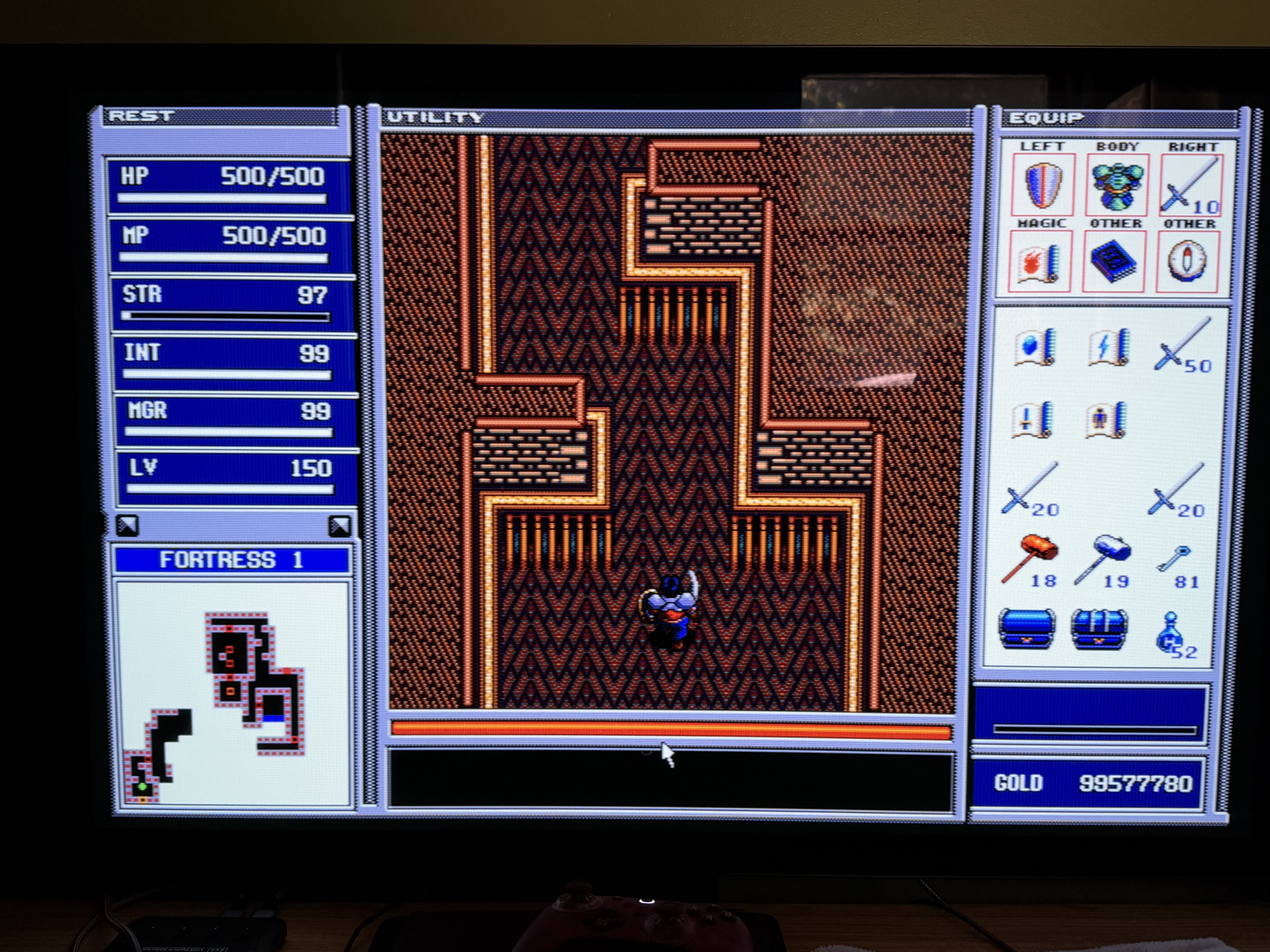
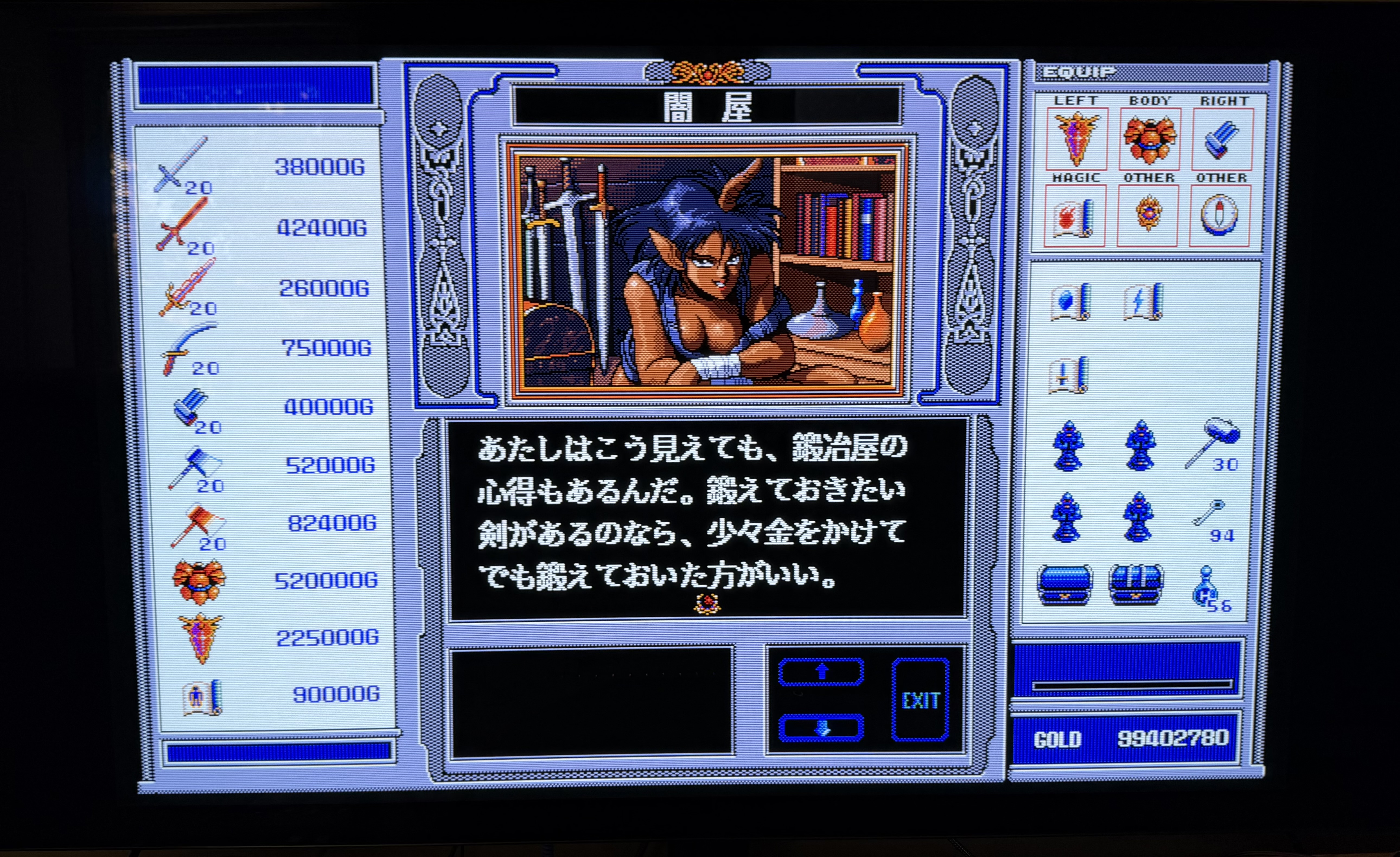
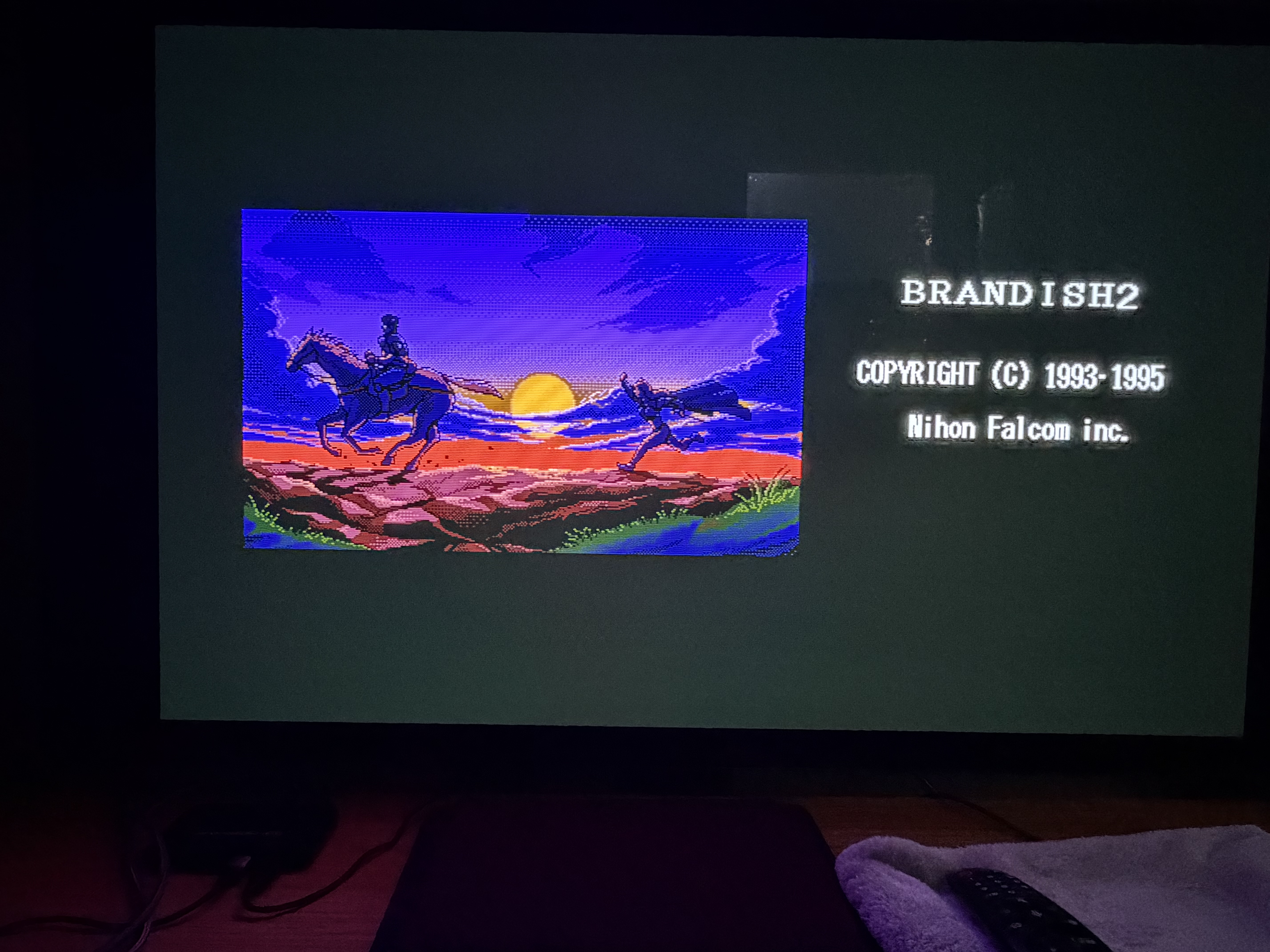
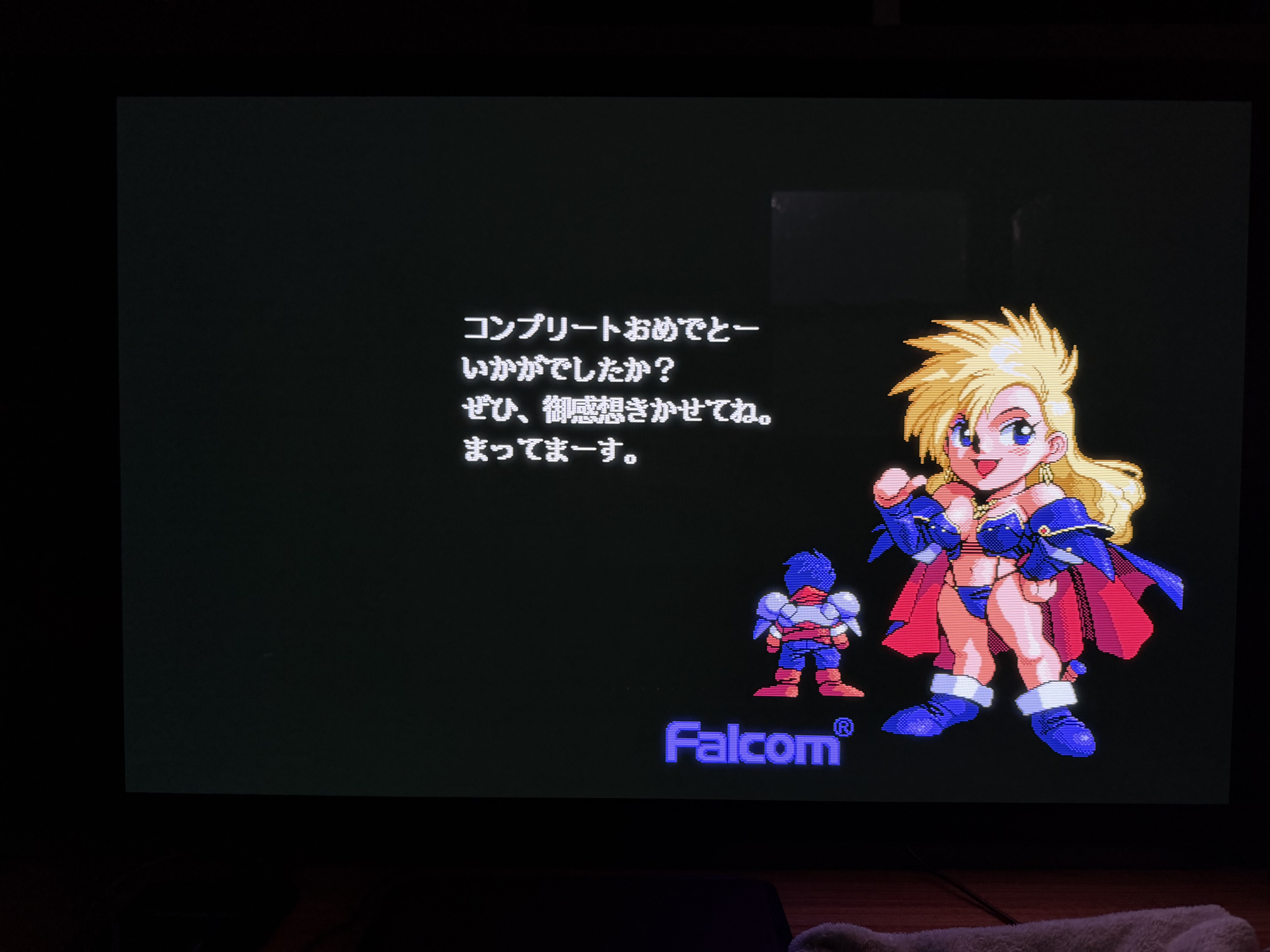
Here are few pictures i took
Consumer composite - Nice blending while not making picture blurry. Very impressive
PC monitor VGA - At first I was what is this even doing? But with shaders on and off you can clearly see all effects it does to the picture. Testing with 640x480 PC games like Baldurs gate ect needed.
I have noticed some issues with the auto-detection as well and i am not sure if it is due to certain shaders only being usable for certain resolutions.
For example the TV composite shader works fine for Famicon and megadrive, but is unusable for the PC-98 as it cuts out large portions of the screen.
S-video and higher signals are not supposed to be pixlated, while some models did that , that’s thanks to the newer models VM aka VSM. I did have panasonic model with a forced VSM
Here’s the same shot on my hitachi through component. I do suck at photography, colors are way better irl
Hi, and thank you, this is exactly the kind of feedback I was hoping for. Sorry Reddit ate it the first time. I noticed the notification, but the comment was deleted.
Dot crawl: you were right, and it was a real bug. With the skipped dot (NES) or short line (SNES) on every other frame, the phase alternates between two positions instead of cycling through three. Fixed in v1.11, both live and in “No flicker”, which now halves the artefacts instead of cancelling them.
Console detection: v1.11 adds a systems/ folder with one preset per system and the timing already set, and 256×192 is now detected as Master System timing.
Dither: done. It now picks the lower or upper code with the probability that keeps the linear-light average, with interleaved gradient noise. The darkest grey was 11% too bright before; now it’s within 0.5%.
Spot width: thanks for the first-moment and packHalf2x16 ideas. For now it stays in the mm path, but it’s a good idea for later.
Highlights: fair point. I keep the mask at full strength because the real tube never lost it, and accept the shoulder, but I see the trade-off.
Room reflection: one parameter, set it to 0.
Thank you for your thorough review! Really appreciate it!
Thanks for the report! v1.11 adds a PC-98 preset (systems/pc-98): 640×400 at 24 kHz on an RGB monitor, every line drawn once. A TV couldn’t show the PC-98’s signal at all, so the TV presets aren’t the right fit. If the picture is still cut off, which core do you use, and what resolution does RetroArch show for it?
Thanks for testing and for the screenshots! Haswell graphics is on the slow side for this shader, I’m afraid. The beam pass works on an 8192-pixel-wide texture and the chain has eight passes, so about 24 fps at 1080p is roughly what to expect there. A smaller window or a lower resolution helps the most.
The GLCore picture is a different matter: that’s not slowness, the shader isn’t running correctly on that driver. Could you post the RetroArch log from a GLCore run (Settings → Logging, log to file)? Shader errors would show up there. Until then, Vulkan is the way to go on that GPU.
About the noise at the borders: is it inside the picture area, or in the part PUAE sends around it (the overscan border)? A close-up would help me see which one it is.
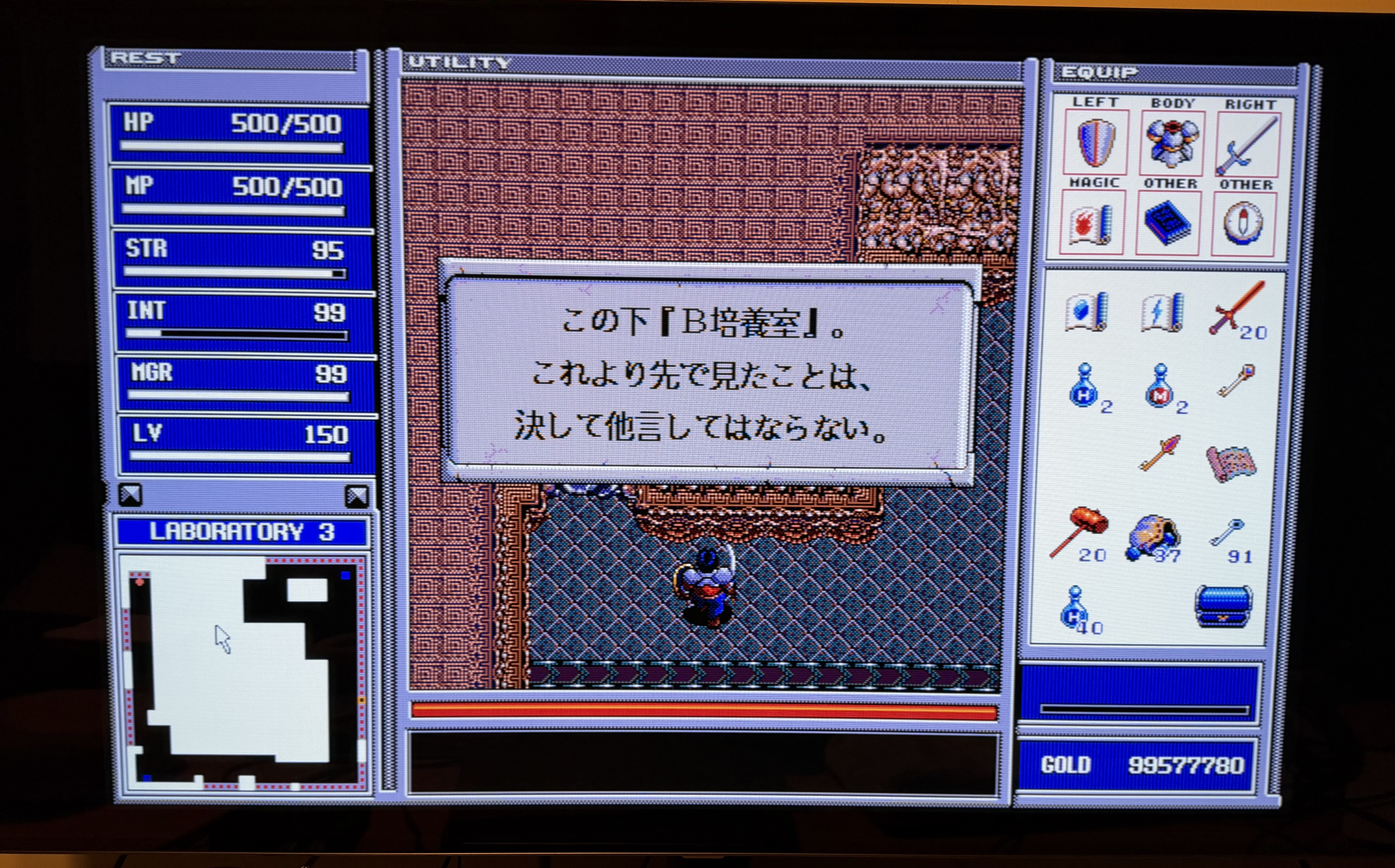
I tried the PC-98 preset and it works fine as far as resolution goes.
I also tried the HDR preset as you suggested and it does look quite nice. Here is the VGA one in HDR. There is a lot of background light in my room and is being reflected on the screen.
Thanks for testing and for the photos, they look great! You’re right about the PC-98 text, that was my mistake: the preset drew it through a TV’s video amplifier, which smears 640-dot text, while a PC-98 monitor was a computer monitor built for sharp kanji. Fixed in v1.11.1: systems/pc-98 now uses the PC monitor model you liked, so the text is sharp, and for HDR you can use hdr/curved/pc-monitor-vga (it’s the same picture).
A universal shader: not really, because each system was played on a different screen (a TV over composite, a computer monitor, an Amiga monitor). But you can make it “set and forget”: load the right preset once per core and use Shaders → Save → Save Core Preset , and every system starts with its own. If you want just one for all consoles, consumer-tv-scart-rgb is the cleanest all-rounder, with pc-monitor-vga for computers.
Out of all the VGA presets, VGA-GOOD might be the best middle ground. The default VGA looks a little too blurry while the premium and extreme are too sharp and causes eye-strain.



 If you haven’t yet, try the HDR presets on that OLED (lola-retro/hdr/flat or hdr/curved, with HDR on in the system and in RetroArch). The mask and the lines take away a lot of light; with HDR the shader can use the OLED’s extra brightness to put it back, so the picture gets closer to a real tube. Set HDR: display peak (nits) to your OLED’s peak and adjust HDR: paper white to taste. The steps are in the README under HDR.


 The beam pass works on an 8192-pixel-wide texture and the chain has eight passes, so about 24 fps at 1080p is roughly what to expect there. A smaller window or a lower resolution helps the most.