
New sonkun crt guest advanced hd presets thread

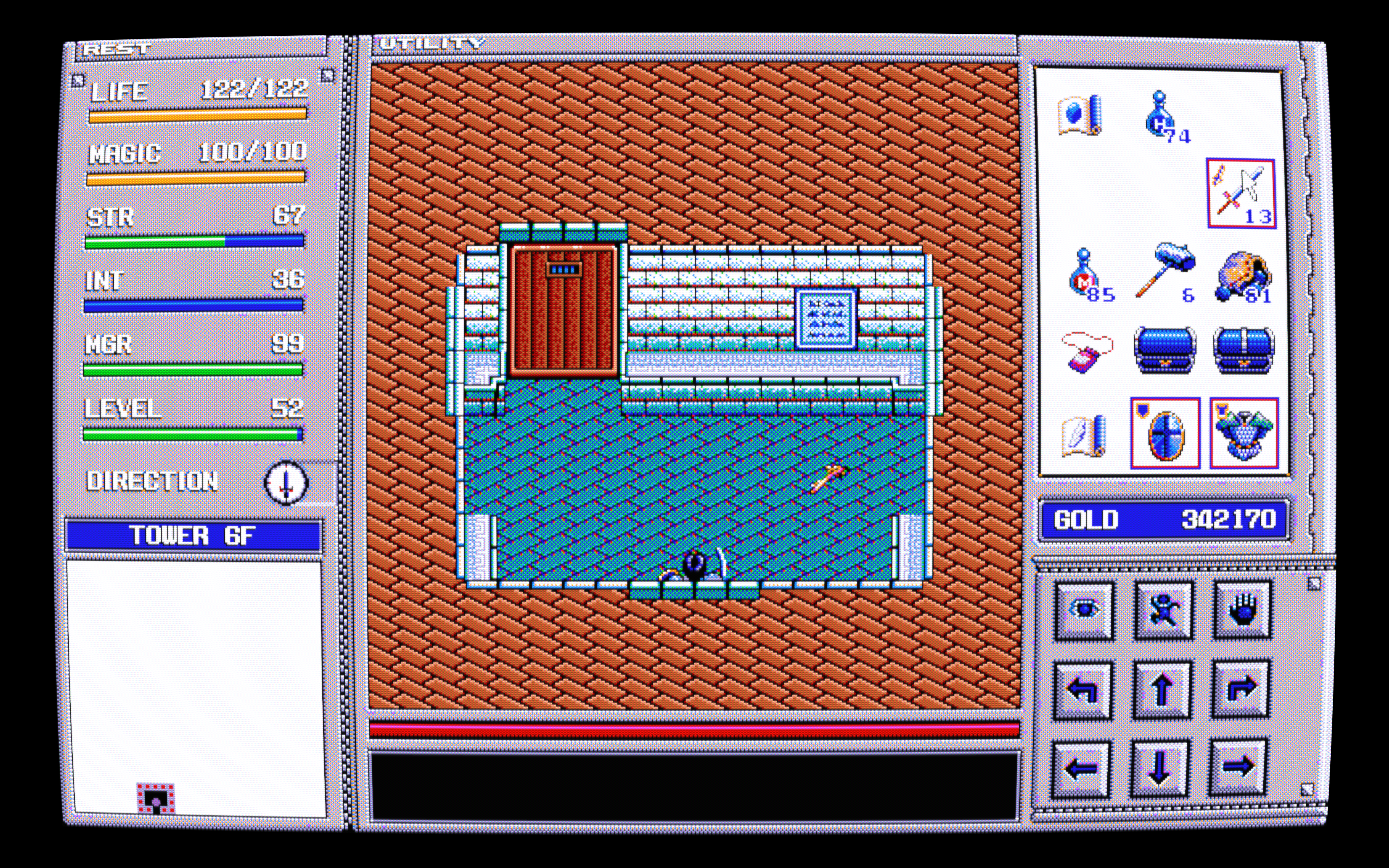
Thanks man, I think I spent about 2 days strictly playing with just contrast. As soon as I enabled it the image got dark instantly so my first obstacle was to get that brightness back but still keep the effects that contrast gives and the results definitely show. That shmup image with the reddish sky and ground shows off the effects the best I think.

Tweaking shader settings is probably the most artistic thing I do these days, I treat the guest.r shader like a painting where I just try out little things here and there, like a Bob Ross painting episode lol.
2 Likes

Other than having to turn off interlacing for this particular game, it is looking pretty good!

You may have to repost your image on another site or something, it doesn’t show here and clicking it brings me to a non working link

I suppose you could also add scanlines to interlaced content with the “Internal Resolution downsample divider” setting at 1.00 if that could help as an alternative and your game should more or less look like this:

That’s weird that it doesn’t show up. I reuplodaed it I’ll try that downsample divider later.

1 Like

It’s showing now. Also I swapped in a “version 2” download up there, made some small changes.

3 Likes

Hi! I’m not sure if this is the right place or if you’re still looking for it, but I’ve made reshader accept any retroarch shader with this. It’s worked well for the limited subset of shaders I personally use. I use it all the time with Sonic Origins.

Since you were asking about it, I thought I’d share.

7 Likes

Are you deadass rn?

What a marvelous piece of software! This has the potential of solving most if not all of my issues with non-RA shader implementations. I haven’t had the time to test it out yet, but I’m looking forward to fiddling around with it. Thanks for sharing!

1 Like

Hi love the shaders but I am having an issue. When it goes to a black screen like loading or transitioning I get these white bars flash across the screen. I have included a recording of the issue. https://www.youtube.com/watch?v=WTFWC0Jxj3Q

How can I get these to not show up? thanks

1 Like

I’ve seen this before, it is part of guest’s shader, it is related to “raster bloom” . Try checking for something like that.

1 Like

Hey there and welcome to the forum. That bar “flash” is the “resolution switch” shader that I added in. That can be disabled easily with the very first setting at the top where it says “resolution switch glitch enable” in the parameters settings.

2 Likes

Thanks for the reply, got it sorted now, loving the shaders

Hello guys, how are you? First time here. I’d like some help to use Sonkun’s shaders pack. The shader is applied, but it does not seem to apply any video signal filter (I tried all of them) and the colors are modified (blueish). I tried normal, warm and cool, and all give me the same result. Does anybody know why this happens? (Sorry, as a new user, I can only update 1 image) Thanks in advance.

Sonkun’s shader (slot mask - 1080p - curved screen - u - composite - normal)

6 Likes

That might be the issue. :smiley: oh and recommend trying the new release out a few messages up.New sonkun crt guest advanced hd presets thread those need these guest.r shaders to work right. :smiley: New CRT shader from Guest + CRT Guest Advanced updates

1 Like

I forgot to mention in my last message, but I’ve already downloaded the latest crt guest advanced update. Even with it, the colors are wrong. In the mega man x2 image I posted last time, the sky should be purple-like, but it is more of a blue tone. Although, I liked the color of the orange door, good saturation. I don’t know if someone here already had this bug. In the mean time, I’m trying Cyberlab Mega Bezel and Retro Crisis shaders.

3 Likes

This is quite trivial, there are many colorspace options in regular @sonkun shader pack releases and most of them shift hues acordingly:

Maybe you should try a “u-normal” one instead of “cool” or “j” etc.

2 Likes

@sonkun your uborder preset in testing does that still goes in the shaders folder

1 Like

Hello, thanks for answering me. I tried all of the presets in @sonkun folder, but all of them have the same issue. (I also updated guest.r shaders again). I don’t know what to do to get the correct color. The fist time I only could send 1 screenshot, but now I send all that I have taken, with different presets as example. Interesting fact: if I use the @sonkun shaders from ShaderGlass, the colors are correct. Could this serve as a hint?

Raw:

Mega Bezel NTSC

Retro Crisis SNES RF100

Sonkun’s Slot 1080p flat normal-u-rf

Sonkun’s Slot 1080p flat warm-u-rf

Sonkun’s Slot 1080p flat cool-u-rf

3 Likes

Sonkun’s presets involve some color grading in his presets.

The main culprit of the hue shift is an option named LUT 1 Toggle (just above Gamma parameter section).

Setting this to 0.0 from 1.0 should correct some stuff, but it also involves other circumstances.

3 Likes

Yeah it does.

Yeah colors may look a bit different than packs from the other guys, only because I go out of my way to to play around with those colors mostly for more punchy colors so things may not look as “accurate” as a raw color image.

Currently this is now how it looks:

Even though I boost saturation up I have been trying to get colors to look a bit closer to the raw image as well:

Half raw image:

It’ll probably never be 1 to 1 but it gets the point across.

Lol sorry, sorry for having to hold the fort down for me here on days I’m not around, all of that should stop once I release the new pack. I already added your new updates to my ntsc presets and I’m ready to get this pack out to the people, I can’t just keep playing around in the lab.

3 Likes

Let him cook! :smiley: Can’t wait though.

1 Like