
Well then, guess now would be a good time to throw up round 4 of my lab experiments. This time you’ll have a little extra to play with, I included both Aperture Grille and Shadow Mask presets to go along with the Slot Masks.
Few 4k screenies:
Aperture Grille:
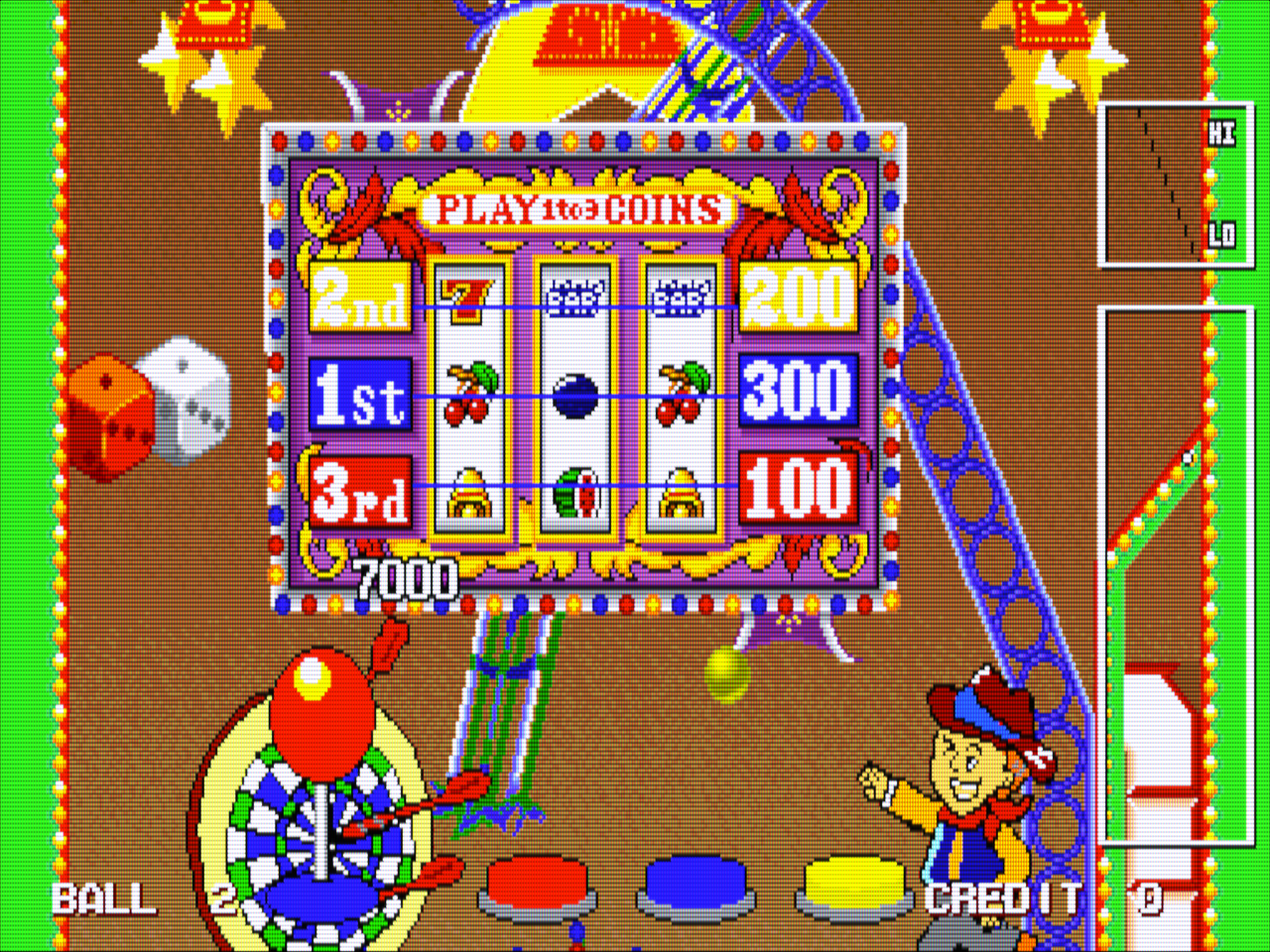
Slot Mask:
-260906-134101.png)
Shadow Mask:
-260906-141118.png)
Shadow Mask Composite cause why not:
-260906-141133.png)
https://www.mediafire.com/file/y6mr64x3hruy3s3/new-sonkun-preset-samples-09-06-2026-v2.zip/file
Make sure to have guest.r’s latest update before using my presets.
Unzip, copy and paste all presets directly into the shaders folder and delete the previous ones if you have them.
Be sure to use any cores (pc systems should be at default) in 4:3 aspect ratio and do not use interger scaling, also disable any hdr features if you use them they’re not needed here.
@guest.r I forgot how insane things can get trying to find the right settings for Shadow Mask lol, I remember a few tips you’ve told me in the past though. For 4k presets I went with crt mask 10 and for 1440p presets I used mask 6 and just adjusted the mask sizes and stuff from there etc.
Can’t go wrong with that lol. I wonder how you’ll like this latest sample pack then especially if you’re on a 4k display.
Can you give me an example of a stylized game to try out?
I’ve yet still to determine exactly which setting does that screen effect. I think the only way to pin it down is to go one by one down the list and default each setting hitting start until that effect dissappear.
I guess leaving some kind of description could work, I need to add a few things on the 1st post once this pack is ready.
Yeah when you get the chance please try defaulting some settings, starting ideally with any and all brightness, glow or bloom type of settings, I bet the culprit will reveal itself that way.
Edit: Did a small edit to the pack, replaced it with “version 2” so regrab it if you did already.
 Before:


