
So the name of the game for today’s sample pack is contrast. I’ve been wanting to try tweaking some of that in for a while to try and clean up some of those “shaded” areas but wasn’t sure how to balance it with the brightness but I think I may have found some middle ground.
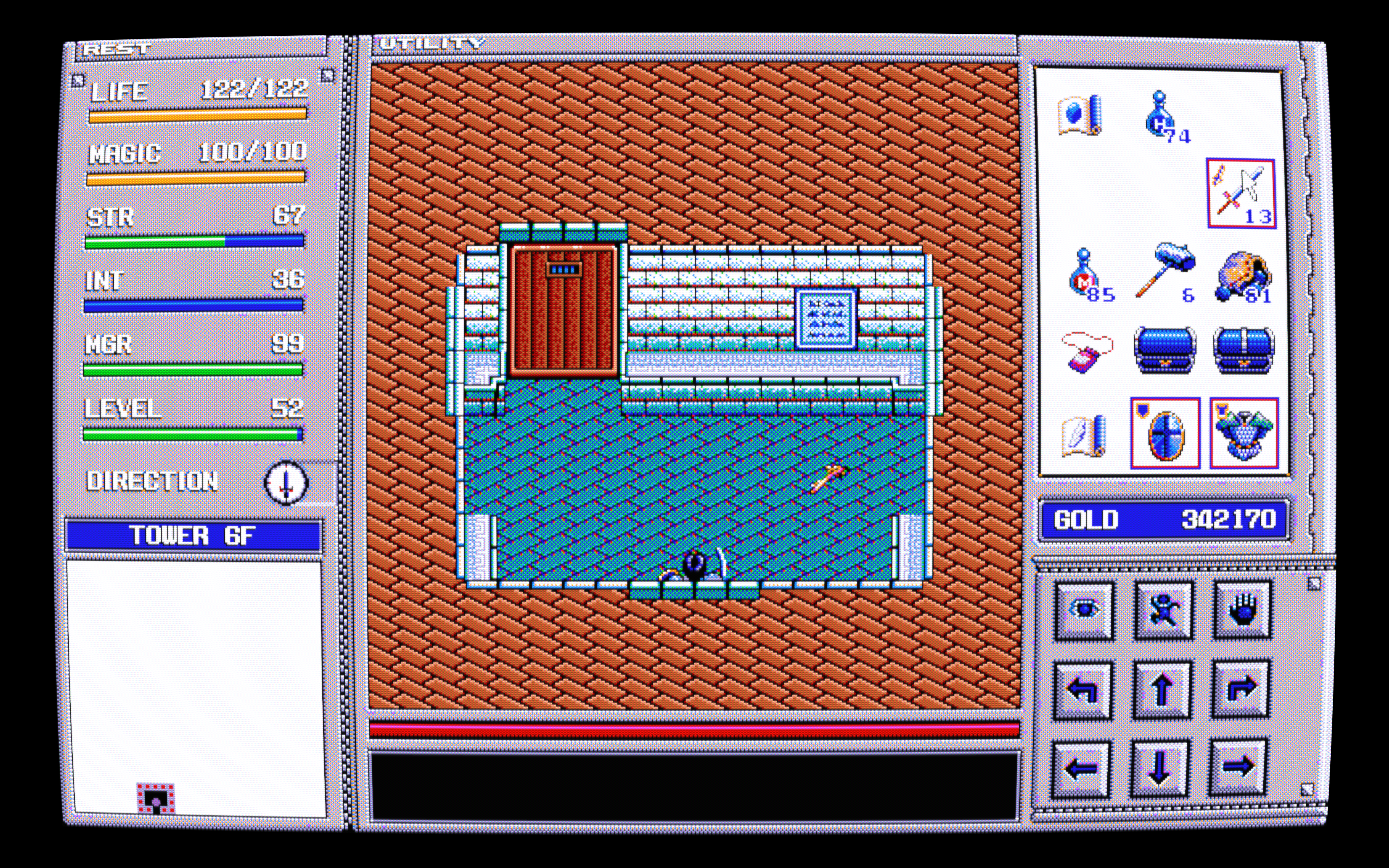
Some before and after shots:


I’ve also included two 1080p only uborder presets:


I’m honestly not sure if including these are worth the hassle but let’s see what some of you think. Before using them go to settings/video/scaling/aspect ratio and set it to “full” to get the whole intended image. There’s these weird horizontal thick lines that appear every few lines going down the image that I can’t seem to get rid of, not even interger scaling fixes it.
https://www.mediafire.com/file/5whbd92eyxk6i8p/new-sonkun-preset-samples-09-24-2026-v2.zip/file
But anyway you guys know the drill unzip copy and paste to use them. Don’t use interger scaling, aspect ratio should be 4:3.
I notice that flicker as well, I assume it’s the way guest.r intended for that particular version of Interlacing to react, I also notice if the content isn’t getting full fps the flickering becomes even more crazy. Number 4 was my favorite simply because it kept the screen still no matter the content but it blew the brightness out of proportion, not even I like that much brightness lol.
Out of all choices though 5 is the best looking one to me as it keeps the colors looking the same as it looks on non interlaced content. And wow haven’t seen how my old pack looks in months, things definitely look different now.
Edit: Did a small change, version 2 now up.


 oh and recommend trying the new release out a few messages up.


