
Not sure if it’s the same preset used in both screenshots but the Super Street Fighter II pic looks more authentic to me because there are less noticeable “Mask Mitigations”.
1 Like


Sega Astro City (Nanao MS9-29) (preset nearly complete)…

7 Likes
Hey, whats the shader or trick?
I think it’s more balanced now…

Alternative…

4 Likes
I ran Katana ZERO in windowed mode, which defaults to 720p. Using ShaderGlass I set the “Pixel Size” to x2 because the internal resolution for Katana Zero is 360p (half of 720p). Then I set “Scale” to 200% because 720p x 2 = 1440p (my monitor’s resolution).
The shader I used was “MBZ_0_SMOOTH-ADV_GDV”. It comes pre-installed with ShaderGlass.
Not sure if that was your question. Hopefully I answered it!
3 Likes
Thanks! You are running the game on a Windows OS. If so, how do you apply the shader? Windows Cast Core?
1 Like
The program is called ShaderGlass. You can find it on Steam for free here: https://store.steampowered.com/app/3613770/ShaderGlass/
I’m on Windows 11. From what I understand, ShaderGlass works best on Windows 11.
2 Likes
ShaderGlass works on linux nowadays for games played with gamepads. Capturing the mouse is still not working.
On win10 it works fine, provided you play your game windowed and not fullscreen. Otherwise you’ll have an annoying yellow border around the whole screen due to the capture.
But tweaking shaders and chaining them is still easier on Retroarch for me.
1 Like

Shantae Risky’s Revenge - Director’s Cut @1024x768’(running in 4K display)
ShaderGlass: Input pixel size x8, Output Scale 100%
Shader: Mega Bezel Tube-Efects_Nights_ADV

Shantae Risky’s Revenge - Director’s Cut @720x576 (running in 1080 display)
Shader Glass: Pixel Size Input 3px, Output 200%
Shader: CyberLab Composite IV OLED 1080p PVM-Edition ADV

9 Likes
Cyber Shadow (running in 4K Display)
Game Config:
- Window scale x4
- Integer FullsScreen ON
- CRT Filter OFF
ShaderGlass Config:
- Input Pixel Size x2 + Adjust for DPI Scale (200%)
- Output Scale Free
Shader:
- Mega Bezel STD (tweaked Soqueroeu)


Shadow of the Ninja Reborn, window mode 1280x720 (running in 4K Display)
ShaderGlass input pixel size 1x, Output scale 200% Shader Guest SlotMask1 (tube effects disable):

Some of these indie games blend highly pixelated sprites with smooth backgrounds and fonts. Because of this, a good mix of elements isn’t always achieved when applying a shader.
Shadow of the Ninja Reborn is an example. In the image below, you can see the character is better defined than the original model, but the elements in the backgrounds appear flattened.

6 Likes
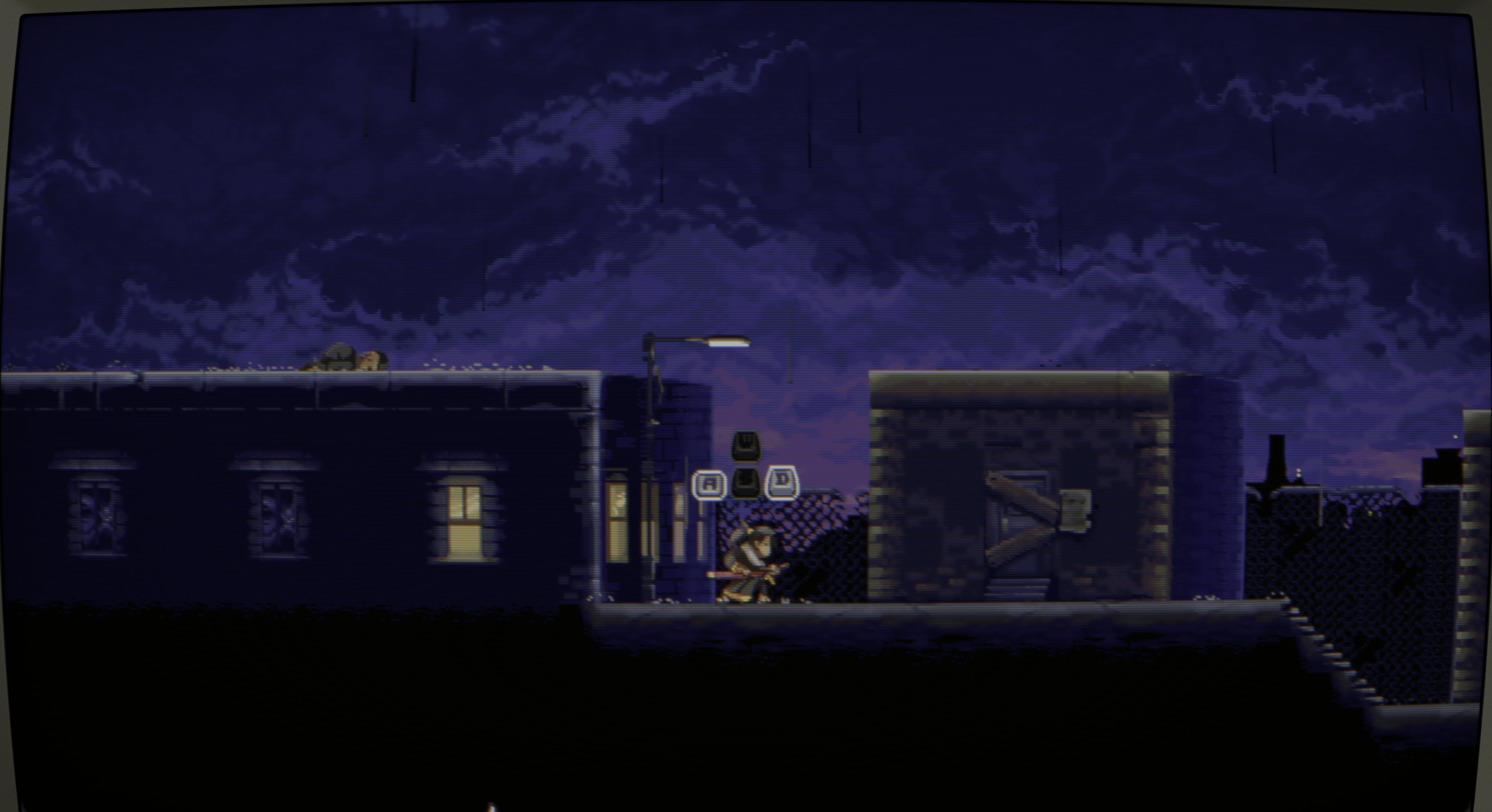
Finally got a 4k OLED! Trying out Katana ZERO again.
No Shader
Newpixie-Clone__SMOOTH-ADV__GDV Shader

6 Likes


I’ve been trying to find the best way to share HDR screenshots here. JXR files don’t work in Chrome, but AVIF does.
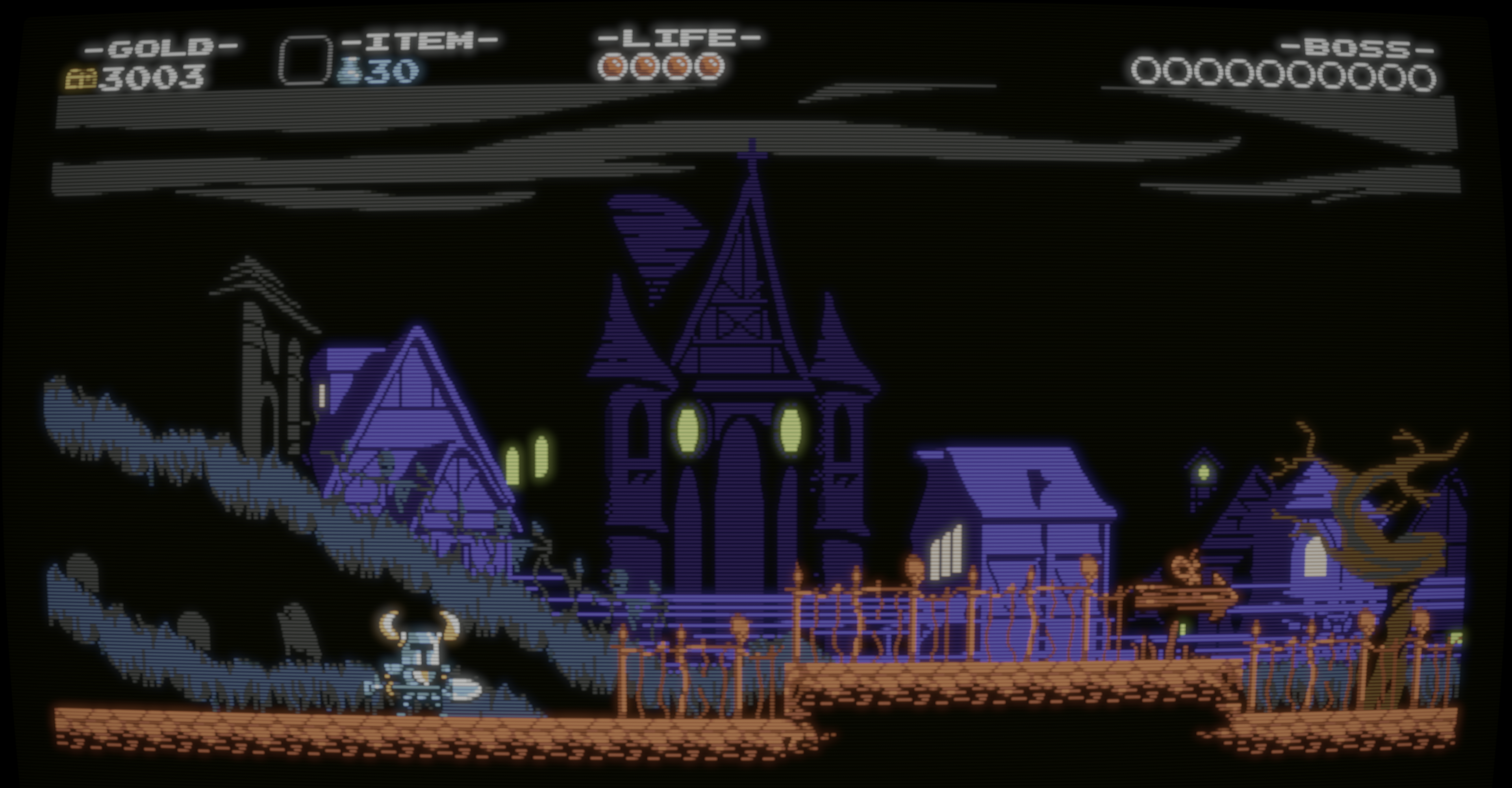
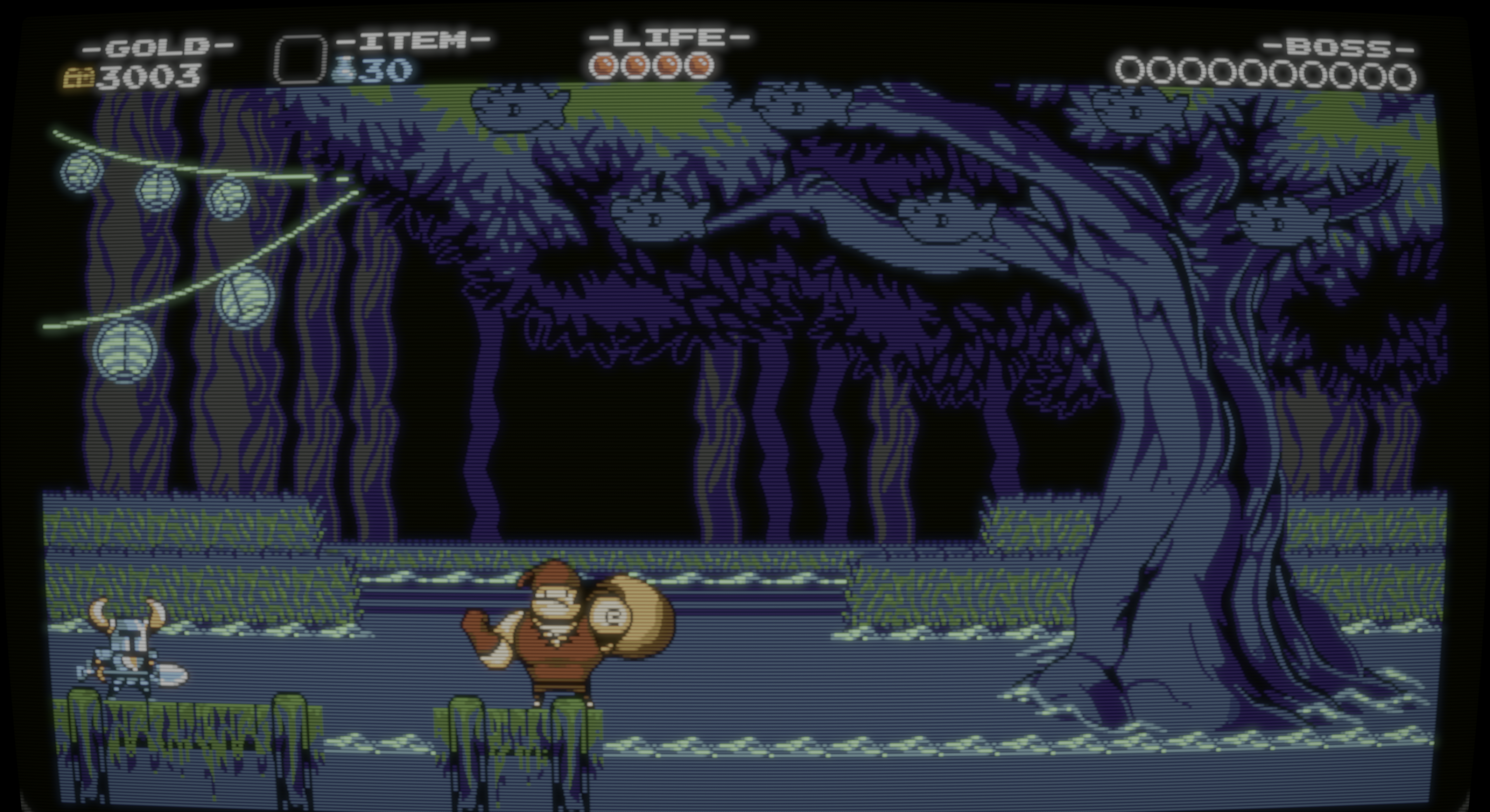
Shovel Knight:
Also, here are the other two screenshots I posted before, but in their original HDR form:
3 Likes


Hey there,
Finally got to beat that old Baldur’s Gate 1 and I imported my character in the second game. Started playing on DOSBox Pure with a Win98 VM but wanted to try some mods that wouldn’t be compatible with the old Windows. So here I am with the old collection version installed in Lutris with compatibility mode for Win98. Widescreen mod was working with a custom resolution of 864x486 which was the closest allowed to native 480p and maintaining the sprites big, as I like.
Great game, great atmosphere, awesome mods, and IMO the pixel art really benefits from the reshade port of CRT-Guest-HD, with FSR prepended to upscale 480p to 4K. I run it via gamescope and vkbasalt. You can test and tweak it yourself if you want, here’s the fx file.
https://mega.nz/file/TcwkhQ7Z#SxibM1FAuYN2frFh16hJqCey_ElZ9LnGDNE_R7ho7KY


Here’s a portrait with and without filter for comparison.



5 Likes
hi, where can i download these please, looks sick