
Looks very nice, reminding me of some monitors.
2 Likes
I was looking at the thread “Calling all CRT owners” with real CRT photos and i noticed most shaders, also mine, have flat scanlines with minimal dynamics not accurate to a real good monitor like the 1084S, more like a low end 14" crt.
2 Likes
Running gba on 1080p gives around 7x of original resolution, that’s ~50 pixels per 1 gba pixel. Plenty of room for some stunning scanline dynamics, similar to running 240p on 4K. That’s a custom glsl shader (gles 2.0) again, not existing on repositories.


10 Likes
I run the Game Boy series with a very thick border so the pixel size is the same as it would be for 240p consoles. It may sound like a lot of wasted space, but I find that it feels less ‘zoomed in’, like the games were meant to be played with a smaller viewable area.
1 Like
Kawase blur glow and a similar approach to previous, 90 fps max on an old sd650 phone i have, 100 gflops gpu.


4 Likes
Yes, I also don’t like to cut PAL borders etc. too much for this reason. Caveat here is that the actual used display size matters, sometimes I see shader demonstrations where I suspect it was done with handheld-sized display (e.g. most of the time a phone) in mind, that makes ofc. a difference. Although personally I also don’t tend to use the maximum available scale factors on these.
An attempt to recreate a famous 1084S Deluxe Paint 3 image as much as possible on 1080p (don’t expect miracles)
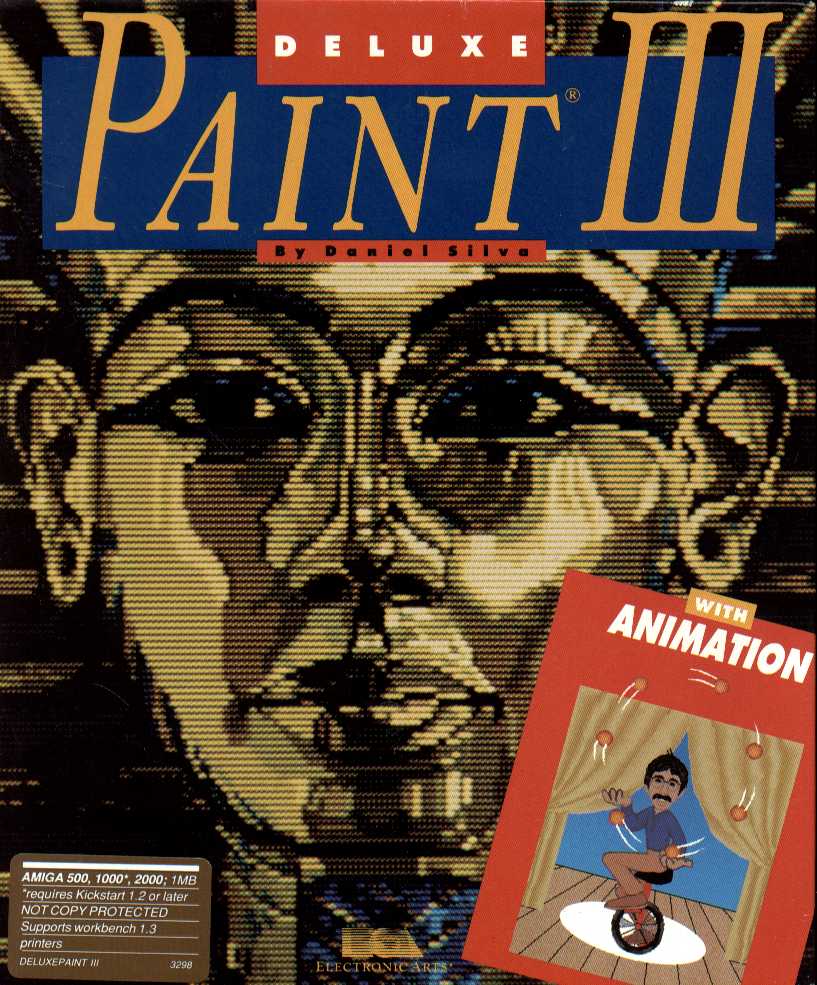


#reference "shaders_slang/crt/crt-sines.slangp"
beam_min = "10.000000"
beam_max = "8.000000"
scan_min = "1.799999"
scan_max = "0.80000"
MSK_WIDTH = "2.000000"
MSK_HEIGHT = "2.000000"
MSK_STAG = "1.000000"
MSK_BRI = "0.300000"
glass_refl = "0.080000"
glow_str = "0.120000"
color_sat = "1.100000"
8 Likes


Having fun with Mario Kart 64. 4k vs 240p + CRT Shader.


4 Likes
improved 1080p Philips settings…
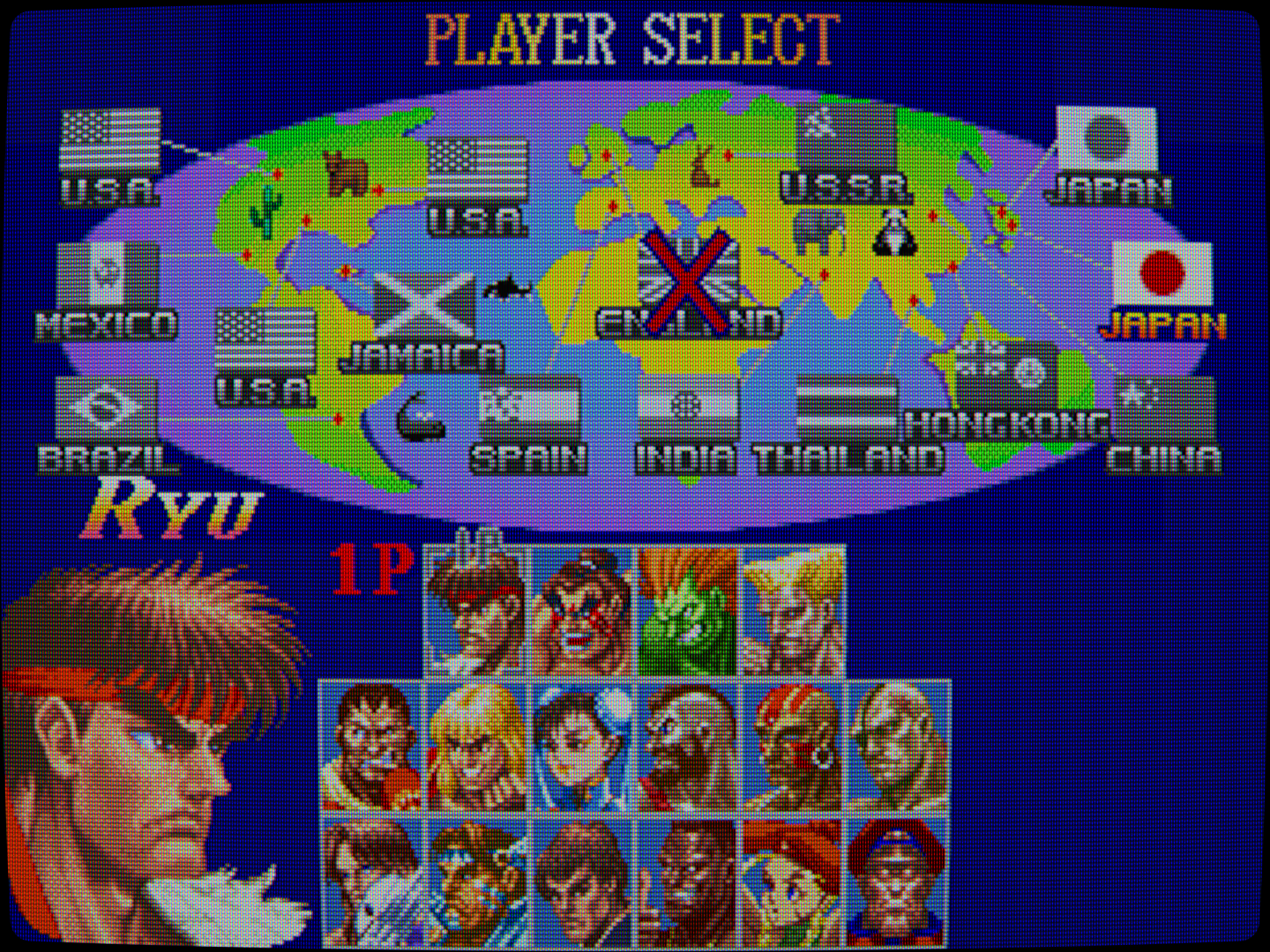
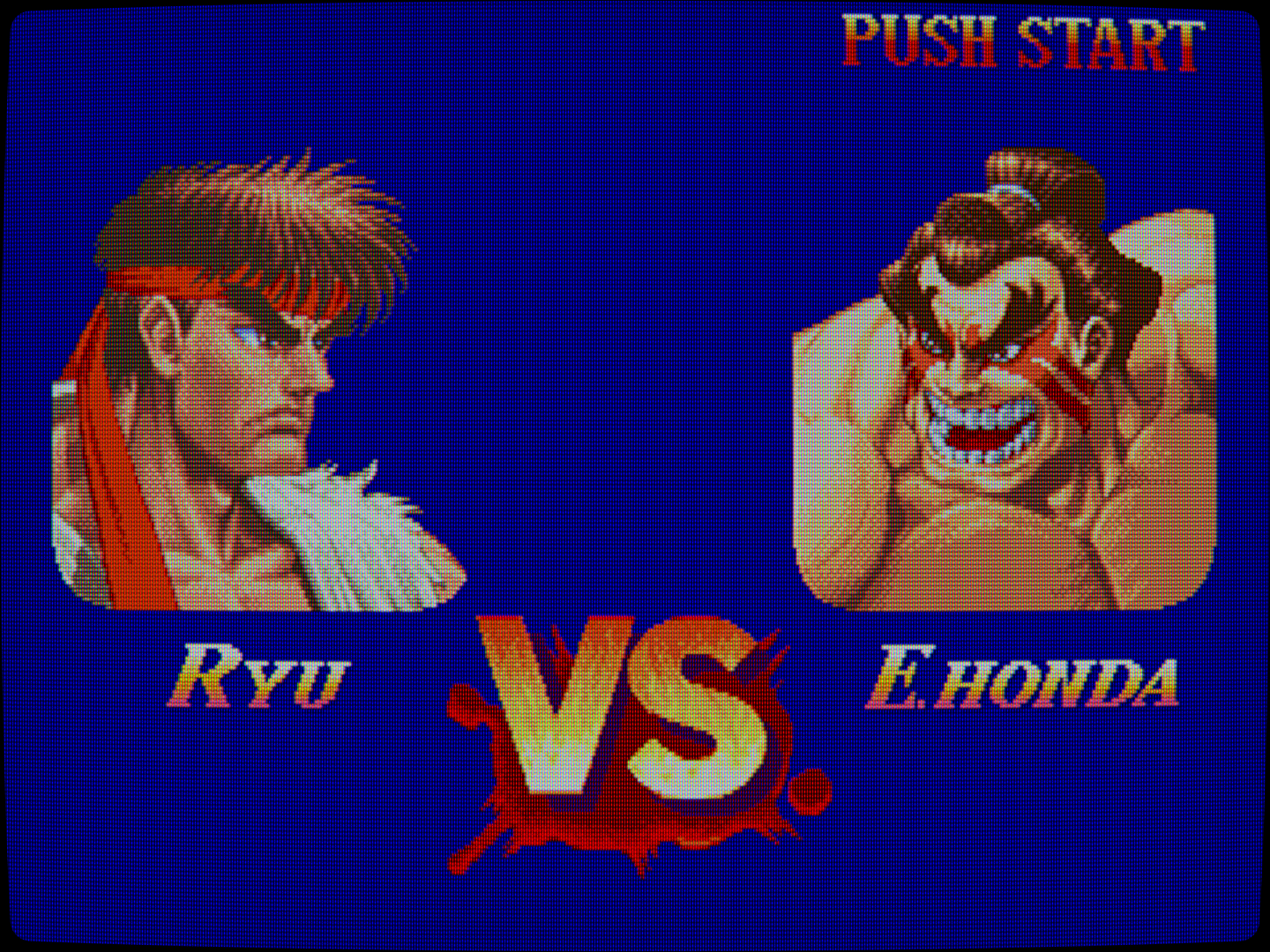


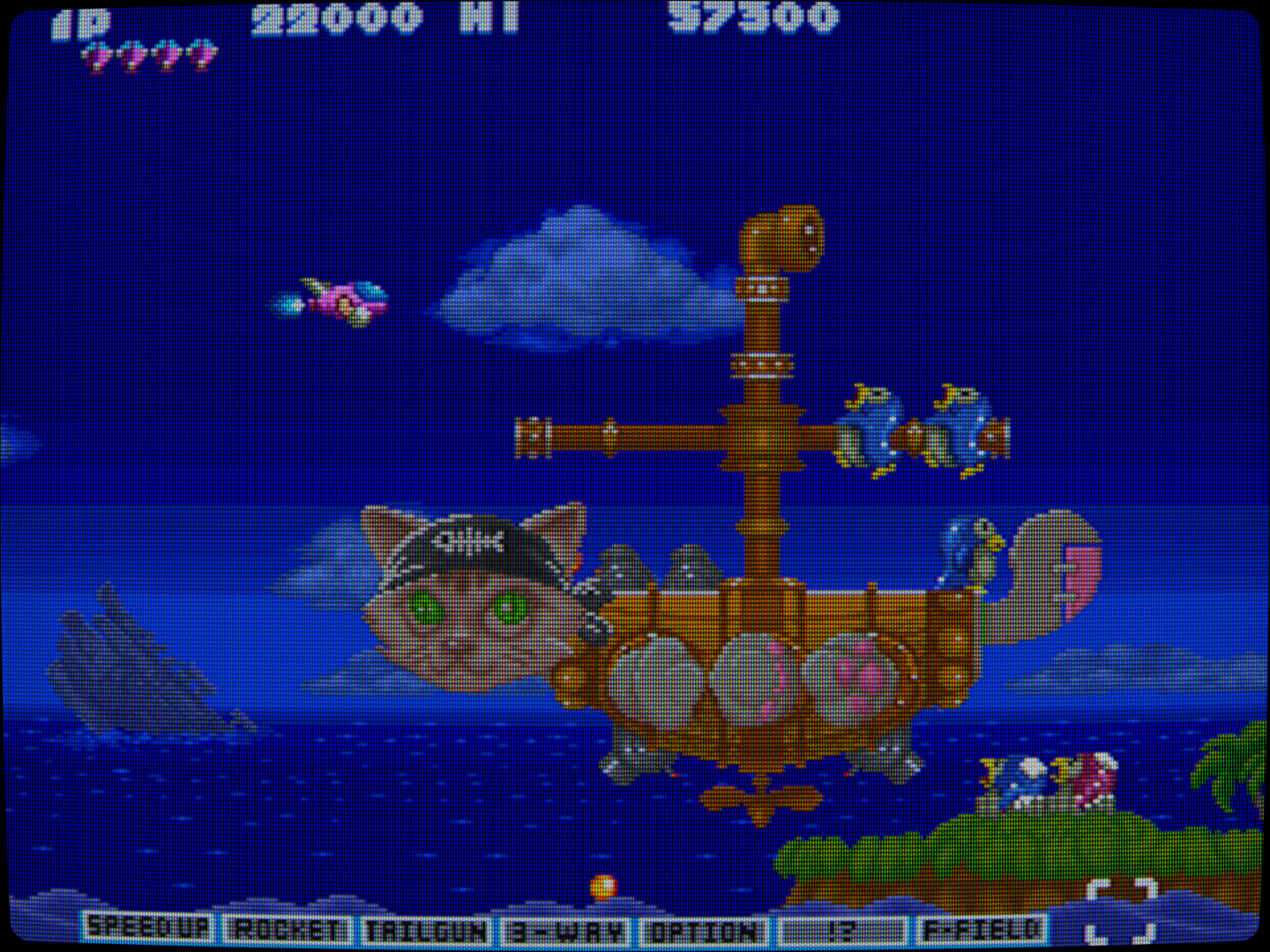


6 Likes
Very good my friend! I see you have that Slot Mask at 1080p working well now!
2 Likes
Hey there guys,
I’ve tried to play Baldur’s Gate 1 EE a bit but got somewhat disappointed by the upscaling method they used. It’s nice to zoom in and out, but I’d rather have the original resolution upscaled with your cool shaders, and keep the bigger sprites, just like in my memories. So I gave the 1998 version a run on DOSBox Pure with a Win98 OS image. Thanks again for allowing me to play the original game like that almost 30 years later!
So here I am with a preset for 1080p (from 480p) with CRT-Guest-HD (lottes shadow mask 4), Jinc2 and ScaleFX prepended. The old engine use a lot of checkerboard dithering for shadows and fog of war effects, that I think render quite well with the preset here with Jinc2’s transparency. The effect also doesn’t compromise old BG1’s font readability, I’d even say it’s easier on the eyes for me now than what it was back in the days.
You can test it here if you want a try: https://mega.nz/file/nIoXAZhY#iuq7UQhsrpPh14GAf4Oi92bp95Q17bkiaJ16xcpOV3Q
And here are some raw and wet images for comparison.


5 Likes


Looks brilliant, enhancing the source material, not in a purist way but still pretty good. Let’s not forget it’s only 140x120 or so
1 Like
Yeah, I think that it works good because the source has to be simple on such low res.
1 Like

3 Likes
Looks a bit blurry to me but everyone has their preferences, I guess.
I’ve been working on some new 1080p CRT-Royale Presets recently. Will most likely add them as an update to my existing pack.
1 Like
I think it’s less blurry now…


5 Likes