
Policenauts PC 98 640x400, VGA.


2 Likes
Did a quick test using PS2 composite and Retroscaler into Eizo Multisync monitor (composite->HDMI->VGA) and then comparing to AEG TV because they are in the same room currently. Software used: Retroarch PS2 set to 240p. Picodrive and FCEUmm cores (Digital Magnum palette).
Monitor looks great that way, and still blends. No adjustments other than contrast and brightness of the monitor possible though.


Plugging composite into the TV makes my eyes melt at first, since it gets a good deal more saturated with my default settings, so I turned it down and set sharpness also to zero.

Sonic pic 2 here is with sharpness set to 31 from 63. I guess this is still bearable, at max it looks wacky.


Super Mario Bros pic 2 is with Tint Control from default set to max. The sky turns purple and Mario gets sick (green). Pic 3 is Tint Control set to min. Sky becomes greener and Mario seems angry (red). 


For NES emulation this is probably not super useful…I’ve seen this mostly of use in emulation for some computer games.
8 Likes
Gorgeous! Those B&Os are top-notch.
Those shots do look great. 6500k, too 
1 Like
Turok 2 Remaster on 512x384 160 hz.
I like that resolution because it adds the scanline look to 3d fps without ruining the image.

1 Like
Dropping a bunch of composite/RF pics from older CRT models saved from other forums, the CRT Database etc. credit to those who took them.
GE Portacolor TV (1967)

Magnavox TV (1967 - may have been restored, unlike the other model)

Commodore 1701 monitor (1982)


Zenith Y1908W (1982)

Zenith Z1926W (1983)

RCA GMR2740T (1987)

PVM 1354Q (600 TVL 1994 monitor)

8 Likes
That Star Fox photo is a good example of dot crawl/hanging dots from a composite comb filter.
2 Likes
These are awesome man!
2 Likes
My new acquisition, PC monitor 31Khz
HP Pavilion v50


11 Likes


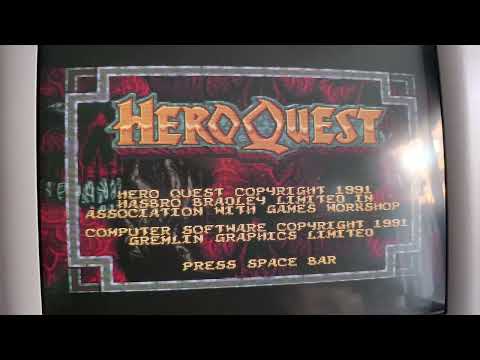
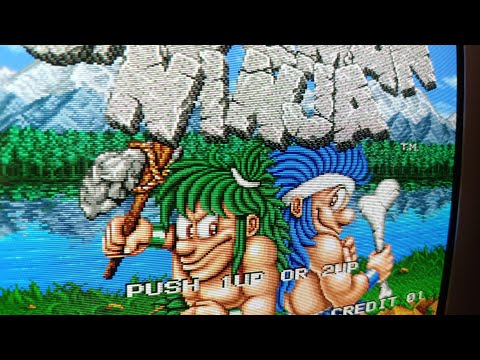
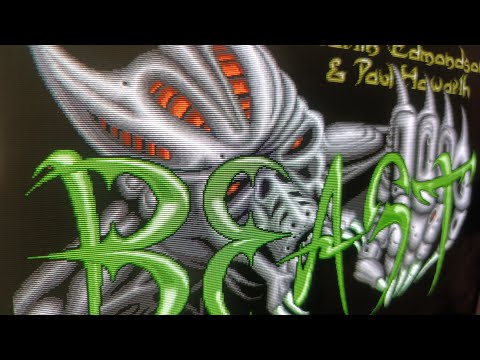
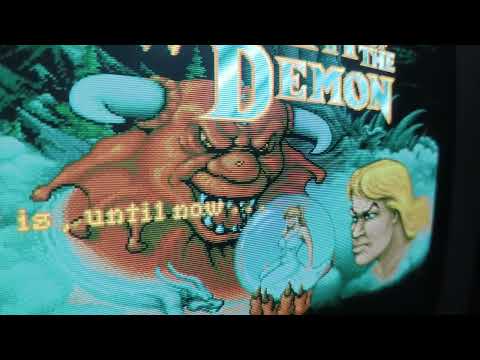
5 Likes
PAL in 25’ SONY TV (KV-F25MF1 I think), find it in facebook
2 Likes
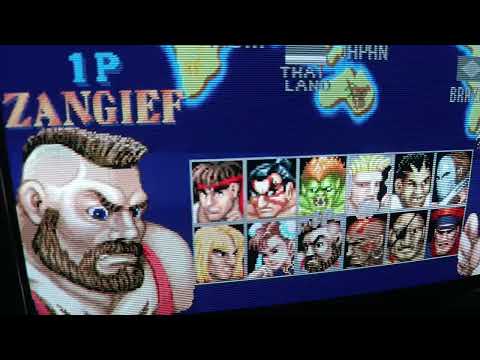
5 Likes

After calibrating better my CRT Philips TV, now I can make clean close ups photos with my macro camera without being blurry.
ISO 100

ISO auto

8 Likes
Wow! These are awesome man!
1 Like
Thanks, I’ve been busy for a while, that’s why I haven’t been posting much lately. Also a few days ago I started to calibrate with patience my CRT, I always found something wrong and had eye strain because of that and entered the srvice mode and start tweaking until it looks like this. If you take a look of my past photos on this thread, they look blurry, and the slot mask RGB wasn’t aligned. but now It looks like this. I will post some more pics… 
1 Like


4 Likes
This is composite???
1 Like
No, It’s VGA to Scart RGB from Mister FPGA.
1 Like
Well, for curiosity sake…do you have a Super NES with composite output for this game? Could we see that? Does adjusting the sharpness slider help it reach these same sharpness levels?
1 Like