
Wow! These are awesome man!
1 Like
Thanks, I’ve been busy for a while, that’s why I haven’t been posting much lately. Also a few days ago I started to calibrate with patience my CRT, I always found something wrong and had eye strain because of that and entered the srvice mode and start tweaking until it looks like this. If you take a look of my past photos on this thread, they look blurry, and the slot mask RGB wasn’t aligned. but now It looks like this. I will post some more pics… 
1 Like


4 Likes
This is composite???
1 Like
No, It’s VGA to Scart RGB from Mister FPGA.
1 Like
Well, for curiosity sake…do you have a Super NES with composite output for this game? Could we see that? Does adjusting the sharpness slider help it reach these same sharpness levels?
1 Like
No sorry, I haven’t, but I have a Pal Mega Drive, a Pal Saturn and the Sega Dreamcast. All of them with scart RGB…
Composite Mega Drive would still be interesting then.
I should get a composite cable, right now I haven’t got one, only Scart RGB…
Often, both signals are combined in SCART cables. I was lucky to get a multi-console SCART cable with connectors for at least 5 systems many years ago. Guessing these aren’t the cheapest nowadays.
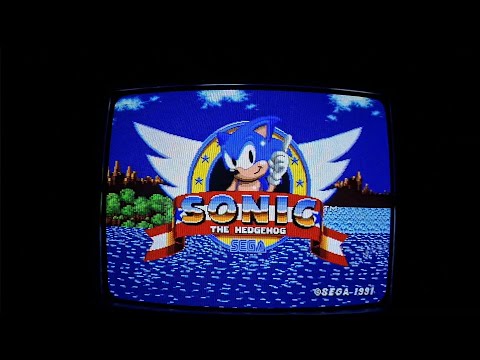

Sonic Boots 


3 Likes
It still wouldn’t look like an NTSC Sega Genesis on an NTSC TV with composite input.
1 Like
Man, those photos are awesome! Can you share your camera settings and method please?
1 Like
I use ISO 100, and Shutter speed 1/50 and 1/60 depending the game I play if It’s PAL or NTSC, other settings like focus and WB are on auto. Just make zoom with the camera about 80 - 90% then just get closer or far away from the screen to make more focus to the masks…
1 Like





6 Likes
Those shots are sooo good that they looks like a shader 
3 Likes
Thanks, It’s because I calibrated patiently the CRT, so the photos don’t look dirty and blurry and that helps a lot with the camera, before It was imposible to look like this until now… 
3 Likes
Stunning close up video image after super calibration…

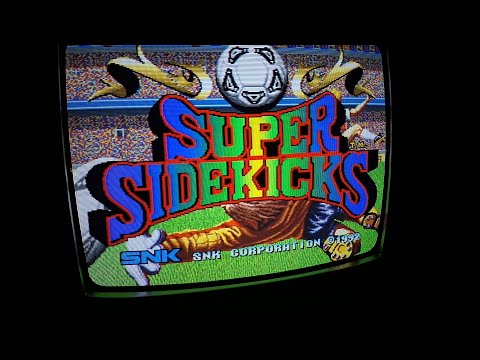
Original files without compression:
5 Likes
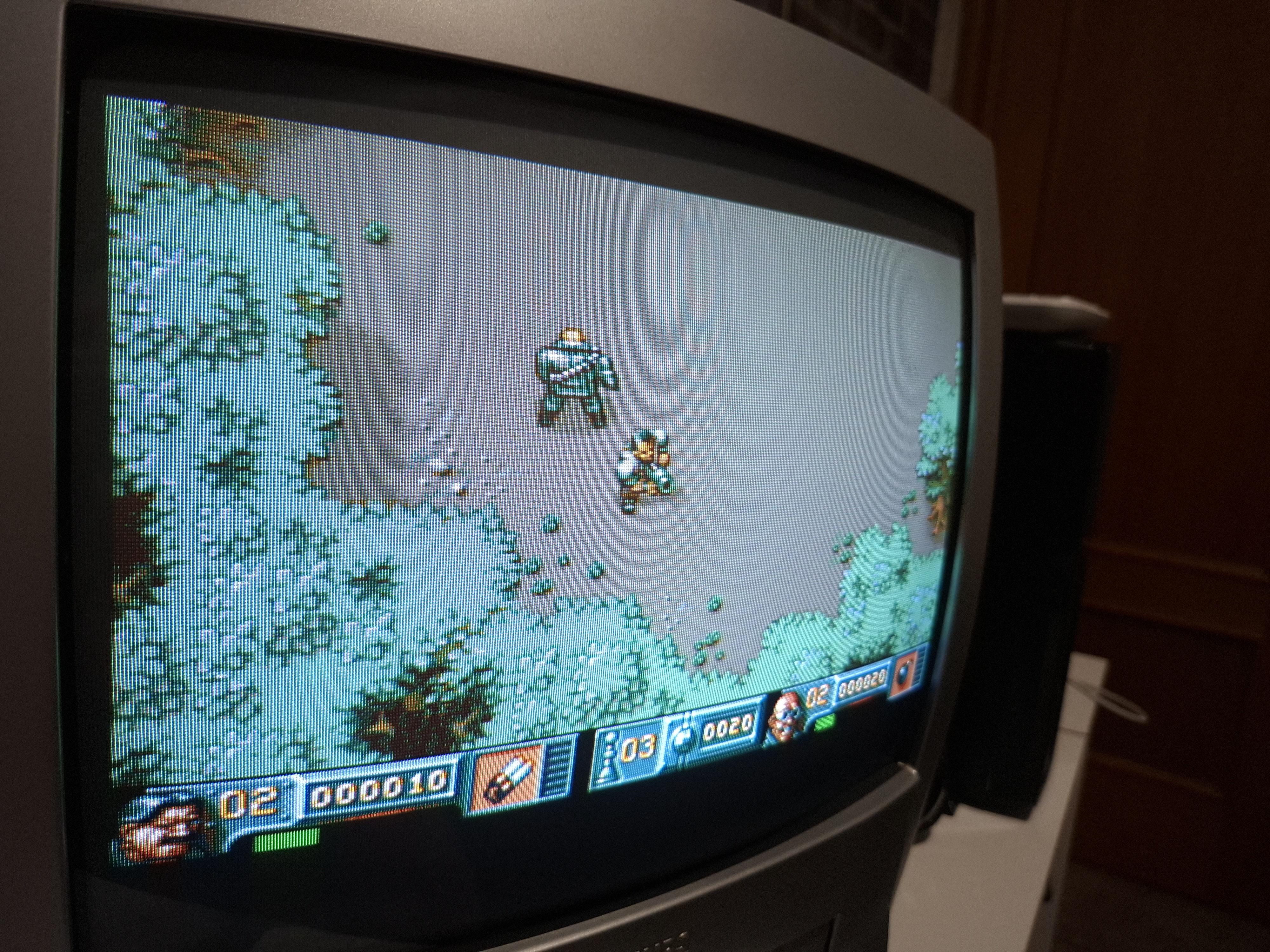
Out of curosity, which model is this Philips?
1 Like
This is a 14" combo VHS Model: 14PV203/01 







6 Likes