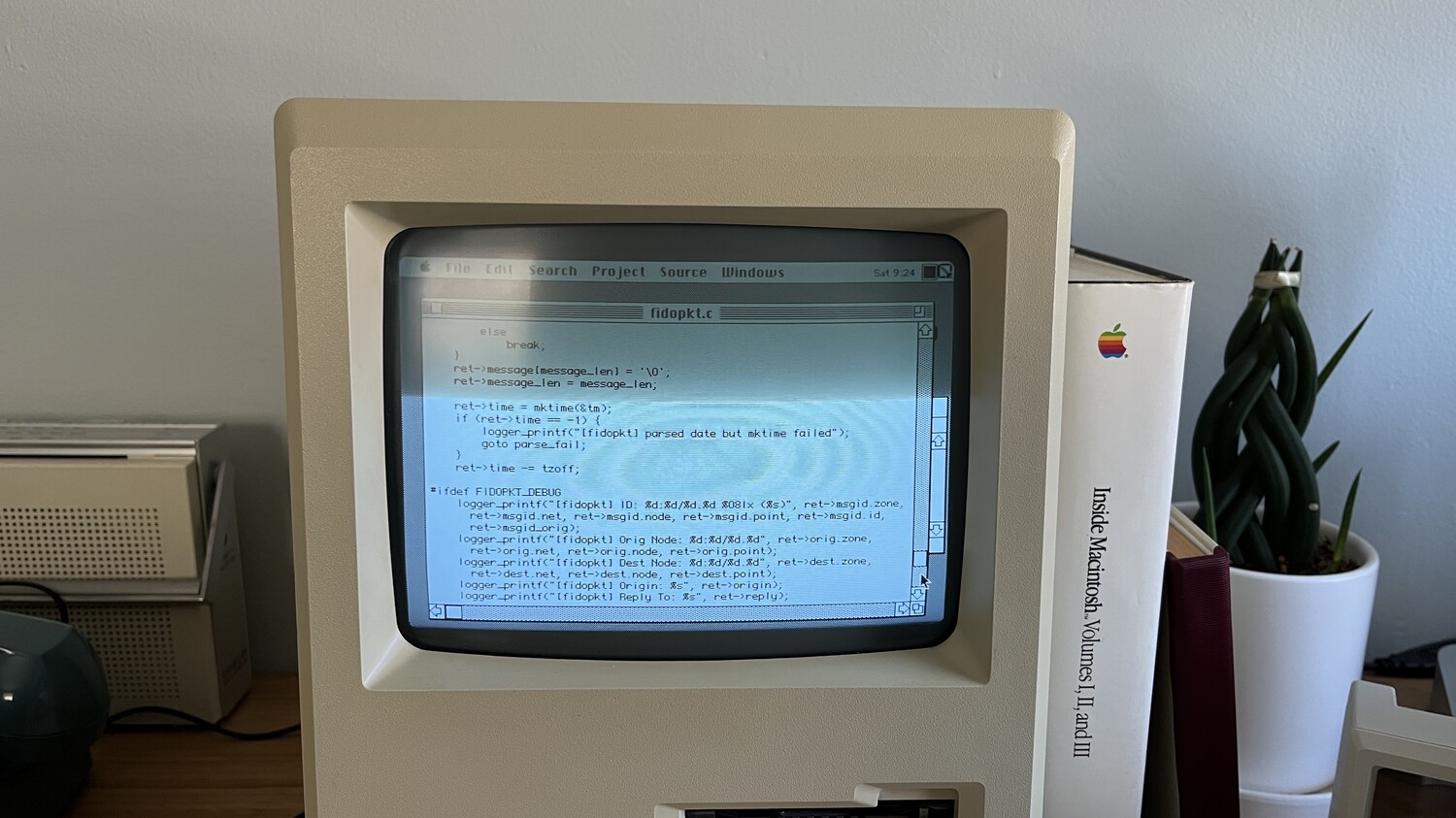
Focus seems practically like magic when you get that used CRT and think “it’s kinda blurry”/“why are scanlines on the edge instead of center”?. Screen knob is useful too.
Another thing most shaders do wrong is curvature, i mean the bezel, sure, it’s curved but the actual image is perfectly flat even on a curved screen. What you seen in front of you on a curved CRT is a perfectly flat image with curved corners.
When using those controls the resulting image is not always perfect, you can see the result on my cab as well, or even on the right side of the one you posted before the mac.
In my 80’s TV I clearly remember how distorted were the geometry of panning objects scrolling across the screen.
It could be that some 80s TVs have different pincushion settings, not correcting the image. I believe it would introduce moire effects if a TV wasn’t corrected. Way too much “information” squeezed at the corners.
Computer monitors are designed to be viewed from a distance of about half a meter and prioritize accuracy.
Early TVs displayed curved geometry. They were designed to be viewed from several meters away, from various angles, and to transmit analog content. The priority was filling the screen, and overscan was very noticeable. TVs began displaying flat geometry around 90 degrees, perhaps due to the boom in digital content.
There were even slot mask technologies like Super Arch or Invar, which curved the geometry and aligned the content to the edge of the screen to display the image across the entire screen without losing information due to overscan.
Photos need to be in upright position, show all screen, in daylight and not tilted tube to be accurate. If i take a photo focusing on the upper tube/lower tube area it will show curvature anyway even if pincushion correction, as the curved glass plays ball then.
Need to focus in the center of the glass to really understand what goes on, the lens should be at the same height as the tube center which clearly isn’t happening in these photos (it’s much higher exaggerating the curved effect).
I understand that, though I don’t quite get why such a high level of precision is needed to see the curvature.
Some are quite obvious: if the glass is curved and the scan lines follow the Black Matrix Edge, the geometry appears curved. That’s why I included the cropped images. In Image 1, the geometry is straight. In Image 2, the scan lines curve and follow the edge.
The three images of the patterns are for reference; while the first one shows flat geometry, the others are Super Arch and Invar, and they are curved. This is more clearly visible in the Super Arch Mask.
You can tell the RCA is not properly corrected, as it introduces moire patterns due to squeezing the image in the corners. Those moire patterns are not visible on the other ones, as they are properly corrected to be almost flat. A camera will not tell the truth 100% on CRTs anyway.