
My panel is IPS, maybe is because there’s a limit, but I’m not an expert in image so I don’t know what it could be, I lowered brightness, but it still not showing 254. Weird.
Maybe your brightness setting just drives the backlight?
Brightness and contrast are often misused or used for the same thing; try lowering contrast, even if it sounds counterintuitive.
…what color you see max btw?
what about min (dark to black room needed)
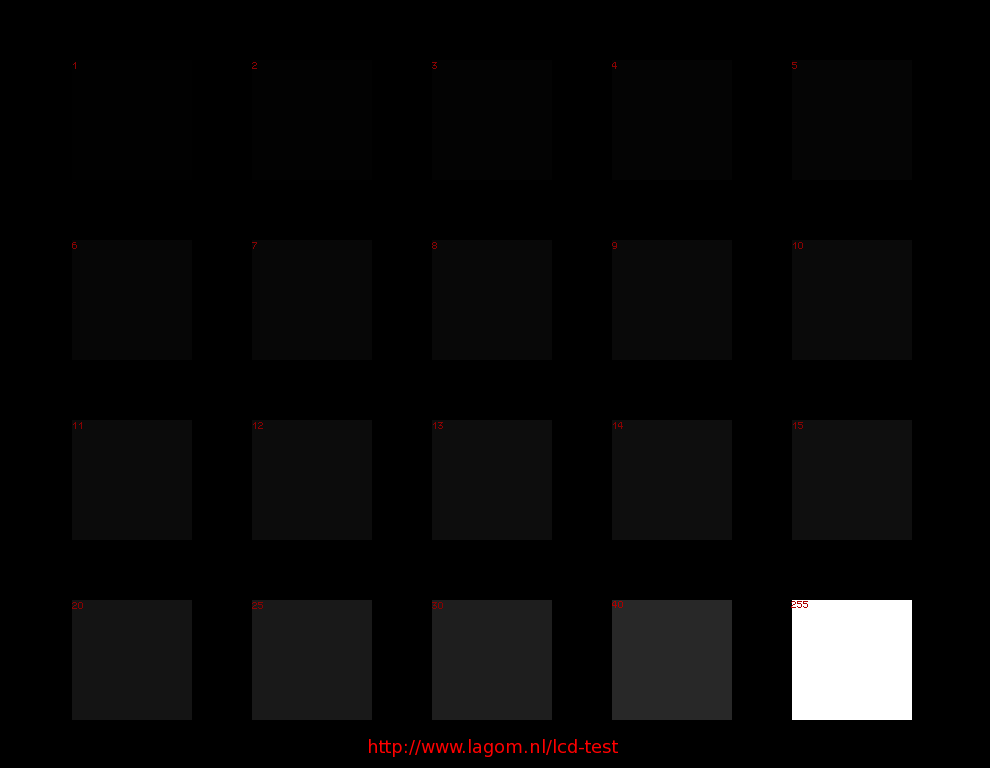
I’m asking just to exclude the possibility your display is receiving/misinterpreting a limited 16-235 signal.
I see them all. From 1 to 32 all bars, column 1 barely visible.
Also did that, and still the same.
I can see the last picture all of them.
You were not wrong, I had deconvergence “Red -Y” the other way round, also raised colour gamma a bit.


3 Likes
Trying to optimize gamma.


6 Likes


2 Likes
It’s been a while since I last posted… I’m working from scratch on some new settings with strong mask only. No bloom, no halation, no mask bloom, etc. I also made some small tweaks from my last settings, like changing gamma in, and gamma out, also giving a more sharper aspect than before… Here are some examples…


2 Likes
I’m also tweaking my last Philips brighter settings, to make it more natural…


4 Likes
Improving sharpening and gamma a bit…


1 Like
The Gamma might be too hot. It’s affecting the levels of the black and other dark outlines of the text, lowering contrast and the whites seem a bit clipped and overexposed.
If you look at the Mask, it’s almost completely washed out as well.
At the end of the day, we all end up going around in circles with this approach. There’s a point where you just need a brighter display or you just have to throw accuracy and Mask/Scanline detail away.
In addition to that, fast sharpen can also have a similar effect on black outlines, lowering contrast.

3 Likes
Yes, you are right, I messed up a bit somehow, I had contrast bad, and that made me push gamma higher,or something higher, also I’ve been working from My mobile device while I was on vacation and is more difficult to see small details. Now I’m at home and I continued working from my computer… Here is a comparison from my CRT and from my PC monitor…
CRT:

PC monitor:


And a screenshot from Retroarch:

I know is not perfect, but I think it looks better.
5 Likes
It most certainly does!
1 Like


2 Likes
Hello, can’t download the file.
Could you upload it again please?
Anyone has the file?
Thanks!
Sorry, I don’t know what happened  , I’ll try to upload it as soon as I can. Lately I’m a bit busy, that’s why I don’t post much lately. Also I will update it soon
This weekend I will reupload the last shaders.
I’m working on a new preset


5 Likes
This new preset for 1080p is going to look like my CRT Philips but with differente mask, as I realised that on 1080p can’t achieve what I want. I will leave slotmask for 4K. This is how my preset is going to look…


4 Likes
Are you sure you can’t make the Slot Mask work at 1080p?
Mask 6, Size 1. Adjust the Slot Mask Height accordingly.
1 Like
Well, I didn’t mean to say not to make it work literally, but I think is about not being blurry…
Those images look really good, but I want them with scanlines, and the scanlines is the problem for me, and its’s giving most of the headache…
Ok. Thanks, I’ll give it a try
1 Like
I reuploaded the file, sorry for the inconvenience 
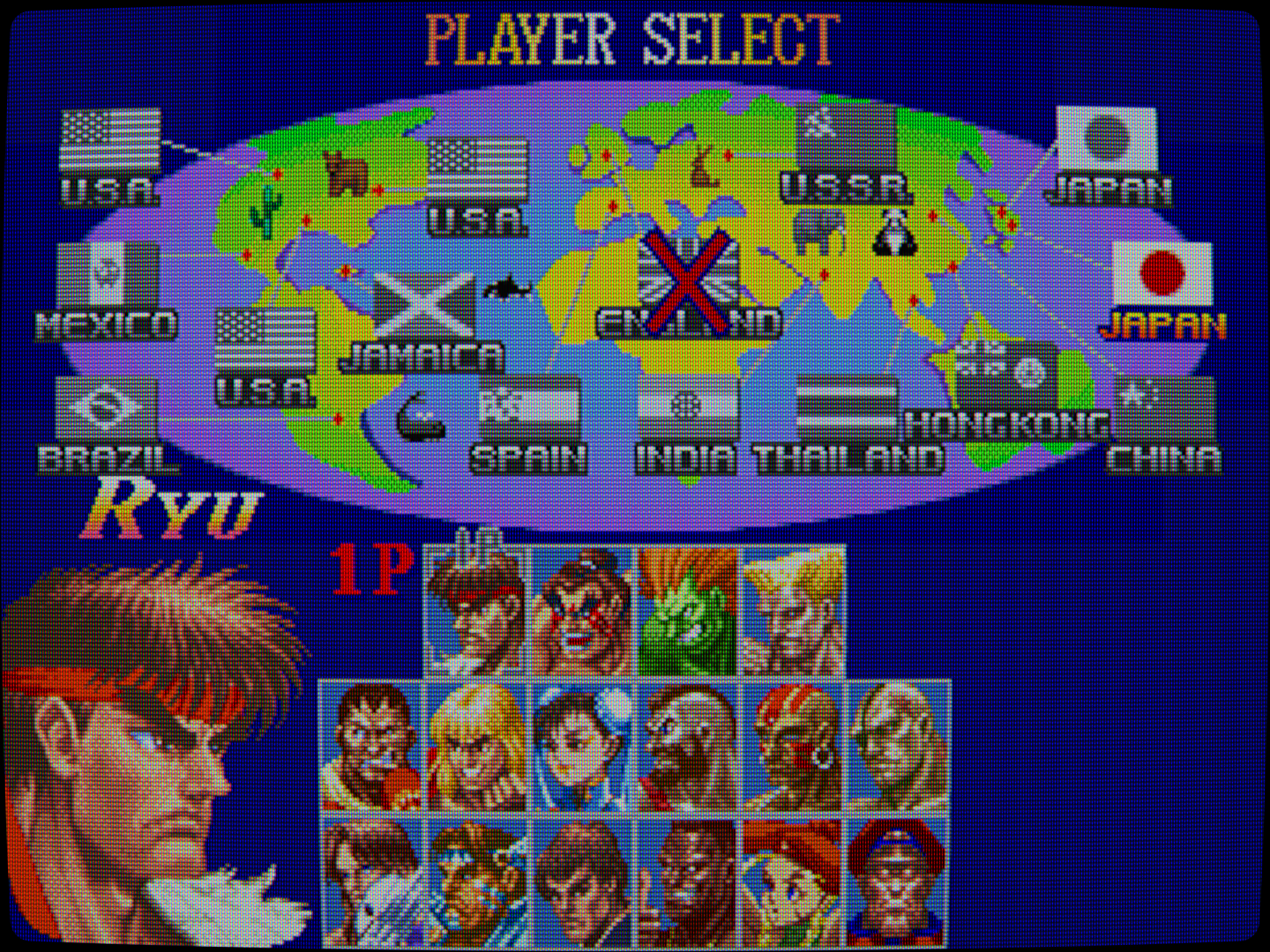
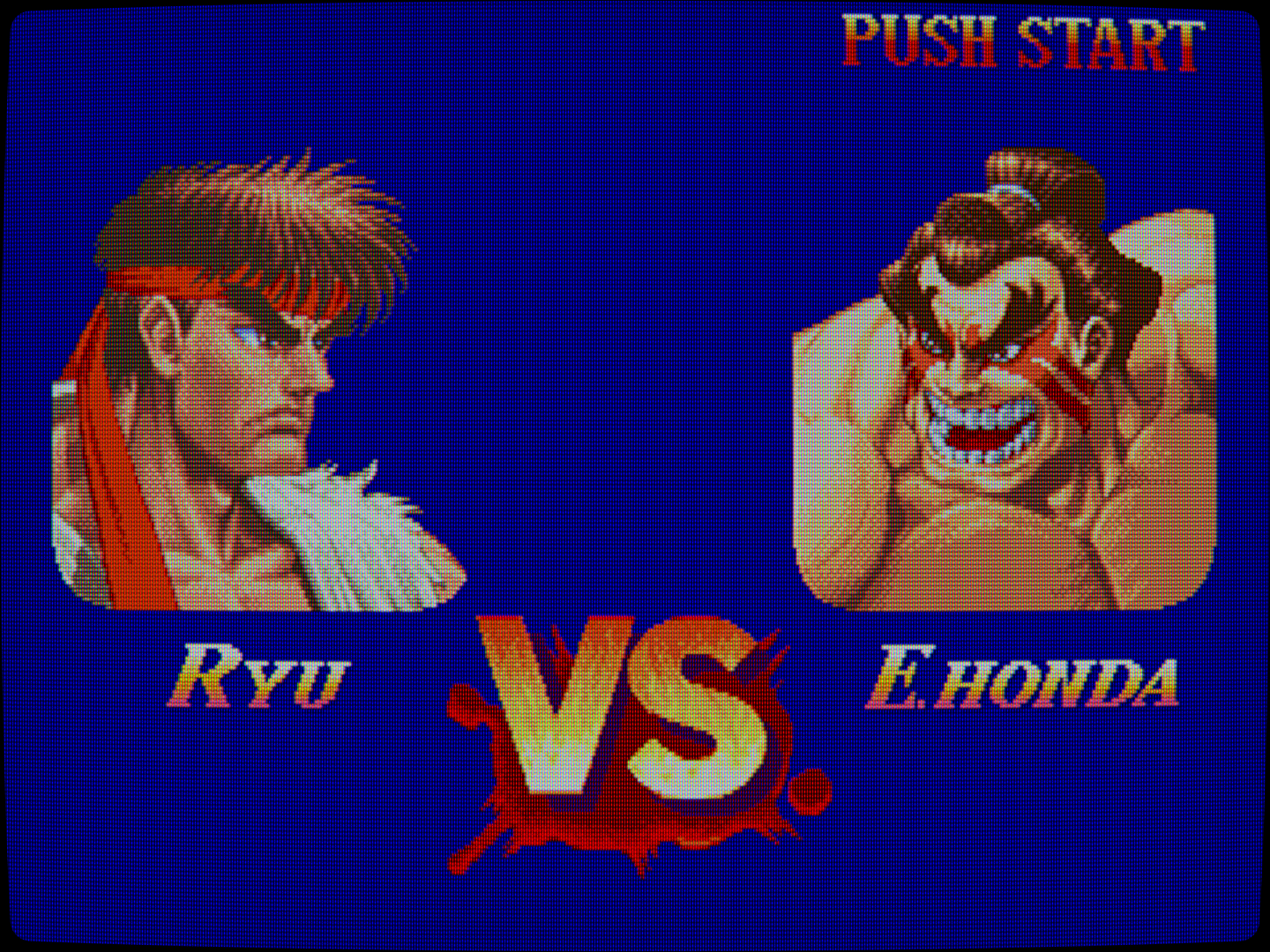
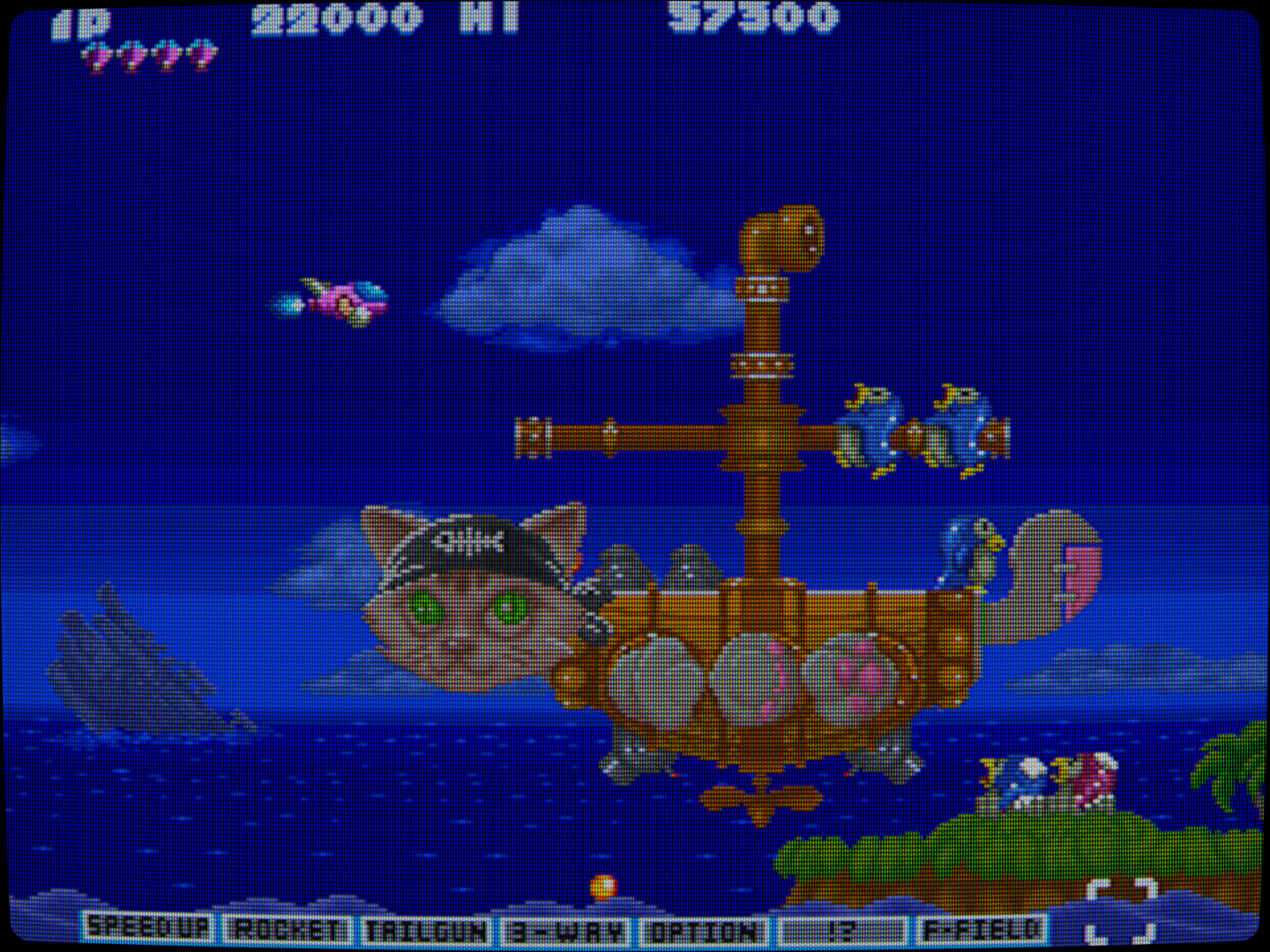
I’m improving my Philips settings 




7 Likes